Venue Security Technology That Works at the Door
Friday at 10:45 p.m. is not the time to discover that a scanner cannot read a damaged ID, a fake license passed the visual check, or the internet connection is down. Venue security technology has one job at that moment: help staff make fast, defensible access decisions without creating a line around the block.
For bars, nightclubs, dispensaries, gun stores, car dealerships, and other identity-critical businesses, security starts before a customer reaches the floor. The right system verifies age or identity, identifies suspicious documents, supports staff with useful patron information, and keeps working when conditions are less than ideal. It should reduce operational friction, not add another screen, login, or recurring cost to manage.
What Venue Security Technology Must Do
A security system is only useful if the people at the door can operate it consistently during peak volume. That makes speed a requirement, but speed without confidence creates a different problem. Staff need a clear verification result, a practical response when an ID is questionable, and a process that does not depend on personal judgment alone.
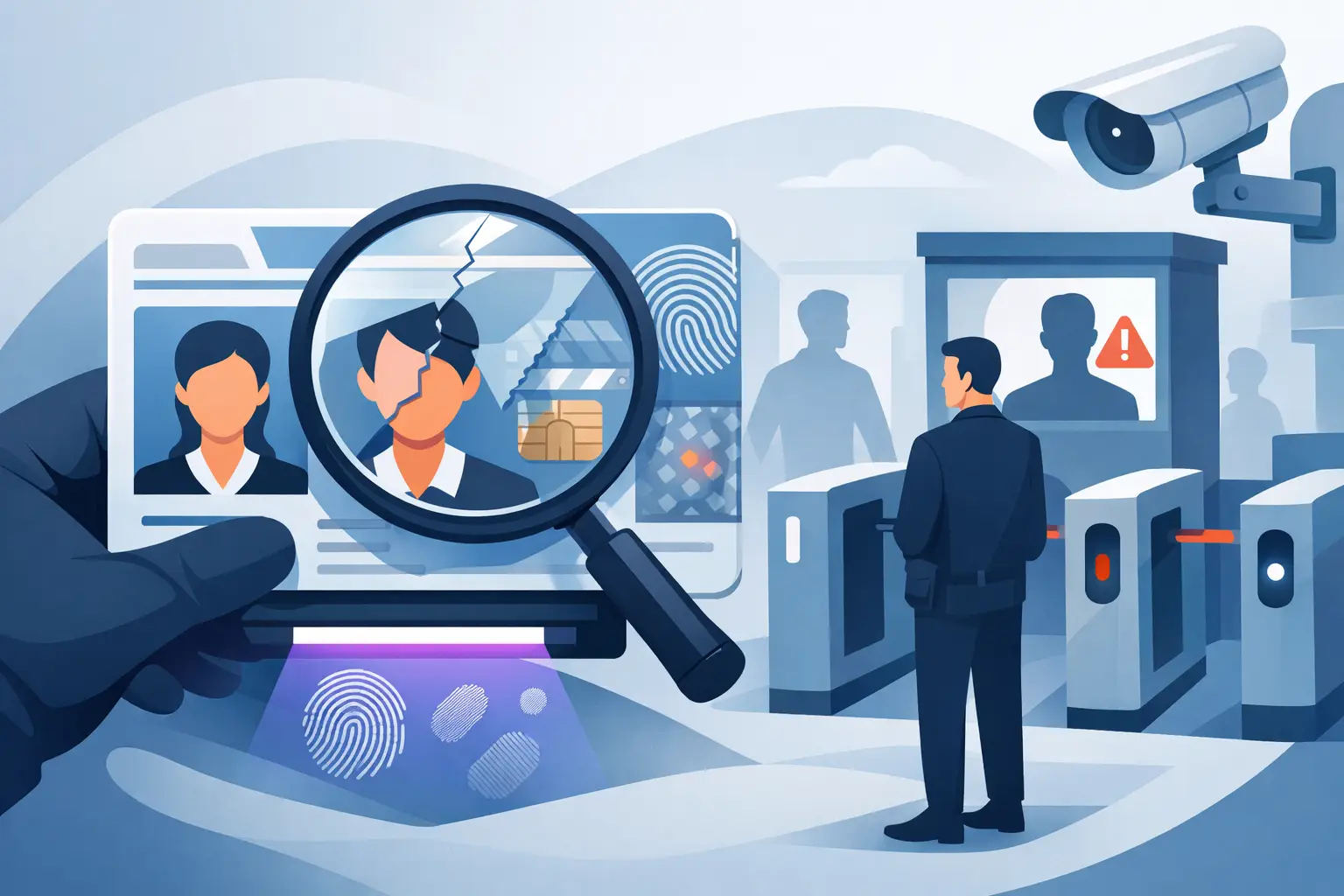
At a minimum, venue security technology should confirm age from a government-issued driver's license or passport. For businesses with higher fraud exposure, it should also inspect the document for security characteristics associated with altered, counterfeit, or suspicious IDs. A date of birth on a screen is helpful. A system that evaluates the document beyond the printed birthdate provides a stronger control.
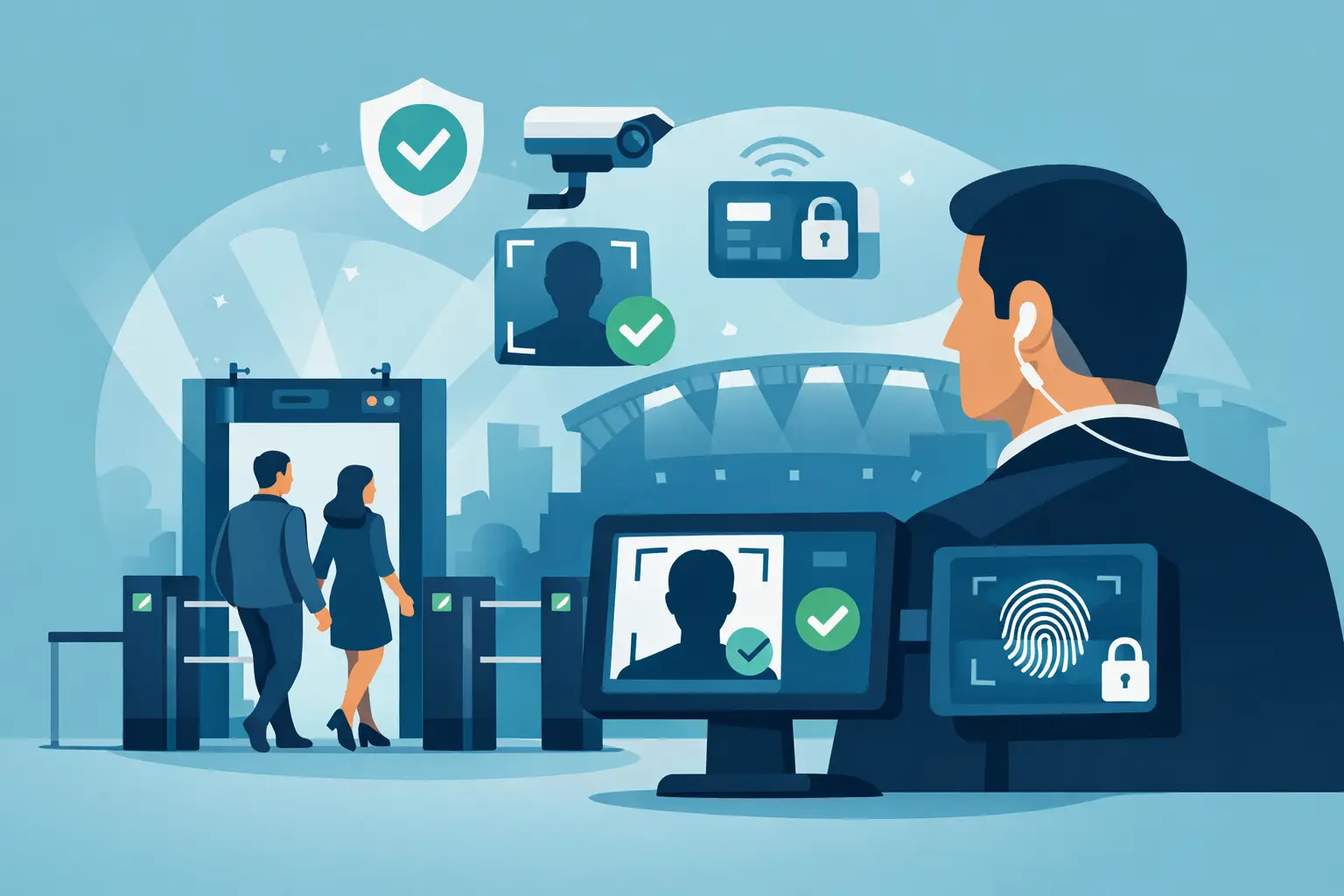
The best tools also support the operational side of access control. A VIP alert can help staff recognize valued guests without slowing down the line. A banned-patron alert can prevent a repeat problem from walking back into the same location. For multi-location operators, synchronized information can help security teams apply a consistent policy across sites rather than relying on separate paper lists or staff memory.
Not every business needs every feature. A single-location operator may only need portable ID verification with local storage controls. A multi-site group may need optional cloud synchronization to share banned-patron records, staff settings, and operational intelligence across devices. The key is choosing technology that fits the risk and workflow, rather than paying for a large platform full of functions no one uses.
ID Scanning Is the Core of Effective Door Control
Manual ID checks depend on training, lighting, staff experience, and time. Even strong door staff face a difficult task when a line is moving, customers are impatient, and a counterfeit looks convincing at a glance. Scanning creates a repeatable verification step that helps remove guesswork from a high-pressure decision.
A purpose-built scanner should read the barcode or machine-readable zone on supported IDs and return an instant age-verification result. It should also analyze document security indicators to flag suspicious IDs for closer inspection. Kred scanners, for example, analyze more than 60 security indicators while supporting fast age verification from driver's licenses and passports.
That does not mean a scanner replaces trained staff. Technology should give the employee a clear signal and documented process, while staff retain authority to deny entry, request a second form of identification, or escalate an incident. The practical advantage is consistency: each ID receives the same first-level screening, regardless of who is working the door.
Offline operation matters just as much as fraud detection. Wi-Fi drops. Cellular service gets congested around large events. A cloud-only system can leave staff exposed precisely when volume is highest. Offline-first technology keeps core verification available without an active internet connection. Cloud services can add value for synchronization and reporting, but they should not be a single point of failure for a basic access decision.
Detection Must Be Paired With a Clear Staff Response
A suspicious-ID alert is useful only when employees know what to do next. Operators should define a simple response policy: pause the transaction or entry, inspect the physical card, compare the photo to the person presenting it, and involve a manager or security lead when needed. Staff should not be encouraged to argue with a customer or make accusations at the door.
The goal is controlled refusal, not confrontation. A consistent phrase such as, "We cannot verify this identification, so we cannot admit or complete the transaction," protects the employee and keeps the decision tied to policy. This is especially important for alcohol service, regulated product sales, firearm transfers, and any environment where a bad ID decision can create licensing, liability, or reputational exposure.
Build Technology Into the Actual Entry Workflow
Buying a scanner is not the same as building an access-control process. The device needs a defined place at the entrance or counter, a responsible operator, and policies that match the business's risk profile.
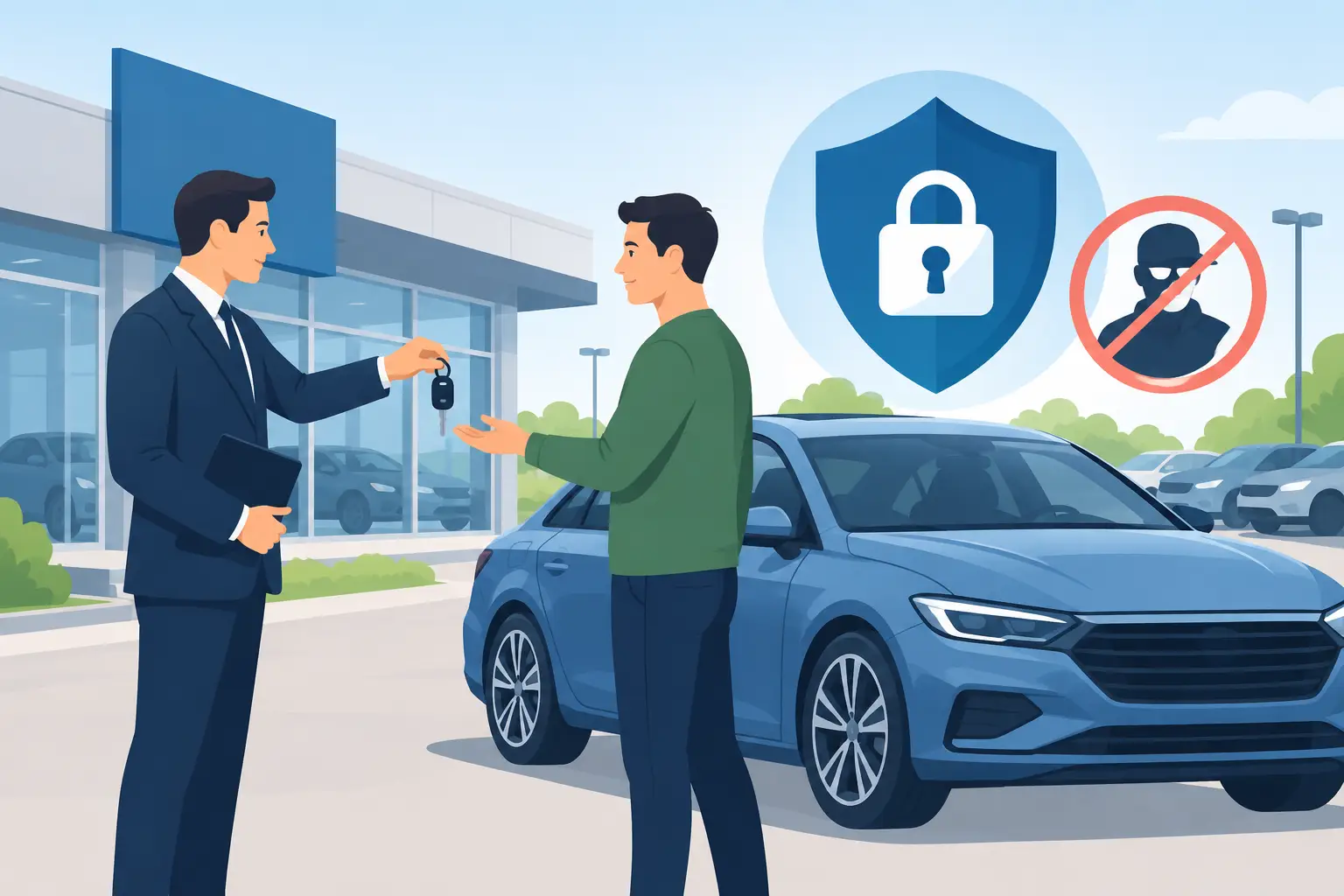
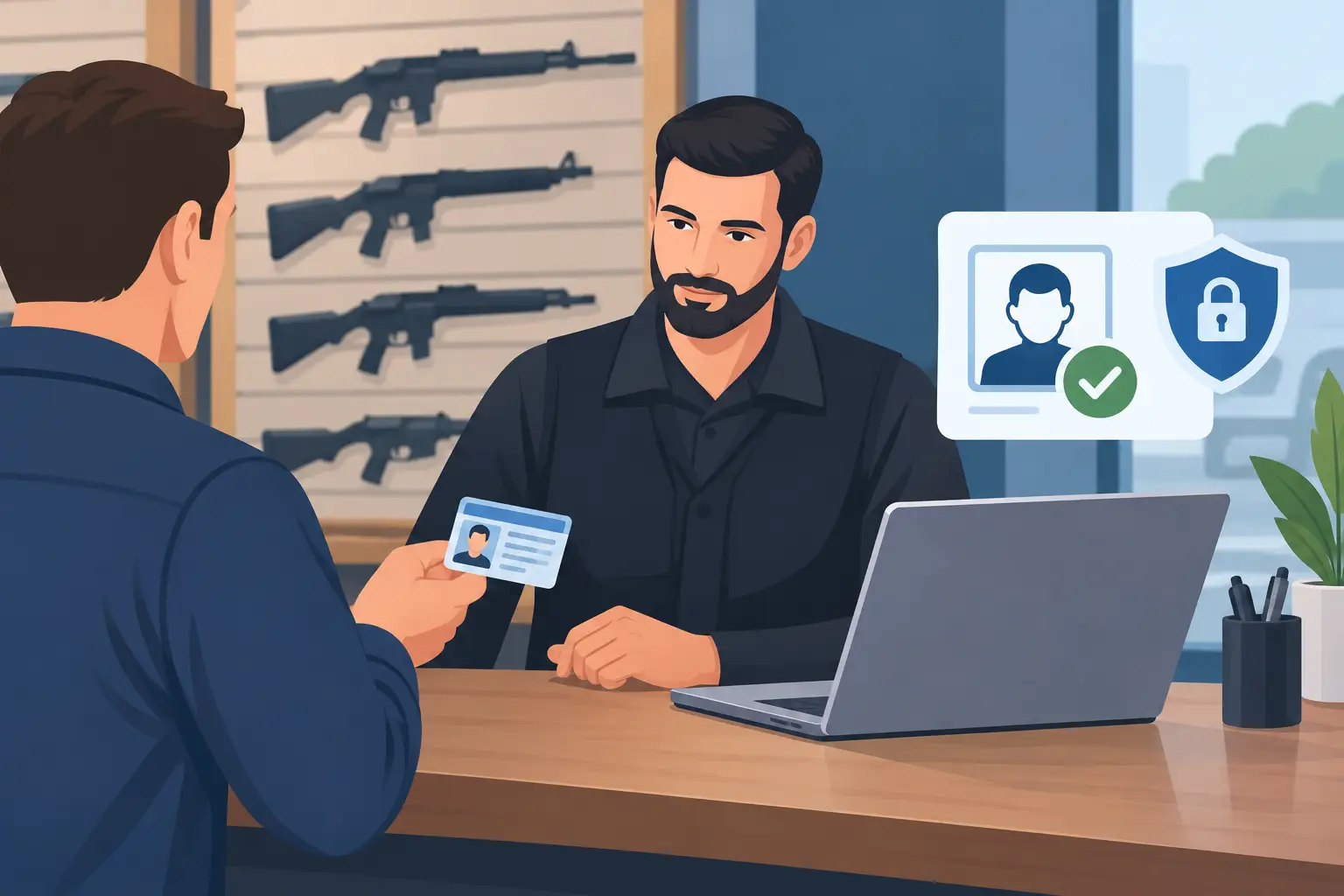
For a high-volume nightclub, the ideal workflow may be one staff member scanning IDs while another manages the line and performs visual checks. For a dispensary or gun shop, the scanner may sit at reception or the sales counter, where identity verification happens before a customer proceeds. Car dealerships can use the same model during test-drive intake, helping staff verify a customer's identity before handing over keys.
A practical rollout usually includes four operating decisions:
- Define which transactions or entries require a scan and which, if any, can be handled differently.
- Train staff on normal verification results, suspicious-ID alerts, banned-patron alerts, and escalation steps.
- Set retention rules that match the business's operational and legal needs.
- Test the process during busy periods, including what staff will do if the network is unavailable.
The last point is often overlooked. A process that only works in a quiet office is not a door process. Managers should test scan speed, screen visibility, device charging, handoff between shifts, and staff confidence during real operating hours.
Choose Hardware and Cloud Services Separately
Many operators assume effective security requires a mandatory monthly software plan. That is not always true. Core ID verification can be delivered through direct-purchase hardware, while cloud synchronization remains an optional upgrade for organizations that need shared intelligence across devices or locations.
This distinction matters for cost control. An independent bar may prefer a portable scanner with no subscription required for its essential screening workflow. A regional operator may decide that cloud-based synchronization is worth the added expense because it can distribute banned-patron updates and configuration changes across multiple sites. Both are valid decisions when the system does not force the operator into unnecessary recurring costs.
Device format also affects adoption. Portable hardware can work well at temporary entrances, event checkpoints, pop-up activations, valet stations, and counters with limited space. Larger fixed setups may be appropriate where verification happens at a permanent reception desk. The best format is the one staff will keep within reach and use every time.
Privacy Controls Are Part of Security
Collecting more data than necessary creates its own risk. Businesses should be able to verify age or identity without automatically building a large database of customer records. Verification-only mode, configurable retention periods, and data minimization are practical controls, not just privacy language.
Before deploying any scanner, operators should decide what information is needed for the specific workflow. A venue checking drinking age may need a pass-or-fail verification result, not permanent storage of every scanned record. A business managing a banned-patron list may need limited, policy-approved information for security purposes. Different use cases justify different settings.
Encryption should also be part of the vendor review. Ask how data is protected on the device and during synchronization, who can access it, how long it remains available, and how records can be deleted according to company policy. Controls such as AES-256 encryption, role-based access, and configurable retention help turn privacy requirements into daily operating practices.
Questions to Ask Before You Buy
A polished demo is not enough. Operators should evaluate whether the technology will perform under the conditions that create the most risk: high volume, poor connectivity, staff turnover, counterfeit IDs, and multi-site operations.
Ask whether the device verifies IDs offline, what document types it supports, and how it identifies suspicious or fake IDs. Confirm whether core scanning requires a subscription, and separate the cost of hardware from optional cloud functions. Review how VIP and banned-patron alerts work, whether records can synchronize across locations, and what retention controls are available.
Also ask about deployment. Can a new employee learn the workflow quickly? Is the device portable? Does it keep operating when internet access fails? A security tool that requires constant troubleshooting will eventually be bypassed, no matter how strong its feature list appears.
The right venue security technology earns its place at the door by making the safe decision easier to make. Give staff a fast, reliable way to verify identity, follow policy, and handle risk before it enters the building.