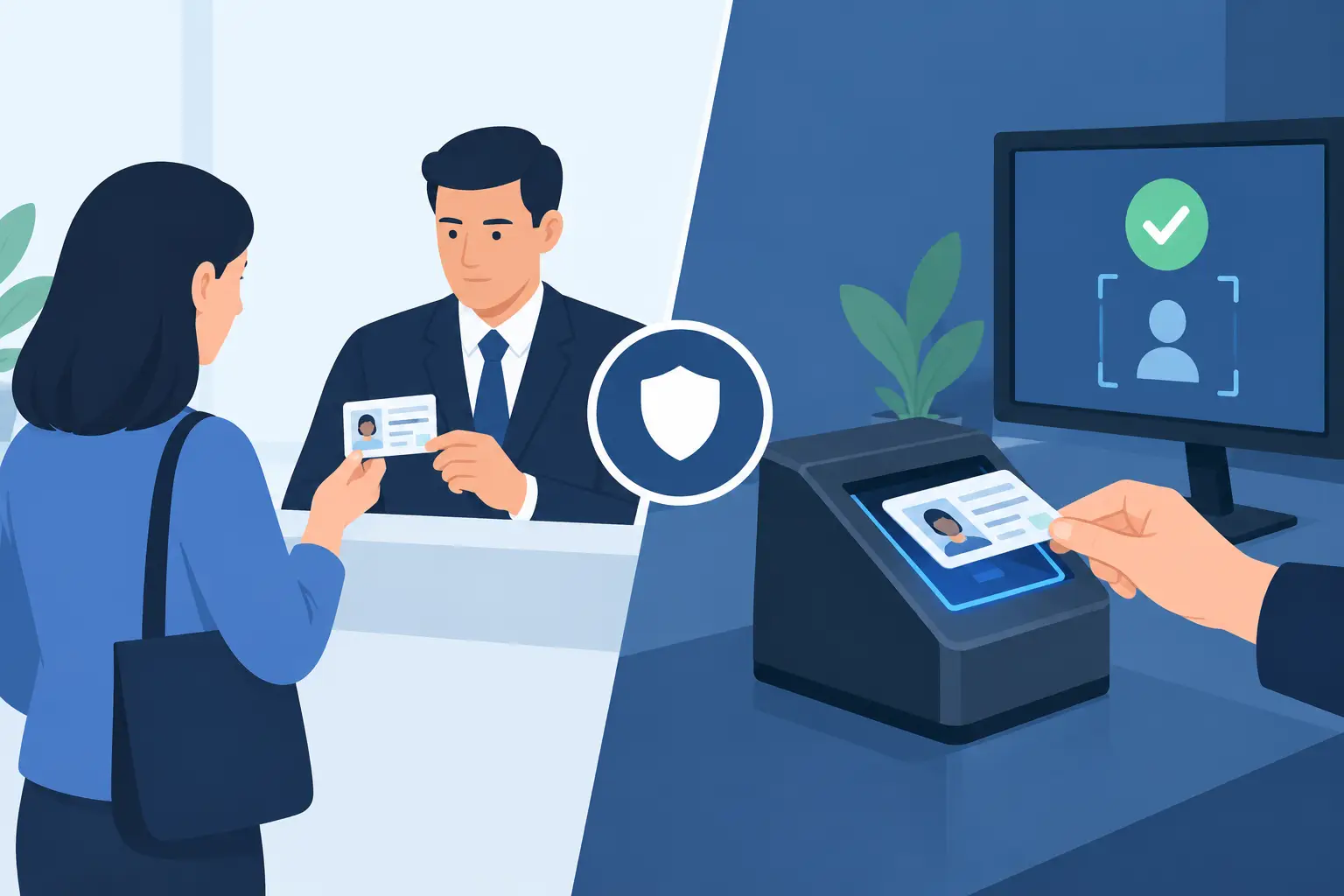
Which ID Features Detect Tampering at Entry?
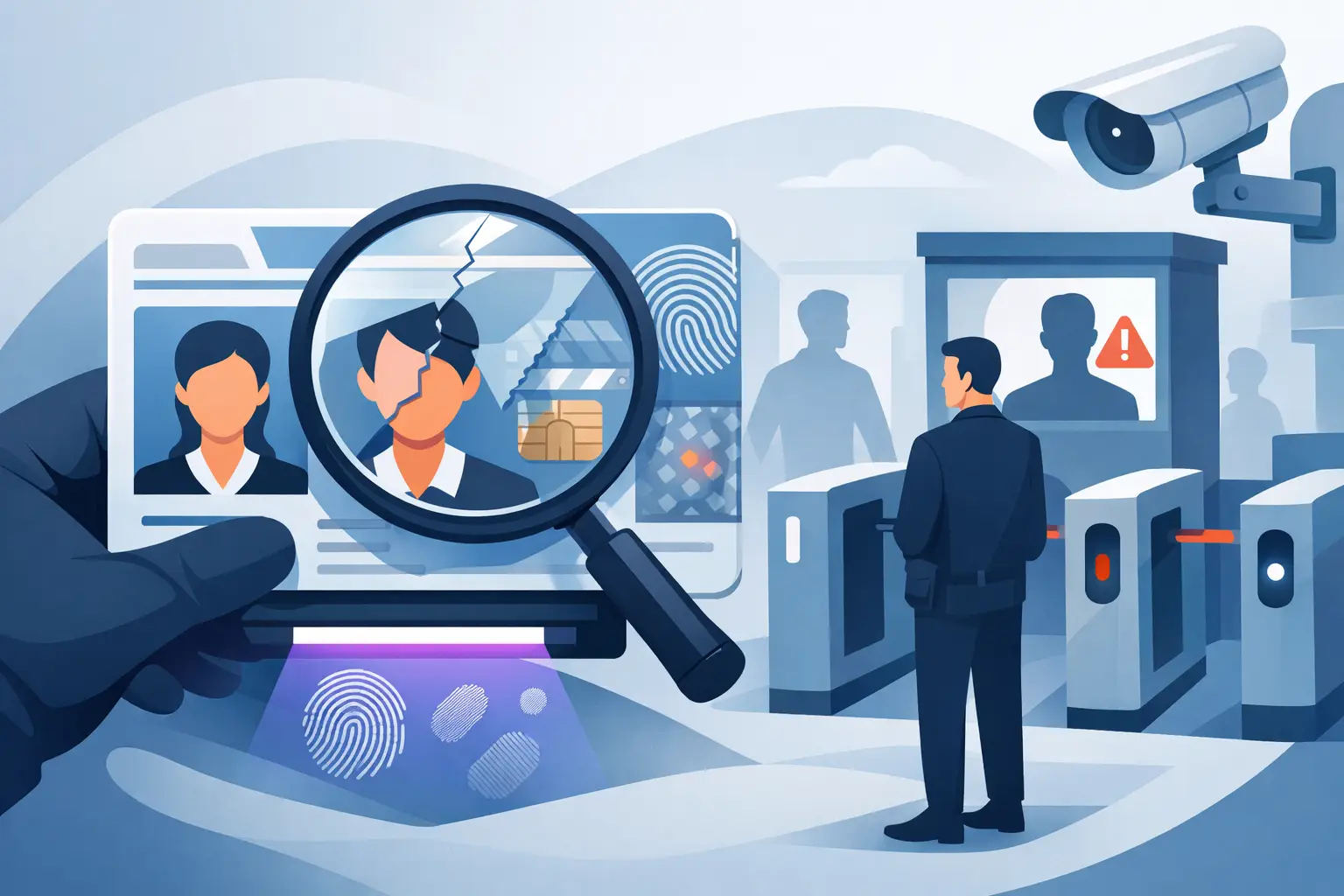
A busy door is where altered IDs are most likely to slip through. Staff are balancing a line, noise, low light, customer pressure, and the need to keep service moving. Knowing which ID features detect tampering helps your team look beyond a familiar face and a birth date - and spot the signs that a license or passport has been changed, rebuilt, or misused.
A legitimate ID is a coordinated security document. Its material, printing, data fields, photograph, barcode, and optical features should all agree. Tampering creates inconsistencies. The goal is not to turn every door person into a document examiner. It is to give staff a practical screening process and use ID-scanning technology to evaluate details that cannot be reliably checked by eye alone.
Which ID Features Detect Tampering Most Reliably?
The most useful ID features work in layers. A single irregularity may have an innocent explanation, especially on a worn card. Several mismatches together create a much clearer reason to refuse entry, pause a transaction, or escalate to a manager.
Lamination, card surface, and physical construction
Altered driver's licenses often show evidence of physical entry. A fraudster may lift the laminate to replace a photo or modify a date of birth, then attempt to reseal the card. Look for bubbling, peeling edges, cloudy areas, unusual thickness, glue residue, scratches around the portrait, or a surface that feels uneven.
Pay close attention to the photo area and date-of-birth field. These are common targets for alteration. A legitimate card should have a consistent finish across its surface. A card with a raised patch, a noticeably different sheen, or visible layers deserves closer inspection.
Wear alone is not proof of fraud. A wallet-carried license can become scratched or faded over time. The concern is whether the wear is concentrated around critical information or whether the card's layers appear disturbed.
Portrait, ghost image, and photo integrity
Modern IDs commonly use more than one image of the cardholder. In addition to the main portrait, many include a smaller ghost image, laser-engraved portrait, or image embedded within an optical feature. These secondary images make photo substitution harder because a fraudster would need to alter multiple features without damaging the card.
Check whether the main photo matches the person presenting the ID, then compare it with any secondary image. Look for inconsistent color, pixelation, an unnatural border around the photo, or a portrait that appears printed on top of the card rather than integrated into it.
Face matching remains a human judgment. A scanner can validate document data and security indicators, but it cannot replace staff attention when the person at the door clearly does not resemble the photo.
Microprint, fine-line patterns, and print quality
Authentic IDs use highly detailed print elements that ordinary printers cannot reproduce cleanly. Microprint may appear as tiny text or repeating state-specific patterns. Fine-line backgrounds, guilloche patterns, and precise color gradients are also difficult to copy without distortion.
Under normal inspection, counterfeit cards may reveal fuzzy text, broken lines, uneven spacing, ink bleed, or colors that look flat. An altered card may show sharp printing everywhere except around the changed field. Compare the quality of the date of birth, expiration date, and photo area to the rest of the card.
Door staff should not be expected to memorize every state design. Issuing authorities update formats regularly. A purpose-built ID scanner is valuable because its document library can recognize expected layouts and analyze feature combinations across many license and passport types.
UV, holographic, and optically variable features
Many government IDs include features visible only under ultraviolet light or when the document is tilted. UV designs can reveal state seals, symbols, patterns, or hidden text. Holograms and optically variable images shift appearance with the viewing angle, making them difficult to replicate with a flat printed overlay.
These features are especially useful for catching basic counterfeits and altered cards. If a card should display a hologram but shows a static printed image, or if expected UV markings are absent, staff have a clear reason to stop the transaction.
There is a trade-off: visual checks depend on lighting, staff training, and knowledge of the document version. They are a strong part of a layered process, but not a complete verification method by themselves.
Barcode and printed-data consistency
The barcode or PDF417 code on a driver's license carries machine-readable data, often including the name, date of birth, ID number, address, and expiration date. Scanning it allows staff to verify age instantly and compare encoded data against what is visibly printed on the card.
A mismatch between the barcode and printed fields is one of the clearest indicators of tampering. For example, a fraudster may alter the visible date of birth while leaving the encoded record unchanged. A manual inspection could miss that change. A scanner can expose it in seconds.
Barcode data should not be treated as the only test. Some fake IDs can carry a barcode that scans, but the data may be fabricated or the physical document may still fail other security checks. Strong screening evaluates the barcode alongside the document's format, security features, and printed information.
Fonts, spacing, and field alignment
Government IDs follow tightly controlled templates. Names, dates, signatures, ID numbers, and restrictions are placed in predictable positions and printed in specific fonts. Tampering can create small alignment problems that become obvious when viewed closely: uneven character spacing, a date that sits too high or low, inconsistent font weight, or text that does not align with surrounding fields.
This is particularly relevant when a fraudster changes only one character in a date of birth or expiration date. The altered number may be a slightly different shade, have a different edge quality, or break the normal spacing pattern.
Laser engraving and tactile details
Many newer IDs use laser engraving to create permanent images and text inside the card body. These elements are difficult to remove or overwrite without visibly damaging the document. Some cards also have tactile features, such as raised text, textured dates, or embossed elements.
If a supposedly laser-engraved field looks like surface ink, it may be counterfeit or altered. A card's tactile details should feel consistent with the issuing authority's design. Because these designs vary by jurisdiction and issuance year, technology and current document references are useful safeguards.
Why Tampering Detection Requires More Than a Barcode Scan
A barcode-only workflow solves one problem: it reads a date of birth quickly. It does not necessarily verify that the card is authentic, unaltered, or presented by its rightful owner.
For a bar, dispensary, gun shop, dealership, or healthcare facility, that gap can create real exposure. An underage sale, unauthorized access event, or fraudulent transaction can bring regulatory scrutiny, financial loss, chargebacks, and reputational damage. The operational standard should be simple: verify eligibility, assess document integrity, and confirm the customer matches the ID.
Modern ID scanners help make that process repeatable. Kred scanners analyze more than 60 security indicators across supported documents while delivering instant age verification. This gives door teams a fast decision point without requiring them to inspect every microprint pattern manually. Scanner alerts should still be handled by trained staff who know when to deny entry, request a second form of identification, or involve a manager.
A Practical Tampering-Detection Workflow for Staff
Your procedure should be fast enough for peak hours and consistent enough to stand up to scrutiny later. Start by taking the ID in hand rather than reviewing it from a distance. Check the holder's face against the portrait, scan the document, and review any warning before making an access or sales decision.
When a scan identifies a problem, avoid debating the technical details with the customer. State the venue policy clearly, keep the interaction professional, and call a supervisor or security lead if the situation escalates. Staff should never confiscate an ID unless local law and company policy specifically authorize it.
For multi-location operations, consistent device settings and incident procedures matter as much as the scanner itself. A suspicious-ID alert should mean the same thing at every door and every shift. Cloud synchronization can support shared banned-patron information where appropriate, while privacy controls and defined retention periods help prevent unnecessary collection of customer data.
Build a Better Decision at the Door
The strongest tampering detection process combines trained observation with document analysis. Staff can spot an obvious photo mismatch or damaged laminate. Technology can compare encoded and printed data, assess security features, and apply the same screening standard when the line is long and conditions are less than ideal.
Give your team a clear rule: an ID does not pass because it looks convincing at a glance. It passes when the document, the data, and the person holding it all check out.