Bar ID Scanner: What Actually Protects Your Door
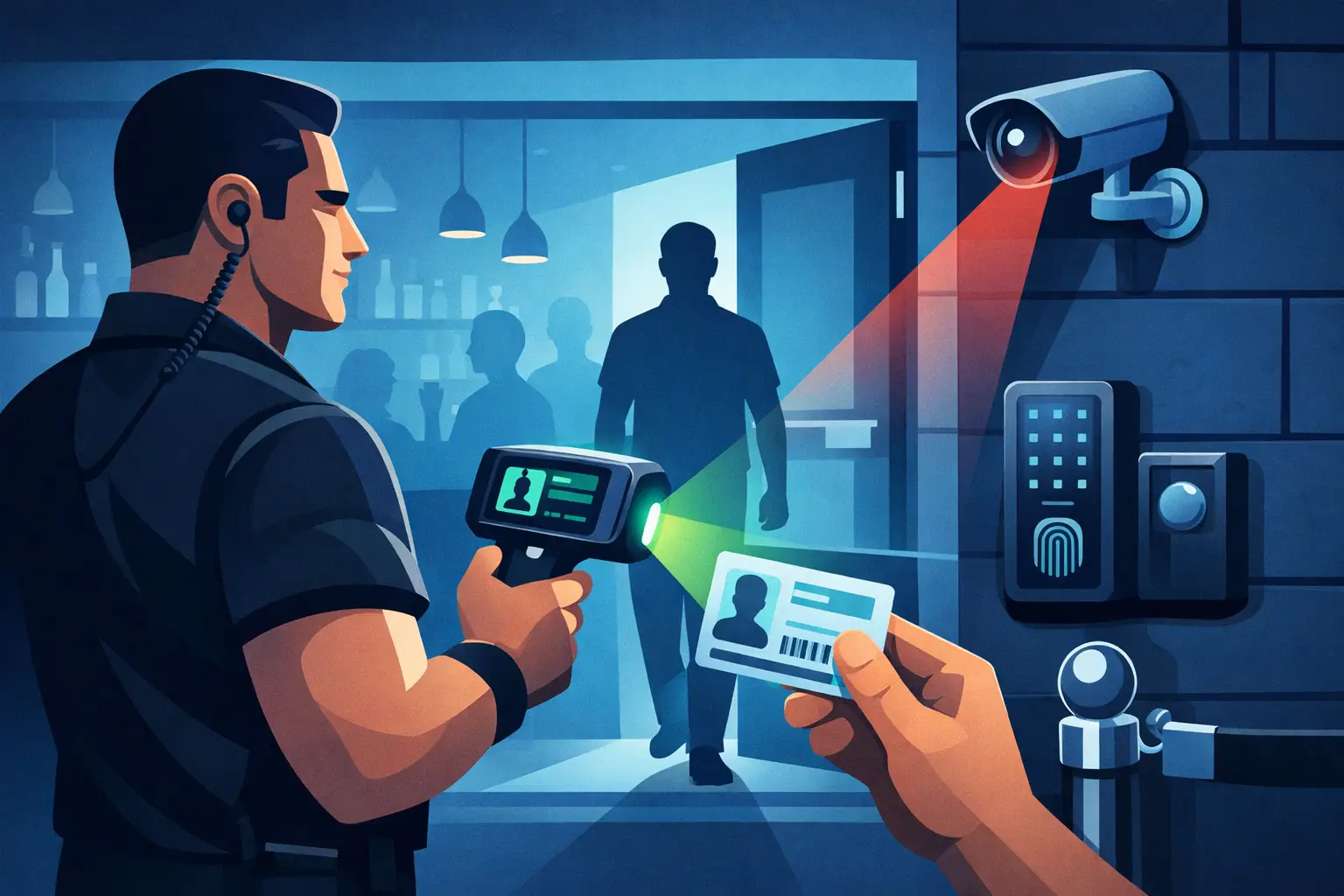
A bar ID scanner should do more than calculate a birthday. At a busy door, it needs to help staff make a fast, defensible decision when the line is moving, lighting is poor, and a convincing fake ID is in someone’s hand. The right system protects your liquor license, your staff, and the guests who expect a controlled venue.
For operators, the question is not whether scanning is faster than manual ID checks. It is. The real question is whether the scanner gives your team useful security information without creating a dependency on Wi-Fi, a complicated workflow, or an unnecessary monthly cost.
What a Bar ID Scanner Needs to Do
The baseline function is instant age verification. A staff member scans a driver’s license or passport, and the device clearly shows whether the patron meets the legal drinking age. That removes mental math, reduces inconsistent checks, and creates a more consistent entry process during peak periods.
But age alone is not enough. A legitimate-looking ID can still be altered, borrowed, expired, or counterfeit. A purpose-built scanner should read the barcode or machine-readable zone and inspect physical and digital security information associated with the document. Systems that analyze multiple security indicators can identify inconsistencies that a quick visual check may miss.
This does not mean a scanner should replace trained door staff. It gives them a stronger first layer of evidence. When a device flags an ID as suspicious, staff can slow down, inspect the card, ask follow-up questions, and follow the venue’s refusal procedure. That is a far better operating position than relying on instinct alone.
A practical scanner also needs to work at the pace of the door. If scanning takes too long, staff will bypass it when the line builds. If the screen is difficult to read in low light, operators lose time. If the device requires a network connection for every scan, a routine internet outage can turn into a compliance problem.
Why Offline Operation Is a Door Requirement
Bars do not control every failure point. Wi-Fi drops. Cellular service gets overloaded in crowded downtown areas. Routers get restarted at the worst possible time. A scanner that cannot verify an ID without connectivity creates a weak link exactly when your team needs control.
Offline-first scanning keeps age verification and suspicious-ID detection available at the door, even when the internet is unavailable. For a single-location bar, that may be the deciding requirement. You still get the core protection of a dedicated device without tying responsible service to a cloud connection.
Cloud synchronization has value when it solves an operational problem. A multi-device nightclub may want a banned-patron alert entered at one door to appear at another. A group with several venues may need approved VIPs and restricted individuals recognized across locations. In those cases, cloud tools can extend the value of scanning beyond a single check at entry.
The trade-off is straightforward: cloud features should be optional and tied to a real need. Operators should not have to pay a recurring subscription simply to scan IDs, verify age, and run their door. Direct-purchase hardware with optional synchronization gives venues a cleaner choice.
Fake ID Detection Is More Than a Barcode Read
Many generic barcode readers can pull a date of birth from an ID. That is useful, but it is not the same as fraud detection. Counterfeiters know that door staff and basic scanners often rely on barcode data. A copied or manipulated barcode may return information that appears valid while the physical credential contains warning signs.
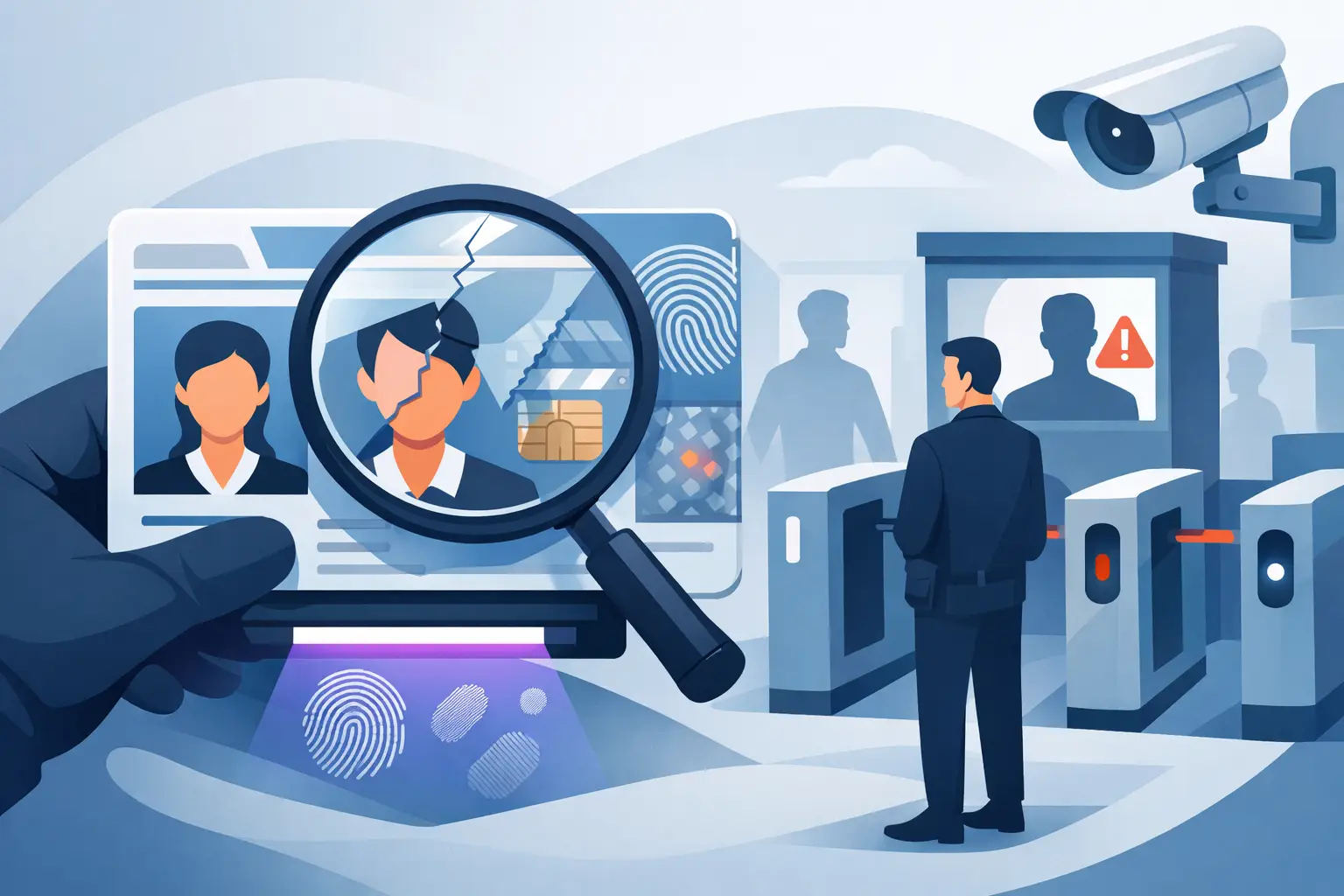
A stronger bar ID scanner evaluates the document more broadly. Depending on the device and ID type, that can include barcode formatting, data consistency, expiration status, document structure, and other security features. Kred scanners, for example, analyze more than 60 security indicators to help staff identify suspicious or fake IDs while keeping the workflow quick.
No scanner can promise that every fraudulent document will be caught. ID designs change, counterfeit methods evolve, and a borrowed legitimate ID presents a different problem than a fabricated one. The operational goal is to reduce risk materially, give staff a clear alert when something does not add up, and ensure the venue has a repeatable procedure for handling exceptions.
Your team should know what each alert means. A failed scan can result from a damaged barcode, glare, an unfamiliar document, or a genuine security concern. Train staff to avoid treating every failed read as proof of fraud. The right response is verification, not confrontation.
Patron Management Makes Scanning More Useful
The most valuable door intelligence often develops after the initial scan. A venue may want to recognize loyal VIPs, identify guests who have been formally banned, or flag a prior incident for management review. Those capabilities turn a scanner from a compliance tool into a practical part of access control.
For independent bars, a simple banned-patron list can prevent a familiar problem from walking back through the front door on a different shift. For larger clubs, synchronized alerts help create consistency across entrances, security teams, and locations. The benefit is not just stronger security. It is less reliance on staff memory during a busy shift.
Use these tools carefully. Define who can add a patron to a restricted list, what documentation is required, who can remove the record, and how long entries remain active. A vague list becomes a liability. A controlled process gives management a record that can be reviewed and defended.
Privacy Controls Belong in the Buying Decision
Collecting ID information carries responsibility. Venue operators need a scanner that supports the minimum data necessary for the job, rather than treating every scan as a reason to build a permanent patron database.
Verification-only mode is a useful option when staff need confirmation of age and authenticity without retaining personal information. When data storage is appropriate for banned-patron management, incident documentation, or VIP operations, retention settings should be configurable. Operators should be able to set a defined retention period based on their policy and operational requirements.
Security controls matter as well. Look for encrypted data handling, clear access permissions, and a practical way to manage records across devices. AES-256 encryption is a recognized standard for protecting stored data, but the day-to-day controls are just as important: who can see patron records, who can export them, and what happens when an employee leaves.
Privacy should not be treated as a marketing add-on. It is part of responsible venue security. The best setup gives your staff the information they need at the door while limiting unnecessary collection and retention.
Choosing the Right Device for Your Venue
Start with your busiest operating hour, not your quietest one. Count the number of guests entering, the number of doors in use, and the number of staff members who need to scan. A compact portable device may be enough for a neighborhood bar with one entrance. A high-volume nightclub may need several scanners, shared patron intelligence, and a defined charging and handoff process.
Ask practical questions before buying:
- Can the device verify age and detect suspicious IDs without internet access?
- Does it scan the licenses and passports your venue commonly sees?
- How quickly can a new staff member learn the workflow?
- Are VIP and banned-patron alerts available if your operation needs them?
- Can you control data retention and use verification-only mode?
- Is core scanning available without a mandatory subscription?
Do not choose based on a feature list alone. Test how the device feels in a real entry scenario. Staff should be able to hold it securely, scan quickly, understand the result at a glance, and escalate a flagged ID without stopping the line.
Build a Door Process Around the Scanner
Technology works best when staff know exactly where it fits. Establish a simple standard: scan every ID required by venue policy, review the result before allowing entry, and escalate suspicious or unreadable IDs to a manager or lead security employee. Consistency matters more than occasional aggressive checks.
Document the response to a failed or suspicious scan. Staff should know when to request a second form of identification, when to refuse entry, and when to contact management. Keep the interaction calm and professional. A scanner alert is operational information, not an invitation for a public argument at the door.
Review scanner results and incident patterns with management. If certain fraudulent IDs appear repeatedly, if a particular entry point produces more exceptions, or if staff are skipping scans during rush periods, adjust the process. The scanner provides the signal. Your operating discipline turns it into protection.
A well-chosen bar ID scanner gives your team a faster way to verify age, spot suspicious documents, and recognize known risks before they enter. Put it in the hands of trained staff, set clear privacy controls, and make it part of the door standard your venue follows every night.