Privacy-First Age Verification for Venues
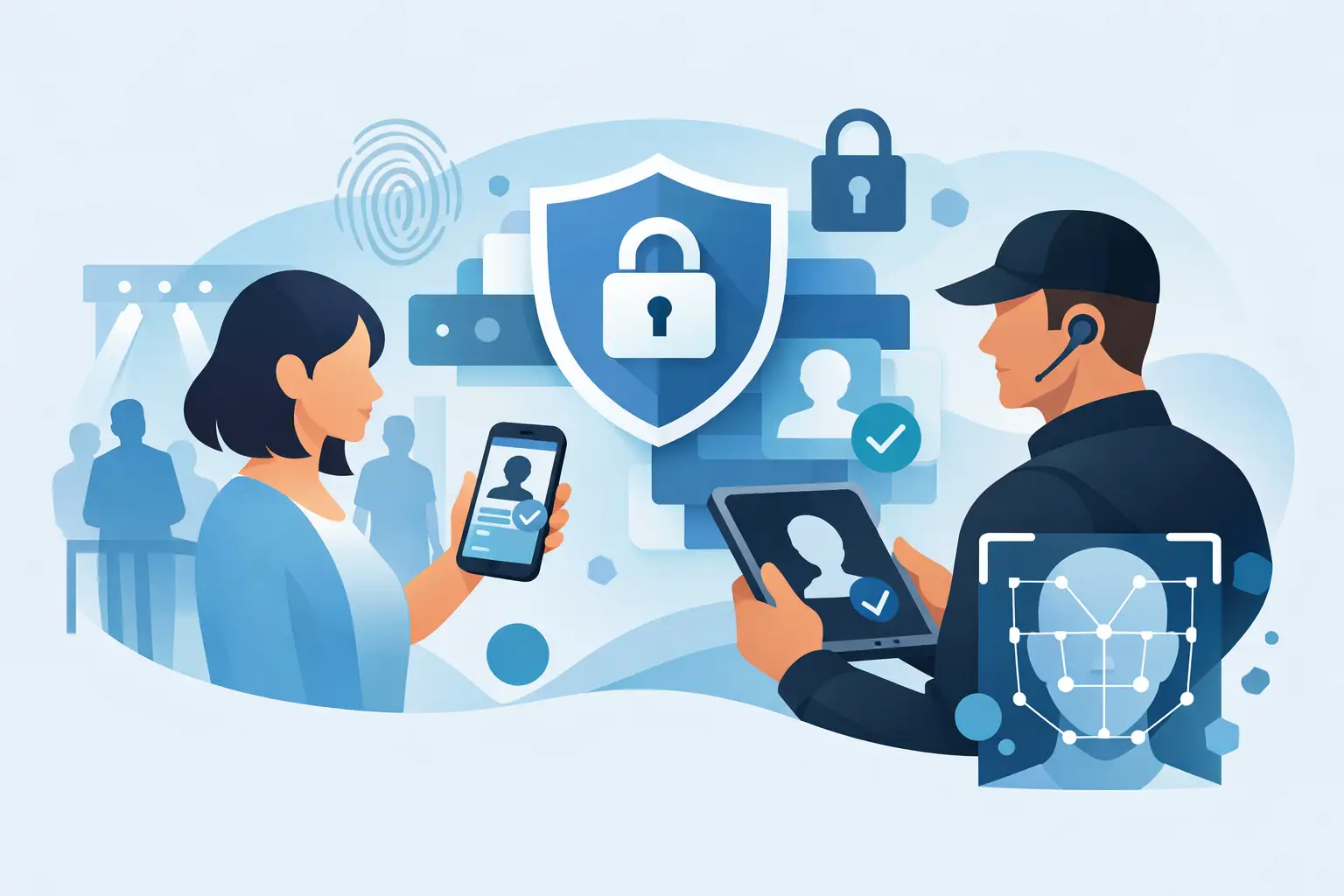
A packed Friday line creates a hard operational choice: move guests through quickly or slow down to inspect every ID. Privacy-first age verification is designed to remove that trade-off. It gives door teams the information required to make an admission decision - age eligibility, ID validity signals, and patron alerts - without automatically turning every scan into a permanent customer record.
For bars, nightclubs, dispensaries, and other age-restricted venues, this is not a theoretical privacy discussion. It affects guest trust, staff workflows, incident response, compliance exposure, and the amount of sensitive information the business is responsible for protecting. The right system confirms what the door needs to know, stores only what the operation has a defined reason to retain, and keeps working when connectivity is unreliable.
What Privacy-First Age Verification Means
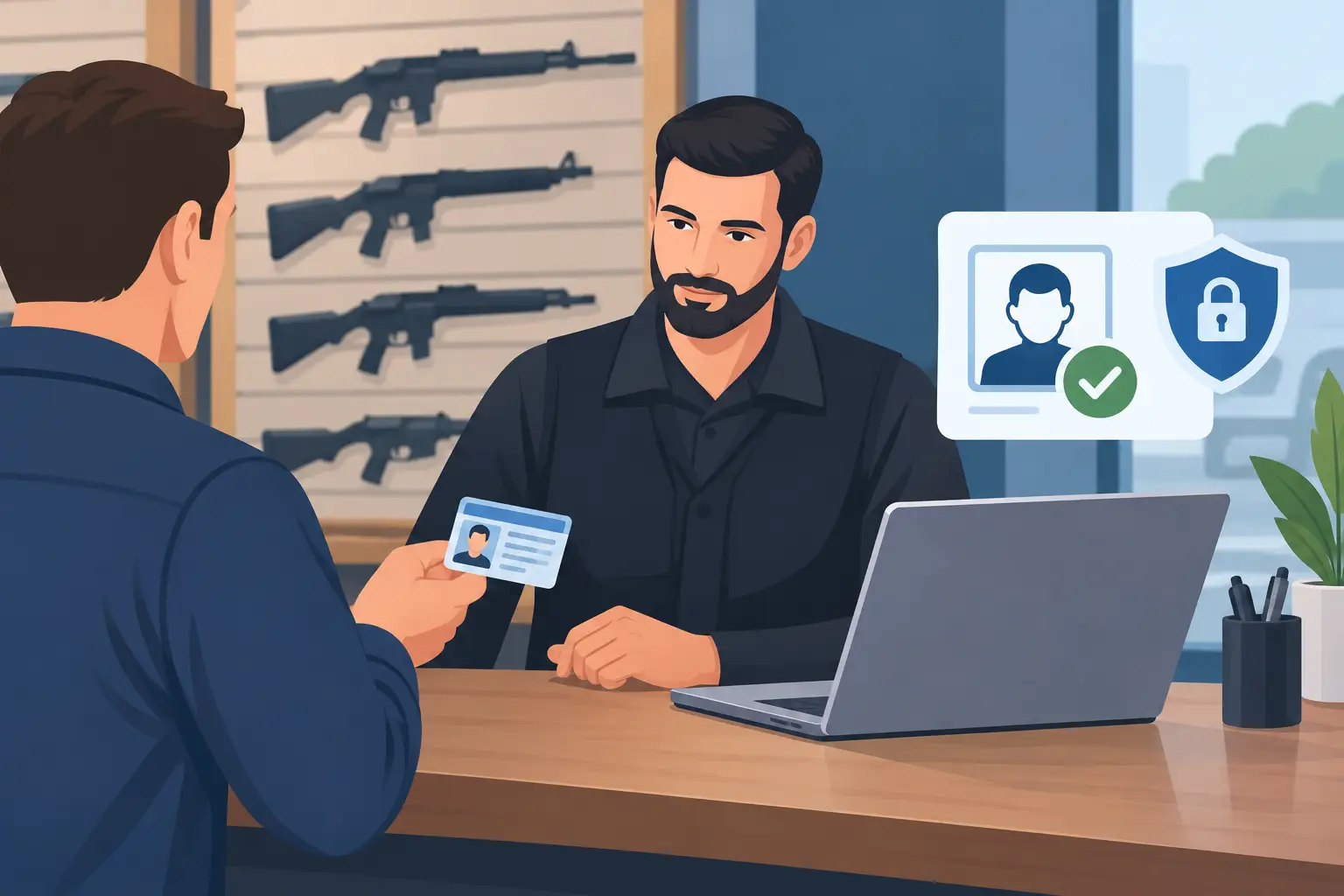
Privacy-first age verification starts with a simple principle: collect data for a specific operational purpose, then limit access, retention, and sharing to that purpose. At the door, the immediate purpose is usually clear. Staff need to confirm that a guest meets the legal age requirement and determine whether the ID appears suspicious or fraudulent.
That does not always require retaining a full copy of a driver's license, passport details, or a complete patron history. In verification-only mode, a scanner can return a pass or fail result for age and analyze ID security indicators without saving personal information after the decision is made. This is a practical option for venues that need fast, consistent screening but do not need a database of every guest who enters.
Privacy-first does not mean data-free. Some venues have legitimate reasons to retain limited information. A security team may need to identify a banned patron, document a serious incident, recognize VIPs, or coordinate risk controls across multiple locations. The operational question is whether each category of data has a defined use, an appropriate retention period, and access controls that match its sensitivity.
Why the Door Is a High-Risk Data Collection Point
An ID contains more than a date of birth. Depending on the document and jurisdiction, it can include a full name, address, document number, photo, physical characteristics, and barcode data. When staff manually photograph IDs or use consumer-grade tools without clear controls, the venue can create an unnecessary collection of sensitive records.
That creates real operational risk. More retained data means more information to secure, more records to review during an incident, and more potential damage if a device is lost or an account is misused. It can also make guests understandably uncomfortable, particularly when they do not know why their information is being collected or how long it will remain on file.
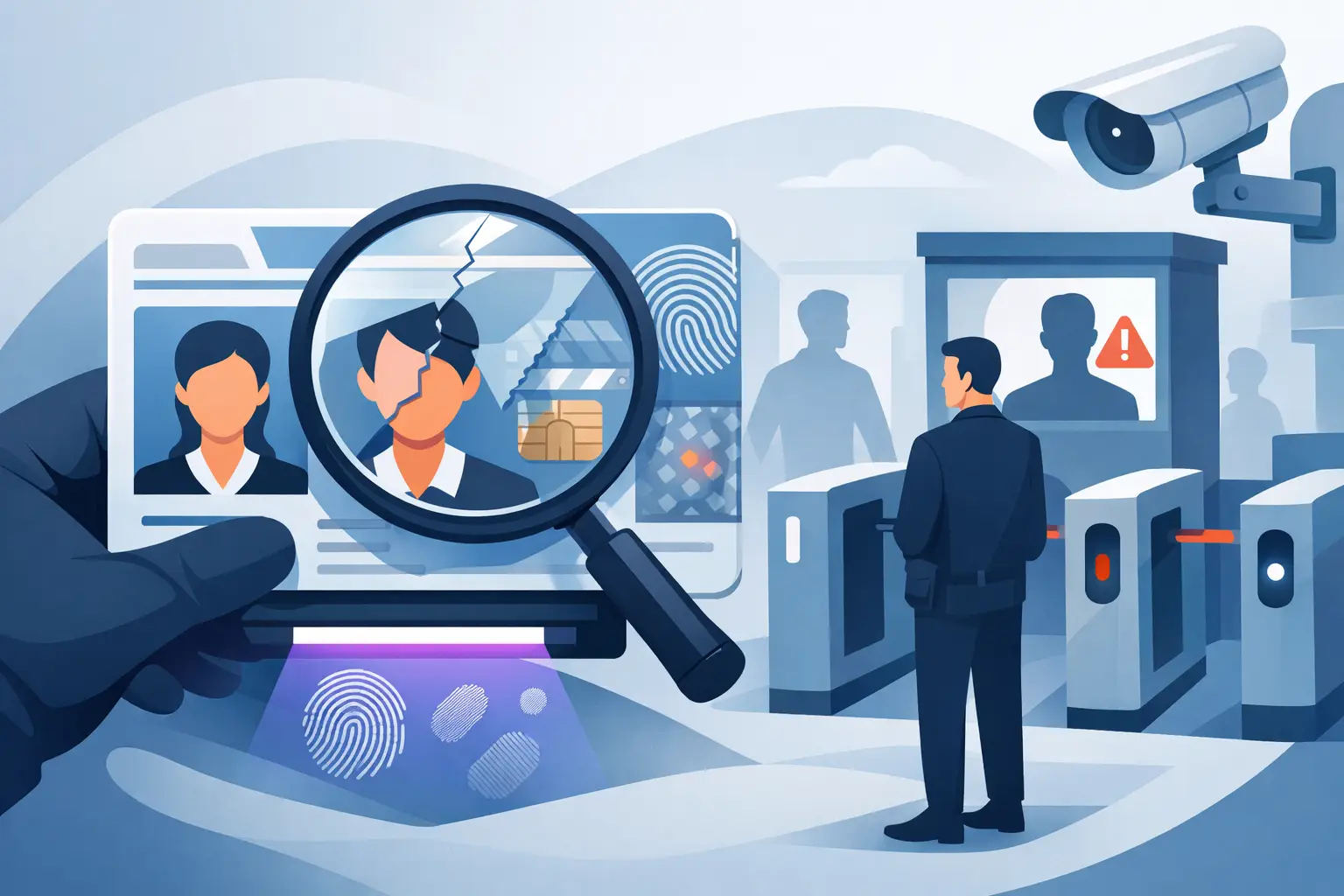
A purpose-built venue scanner changes the workflow. Instead of relying on visual judgment alone, it can read supported IDs, perform instant age verification, and evaluate document security features for signs of alteration or counterfeiting. The door team gets a faster, more consistent decision. The operator can decide whether the scan is verification-only or part of a defined patron-management workflow.
Data Minimization Is an Operational Control
Data minimization is often described as a privacy principle. For venue operators, it is also a control that reduces cost and exposure. If a record does not support compliance, safety, fraud prevention, or a defined guest program, there is little reason to retain it.
Start by separating workflows that are often treated as one:
- Age checks establish whether a guest can legally enter or purchase.
- Suspicious ID detection helps staff identify possible fake, altered, expired, or mismatched documents.
- Banned-patron management supports safety and loss prevention when there is a documented reason to deny entry.
- VIP recognition supports hospitality, provided the program is transparent and appropriately managed.
Each workflow can justify a different level of information. A standard age check may require no retained record at all. A banned-patron alert may require a limited record with an incident basis, review process, and a clear expiration or retention rule. Treating every guest scan as equally valuable data is inefficient and difficult to defend.
Set retention rules before opening the door
A retention setting should not be an afterthought. Operators should decide in advance what is saved, why it is saved, who can view it, and when it is deleted. Shorter retention periods often reduce risk for routine scans. Longer periods may be appropriate for documented incidents, active exclusion lists, or legal requirements, but they should be deliberate rather than permanent by default.
This also improves accountability. When a manager can explain the retention logic in plain language, staff are more likely to use the system correctly and guests are more likely to understand the process if they ask.
Privacy Does Not Require Weaker Fraud Detection
A common concern is that minimizing stored data will make it harder to catch fake IDs. The two functions are different. Fraud detection happens at the point of scan. Storage governs what remains after the scan.
A capable ID scanner can assess dozens of document indicators, read encoded data, and flag inconsistencies that are easy to miss during a fast visual check. That gives staff a stronger basis for escalating a suspicious ID while avoiding the assumption that every valid guest must be permanently recorded.
The process still depends on trained staff. A scan result should support a door decision, not replace judgment. Teams need clear procedures for an alert: pause entry, inspect the physical document, compare the photo to the holder, involve a manager when required, and document only what policy authorizes. Consistency matters. A rushed or confrontational response can create safety issues even when the technology identifies a legitimate concern.
Offline Operation Supports Both Privacy and Reliability
Cloud services can be useful for multi-device synchronization, centralized reporting, and shared banned-patron alerts. But an internet connection should not determine whether a venue can verify age at the door. Connectivity failures happen at the worst times: during peak entry, in crowded buildings, or when a local network is down.
An offline-first scanner keeps core age verification and ID analysis available on the device. That protects revenue and compliance when the network fails. It can also limit unnecessary data transmission during routine checks, because the verification decision does not need to depend on sending every scan to a remote service.
For multi-location operators, the right model is often selective synchronization. Use cloud connectivity when it adds operational value, such as sharing authorized banned-patron records across sites or coordinating device settings. Keep core screening functional without a mandatory subscription or constant connection. Kred follows this approach by offering standalone scanning hardware with optional cloud synchronization for operators that need it.
Build a Policy That Staff Can Actually Follow
Technology is only as privacy-conscious as the people and rules around it. A workable policy should fit the reality of a busy door shift, not read like a legal memo that no one consults.
Managers should define who is authorized to operate scanners, who can access stored records, and when staff may create or update a patron alert. Access should follow job responsibility. A door attendant may need to see an active entry alert, while only designated managers should be able to export records, change retention settings, or remove a restriction.
Use encryption for stored and synchronized data, including AES-256 encryption where supported, and protect administrative access with strong credentials and role-based permissions. Physical controls matter too. Portable scanners should be secured between shifts, charged in controlled areas, and accounted for like any other security equipment.
The venue should also give staff a short, direct answer for guest questions: the ID is scanned to verify age and help identify suspicious documents; the venue retains information only according to its stated operational policy. Staff do not need to debate privacy law at the door. They need an accurate explanation and an escalation path for concerns.
Choosing the Right Privacy-First Setup
The best configuration depends on the venue's risk profile. A single-location bar focused on underage prevention may choose verification-only scanning with no routine data retention. A nightclub with repeat security incidents may retain narrowly defined banned-patron records. A multi-site operator may need synchronized alerts, but should still avoid centralizing more information than its teams can responsibly manage.
Before purchasing, ask practical questions. Can the device verify IDs without internet access? Can you turn off routine scan storage? Are retention periods configurable? Does the system identify suspicious IDs at the point of entry? Can access be limited by role? Is cloud synchronization optional, or are you locked into a recurring service for basic functionality?
The answer should support your actual door operation, not force a data-heavy workflow because that is how the software was designed. Privacy-first age verification works best when it is built into the entry process from the start: verify quickly, detect fraud, retain with purpose, and keep control with the venue.