Banned Patron Alert System for Safer Venues
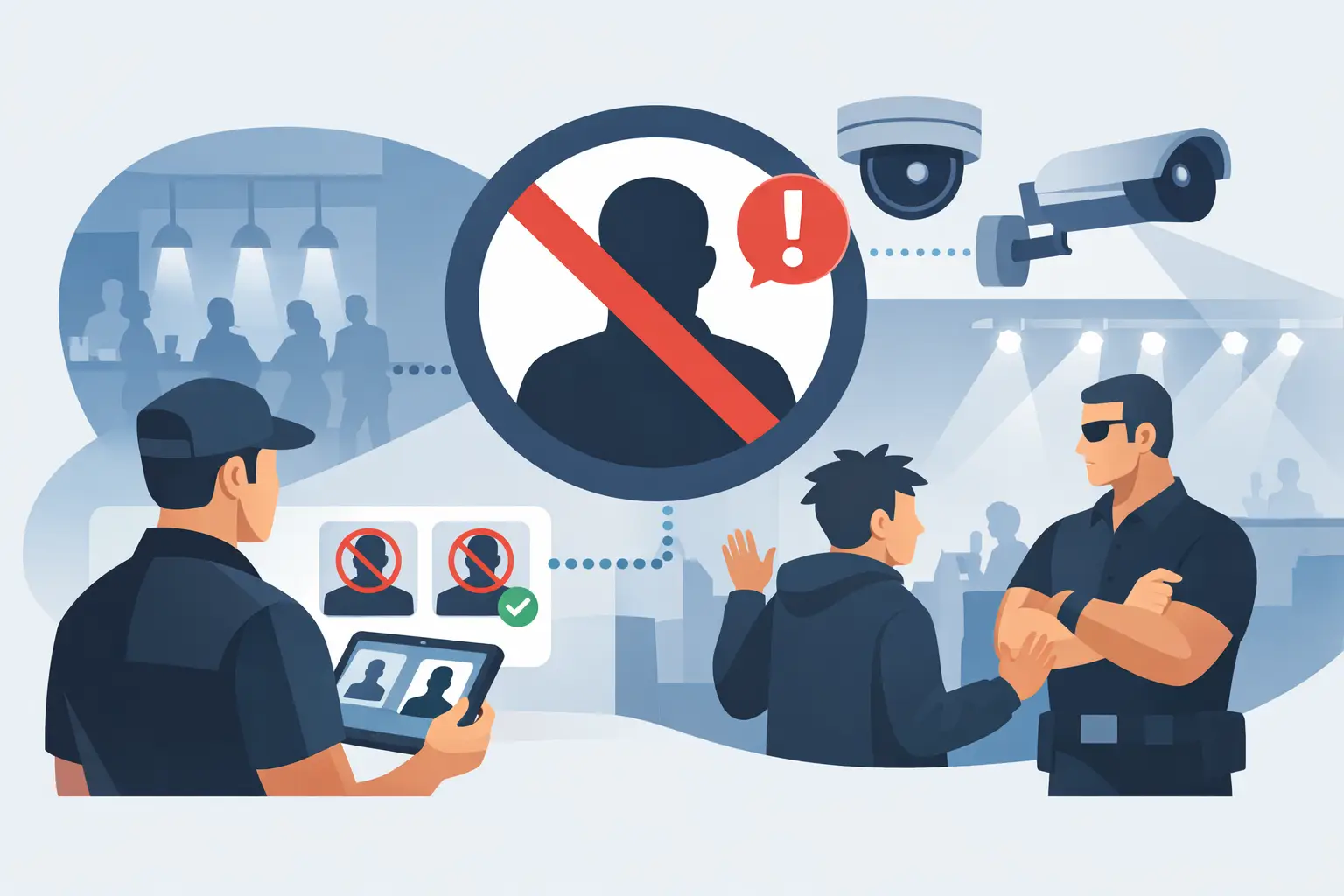
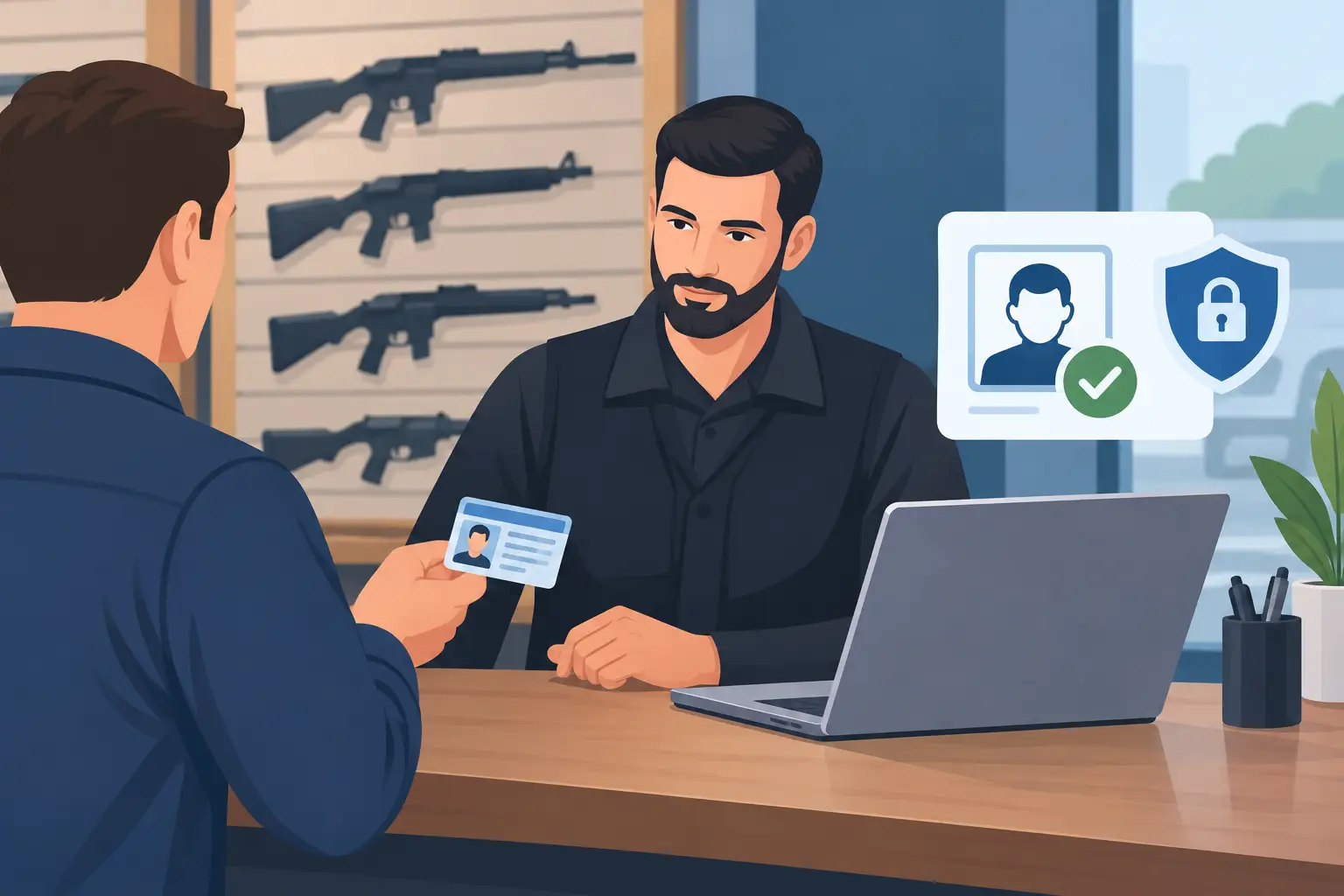
A banned patron alert system gives door staff a clear answer before a repeat problem becomes another incident. When a known banned individual presents an ID at the door, the operator can receive an immediate alert, follow the venue’s policy, and make a controlled entry decision before that person reaches the floor, bar, dispensary counter, or security team.
For age-restricted venues, this is not a replacement for trained staff or sound judgment. It is a practical control that helps teams recognize prior risk quickly, especially during a rush when names, faces, and incidents are difficult to recall. The goal is simple: give the right person the right information at the right moment.
Why Repeat-Patron Risk Is an Entry-Control Problem
Most venues do not struggle because they lack rules. They struggle because the person enforcing those rules at 11:45 p.m. may not have been present when an incident happened three weekends earlier. Staff changes, busy door lines, poor lighting, and multiple entrances all make memory an unreliable security system.
A banned patron may have been removed for fighting, threats toward staff, theft, harassment, repeated intoxication issues, attempted underage entry, fraudulent identification, or violations of venue policy. Whatever the reason, the operational problem is the same: if that person returns and is not recognized, the venue loses the chance to manage the situation early.
An alert at ID scan moves that decision to the front door. Instead of discovering a concern after a dispute begins inside, staff can pause entry, confirm the match, involve a manager or security lead, and apply the established procedure. That can reduce disruption for employees and legitimate guests alike.
What a Banned Patron Alert System Should Do
The most useful systems are built around speed and clarity. A door person should not need to search through a spreadsheet, scroll through photos, or leave a guest standing while they call another location. When an ID is scanned, the system should compare the patron to the venue’s banned records and present an obvious alert when a match is found.
The alert should support action, not create confusion. Staff need enough information to understand that the patron requires review, while sensitive incident details should remain limited to authorized personnel. A concise status, a photo or ID match where permitted, and a defined escalation path are generally more useful at the door than a long narrative.
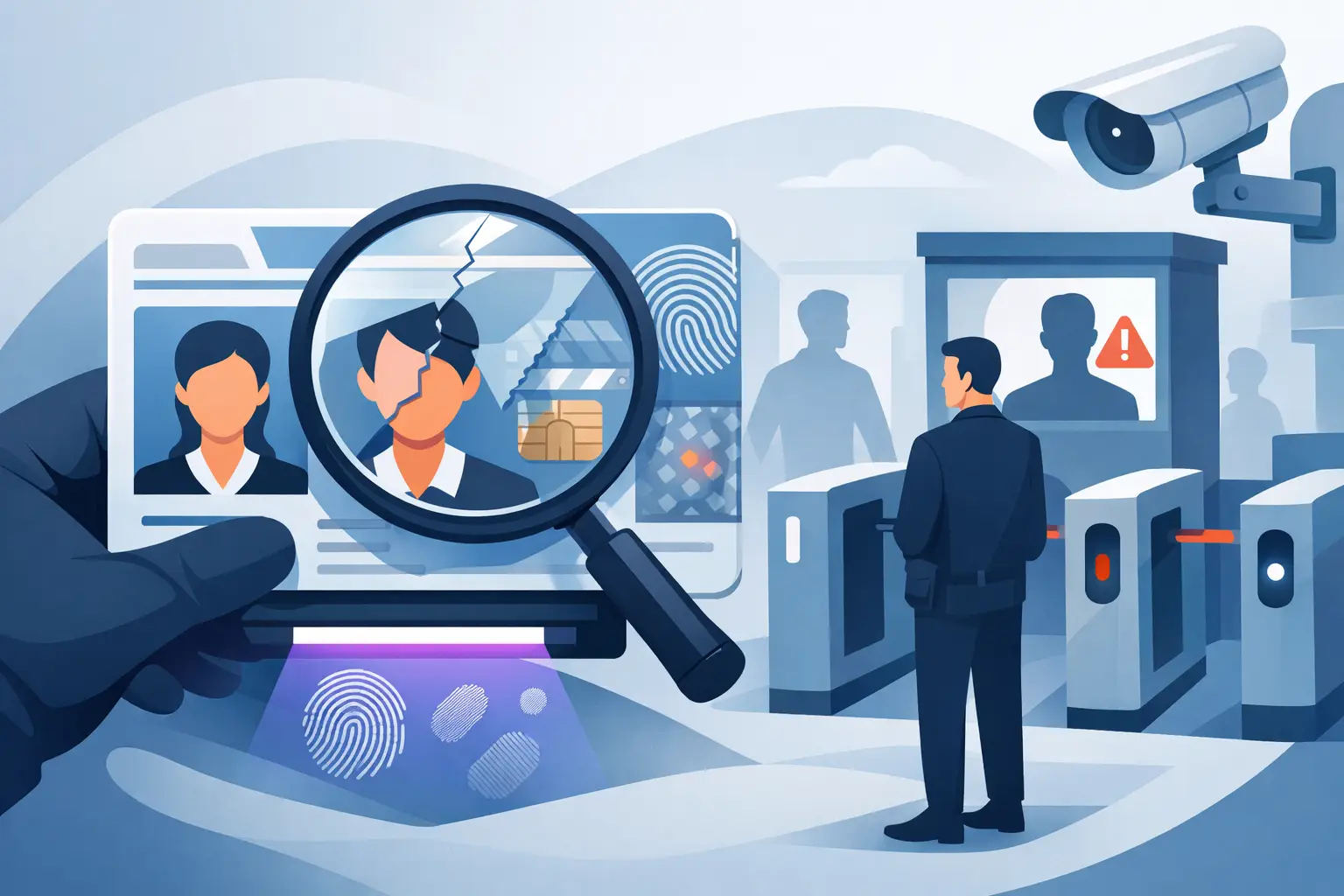
A practical setup also separates banned-patron management from age verification without making either workflow slower. Staff should be able to verify age, assess ID authenticity, and receive a patron alert within the same entry process. When the tools are disconnected, the line slows down and staff are more likely to bypass a step during peak traffic.
Offline operation matters at the door
Connectivity is not guaranteed when you need it most. Wi-Fi can fail, cellular service can be overloaded, and a venue may operate in a basement, festival footprint, or temporary event space with weak coverage. If core ID verification depends entirely on an internet connection, a short outage can force staff back to visual checks and memory.
An offline-first scanner keeps essential age verification and local patron screening available during an outage. For a single-location operator, that may be enough. For groups that need to share banned-patron records among multiple devices or locations, cloud synchronization can add centralized control when connectivity is available.
That distinction matters. Multi-site intelligence is valuable, but a cloud option should not prevent the door from operating when the network drops. Kred supports core scanning without a mandatory subscription, with Kred Cloud available for operators that need synchronized information across devices and sites.
Build a Process Behind the Alert
Technology can identify a match. Your policy determines what happens next. Before adding names to a banned list, management should define who has authority to create a record, what evidence is required, how long the record remains active, and who can remove or update it.
Treat a banned-patron record as an operational security flag, not a substitute for a legal finding or a reason to make assumptions about someone. The underlying facts should be documented according to your policy. Access should be limited. Staff should know that an alert means pause, verify, and escalate when required, not argue or make accusations at the door.
A clear response process often includes a manager or security lead reviewing the alert, confirming the identity presented, and deciding whether the venue will deny entry, issue a trespass warning where appropriate, or take another policy-based step. The correct response depends on the incident history, local requirements, the patron’s current behavior, and the venue’s documented rules.
Consistency matters as much as firmness. A process that is applied unevenly creates risk for staff, confusion for guests, and weakens the value of the system. Train teams to use calm, neutral language and avoid sharing unnecessary details about why someone has been flagged.
Use Better Data, Not More Data
Venue operators need useful information, but they do not need to keep every piece of patron data forever. A banned patron alert system should support data minimization: collect and retain what is necessary for your stated security purpose, then configure retention periods that match your policy and applicable obligations.
For routine age checks, verification-only mode can help operators confirm eligibility without maintaining a broad database of every guest who enters. For banned-patron records, retain only the details needed to identify the individual, support a defensible internal decision, and manage access at the door.
Security controls matter here. Encryption, role-based access, device controls, and clear retention settings help reduce exposure if a device is lost, a staff member leaves, or an operator needs to review how data is handled. Kred uses AES-256 encryption and configurable retention controls to help venues put these safeguards into daily practice.
The trade-off is straightforward: less retained data reduces privacy exposure, while too little detail can make it harder to verify a legitimate alert. The right balance depends on the venue type, incident profile, jurisdiction, and whether records need to be managed across one location or several.
Make Alerts Work for Single Sites and Multi-Location Groups
A neighborhood bar may only need one portable scanner and a locally managed list. In that setting, the priority is fast age verification, suspicious ID detection, and a simple way to flag people who have been formally banned from that location.
A nightclub group, dispensary operator, or multi-venue hospitality company may need more coordination. If a serious incident at one site should affect entry decisions at another, managers need a controlled way to synchronize approved records. Cloud-based synchronization can give designated administrators a central view while allowing each door team to receive current alerts on its assigned device.
Do not assume every incident should become a company-wide ban. Some behavior is location-specific, and broad restrictions should be reserved for situations that justify them under your organization’s policy. Centralization is most effective when the rules for adding, reviewing, expiring, and sharing records are equally centralized.
Train for the Moment the Screen Changes
A good alert is only useful if staff know what to do when it appears. Training should be brief, repeatable, and built around realistic door conditions. Staff need to recognize the alert, avoid disclosing sensitive information, call for support when required, and keep the entry line moving without compromising safety.
Practice the hard cases: a guest who disputes the alert, a person who becomes confrontational, an ID that appears altered, a match that needs manager review, and a network outage during a high-volume period. Staff should also understand the difference between a banned-patron alert and a suspicious ID result. One concerns the venue’s prior access decision; the other concerns the document currently being presented.
Keep administrative training separate from door training. Managers may need authority to add records, adjust retention periods, and review access logs. Door staff need a fast workflow they can follow under pressure. Giving every employee full access to every record is not necessary to run an effective system.
Measure Whether the System Is Reducing Risk
After deployment, look beyond the number of alerts. Track whether staff are following escalation procedures, whether alert matches are being reviewed accurately, and whether repeat incidents are declining. Ask door leads where the workflow slows down and whether alerts are clear enough to support a decision in seconds.
You should also review false or outdated records. An alert system loses credibility when staff repeatedly see information that no longer applies. Scheduled management review, expiration dates where appropriate, and a documented removal process keep the list usable and fair.
The strongest entry programs do not rely on staff memory, constant connectivity, or expensive recurring software to control known risk. They give the door team dependable verification, clear patron intelligence, and a policy they can apply with confidence. Set the rules before the next busy night, train the people who will use them, and let the alert appear before the problem enters the building.