Do Scans Work Offline? What Venues Need to Know
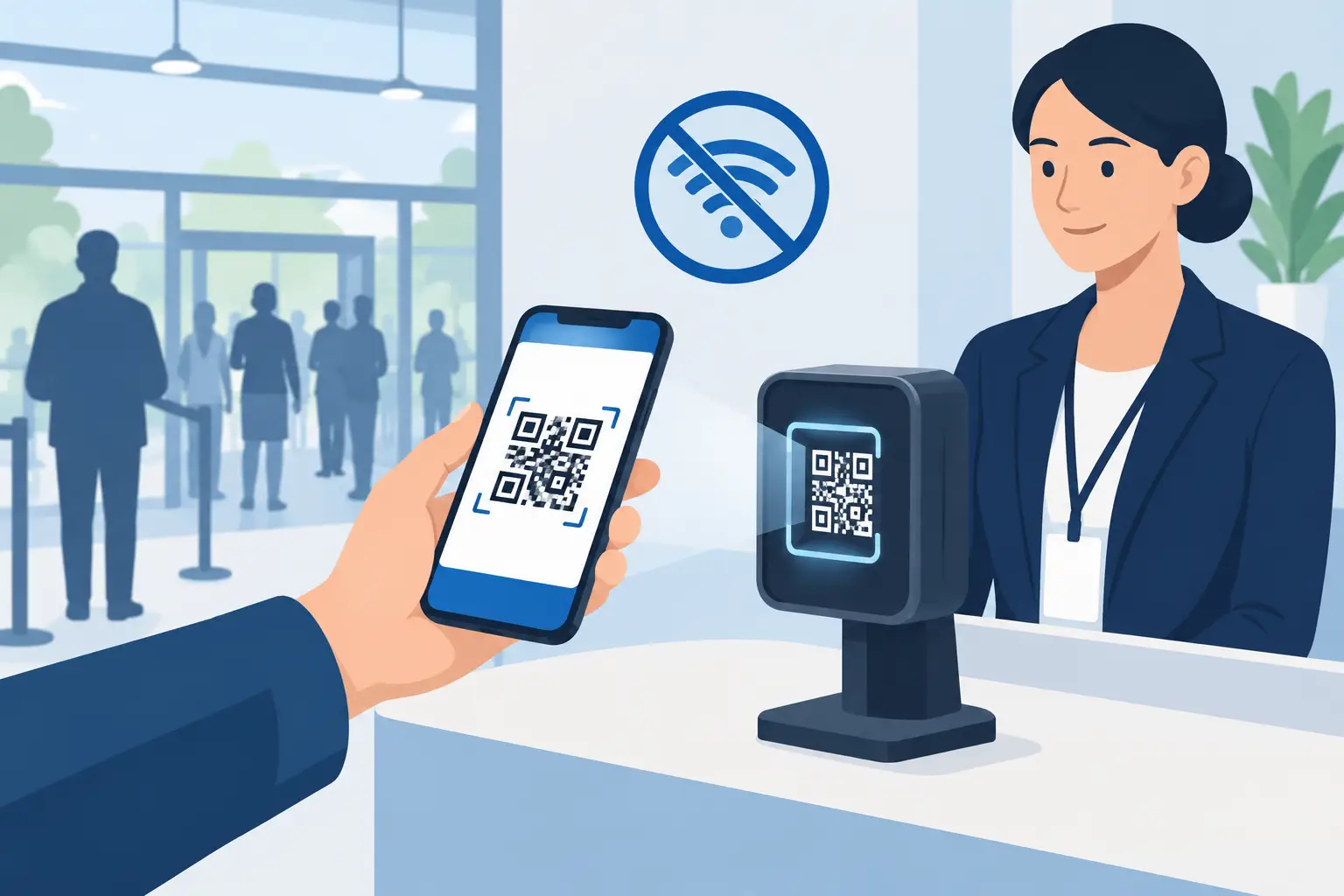
A packed Friday night is the wrong time to find out that your ID scanner depends on Wi-Fi. When the connection drops, the line keeps growing, door staff are forced back to visual checks, and a fake or expired ID has a better chance of getting through. So, do scans work offline? They can, but it depends on what the scanner is designed to verify without an internet connection.
For age-restricted and identity-critical businesses, offline capability is not a convenience feature. It is operational protection. A properly designed offline ID scanner can continue reading an ID, calculate age, flag issues found in the document itself, and apply locally stored patron rules even when the network is unavailable.
Do Scans Work Offline for ID Verification?
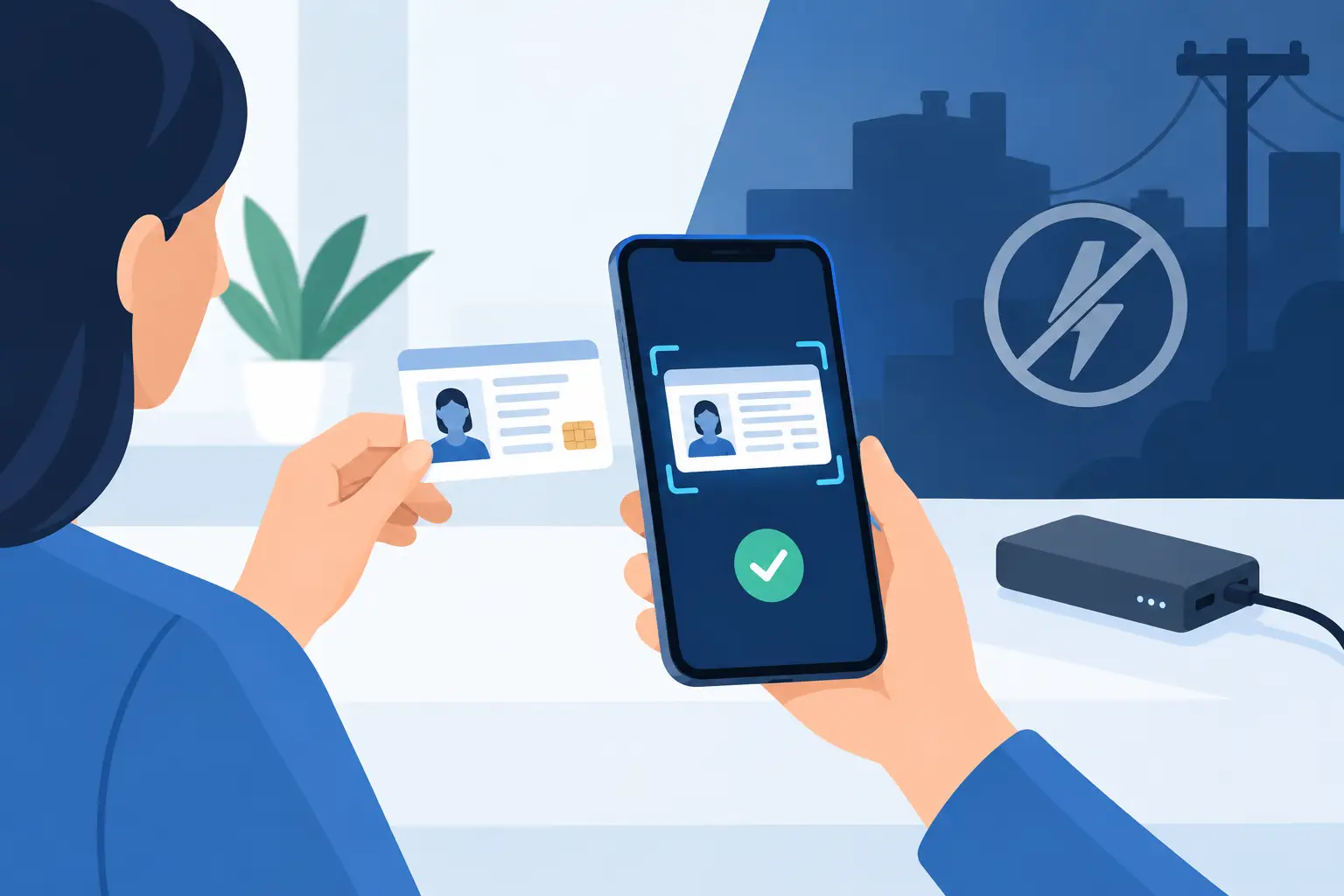
Yes. An offline-first scanner can scan a driver's license or passport without a live internet connection, provided the device has the required software and document-analysis capabilities installed locally. The scanner reads the ID data, extracts fields such as date of birth and expiration date, and compares the document against built-in validation rules.
That means a bar can still enforce 21-and-over entry, a dispensary can keep its age gate active, and a gun shop can maintain a consistent identity-check workflow during an outage. Staff do not need to stop screening just because the router, cellular service, or venue internet has failed.
The distinction matters: scanning offline is not the same as simply taking a photo of an ID. A camera can capture an image without internet. A purpose-built ID scanner goes further by reading barcode or document data, checking information consistency, and returning a clear operational result for the person at the door.
What an Offline Scanner Can Check
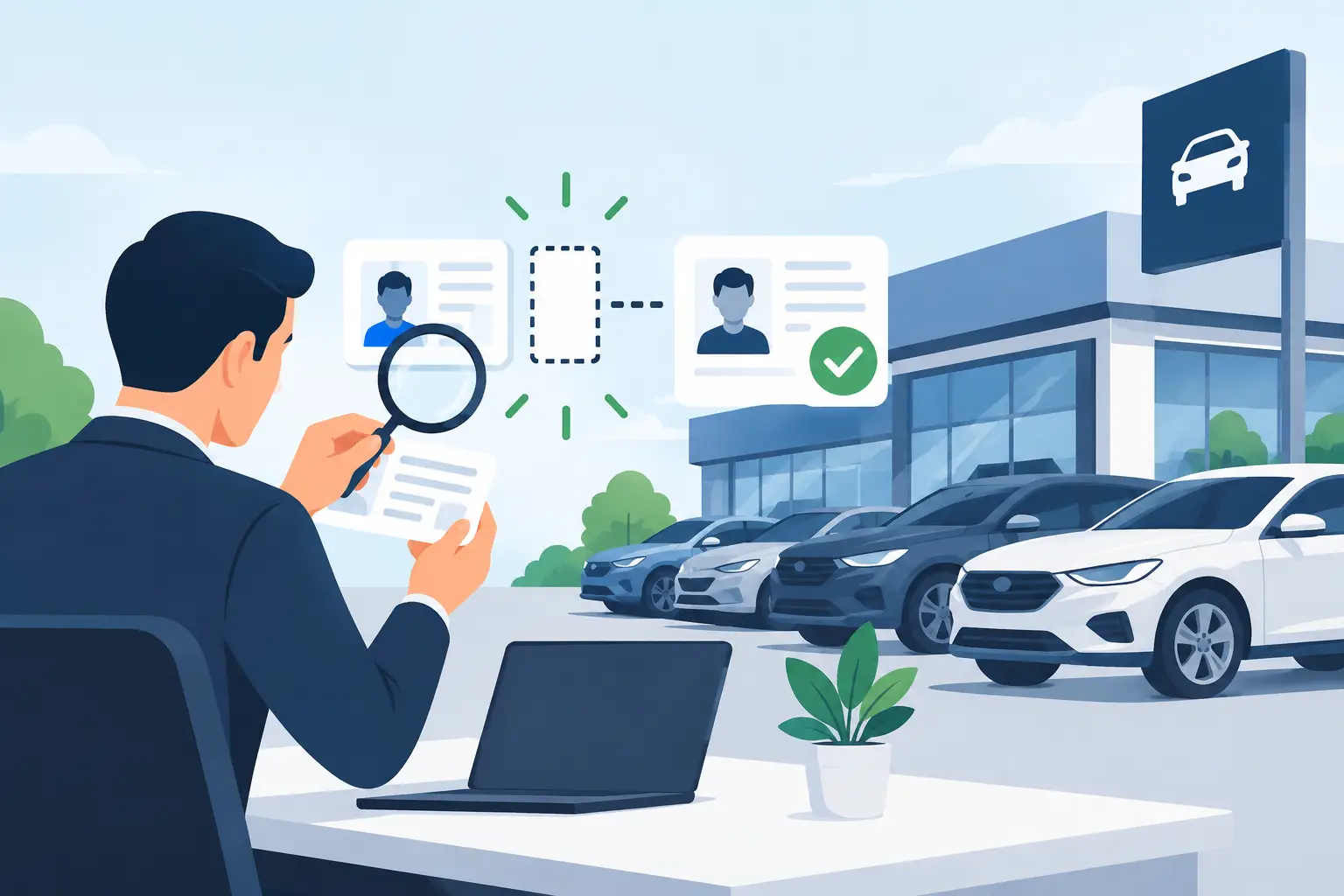
The exact capabilities vary by device, but a capable offline system can support the core checks that protect entry operations. These include instant age verification, expiration checks, barcode data extraction, and analysis of security indicators associated with suspicious or fake IDs.
Kred scanners, for example, are built to keep core scanning functions available offline and analyze more than 60 ID security indicators. This gives door staff a practical decision tool when connectivity is unavailable, rather than leaving them to rely on a quick glance at a birth date or ID photo.
Offline scanning can also support locally stored patron management. If a banned-patron list or VIP list is present on the device, staff can receive an alert when that person is scanned. For a single-location venue, this can be enough to maintain consistent enforcement through a service interruption.
The operational benefit is straightforward: a temporary network issue does not have to create a temporary security gap.
What Offline Scans Cannot Do by Themselves
Offline-first does not mean every feature works independently of connectivity forever. Some checks and workflows require access to an external system or a shared cloud environment.
For example, a scanner cannot synchronize a newly added banned patron to every device at every location until a connection is restored. It also cannot retrieve new cloud-based records, push reports to a central dashboard, or receive updated shared watchlists in real time while it is disconnected.
This is the trade-off operators should understand before buying. Offline scanning protects the essential front-door workflow. Cloud connectivity extends that workflow across devices, locations, and management teams.
A venue with one scanner may prioritize dependable standalone operation. A multi-location group may need both: local scanning at each door and cloud synchronization when service is available. The right setup is determined by how much of your security program depends on shared, current patron intelligence.
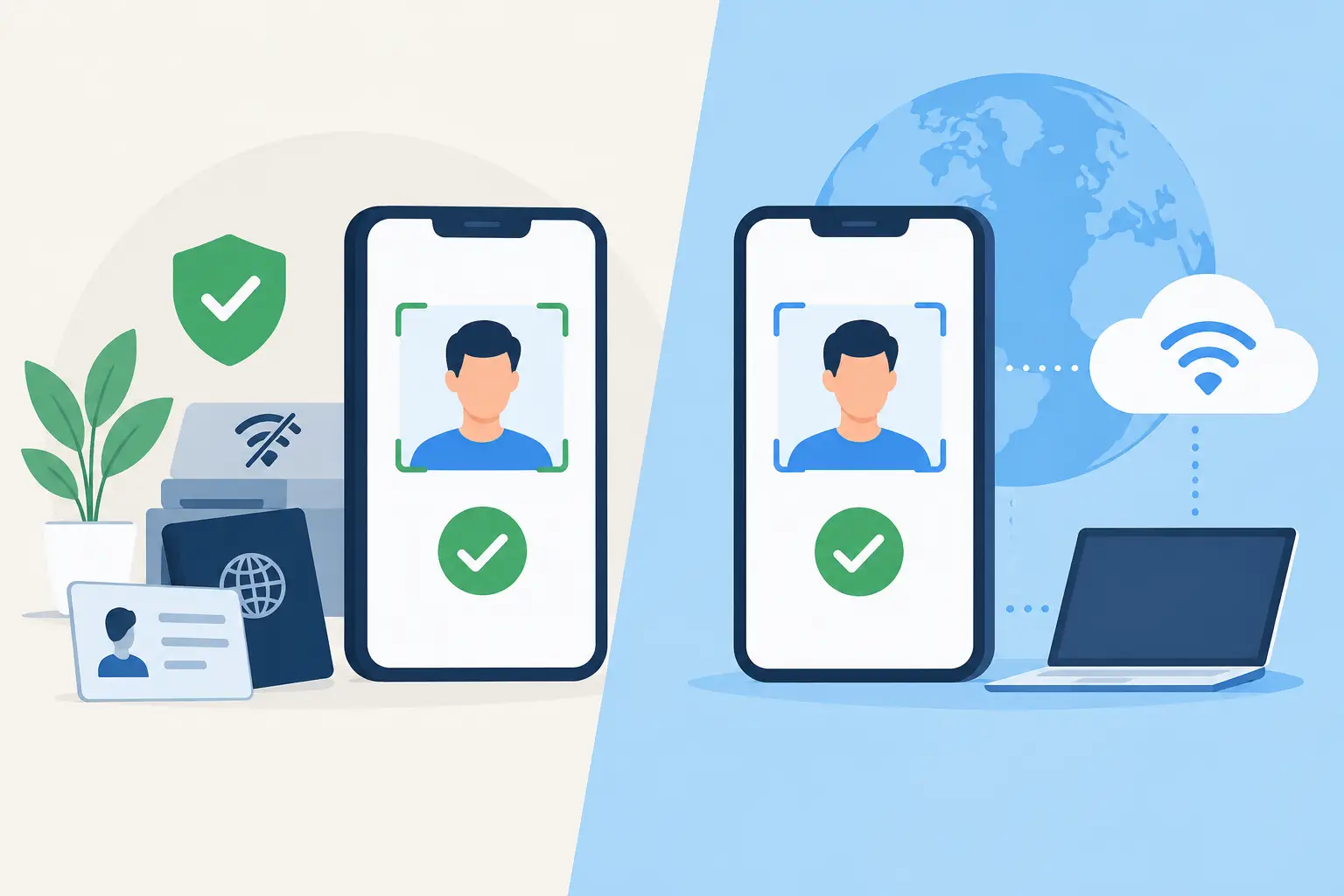
Offline-First vs. Cloud-Only Scanning
Cloud-only scanning systems create a single point of failure at the door. If the app needs a live connection to calculate age, access rules, or document intelligence, an internet outage can slow or stop verification. Staff may then bypass the process to keep the line moving, which defeats the reason the venue invested in scanning technology.
An offline-first system reverses that priority. The device handles the critical verification task locally, then uses the cloud as an added layer for synchronization, reporting, and cross-device intelligence.
That architecture fits the reality of venue operations. Wi-Fi can be inconsistent in large buildings, underground spaces, outdoor events, older properties, and crowded nightlife environments. Cellular networks can also struggle during major events or emergencies. Security controls should not disappear when the connection becomes unreliable.
Cloud tools still matter. They make it easier to manage multiple scanners, distribute patron lists, review activity, and maintain a consistent policy across locations. But cloud access should strengthen the workflow, not be the only thing making it work.
How Offline ID Scanning Supports Compliance
Compliance is often treated as paperwork, but the door decision is where exposure begins. If staff admit an underage patron because verification was unavailable or rushed, the consequences can include citations, license risk, liability, reputational damage, and avoidable loss.
Offline scanning gives staff a repeatable process: scan the document, review the result, and follow the venue's entry policy. It helps reduce subjective decisions during the busiest and most pressured parts of a shift.
It also creates a stronger internal standard. When managers train staff to scan every required ID, the rule remains consistent whether the venue has perfect internet, a router problem, or a temporary service outage. Consistency is especially valuable for businesses with rotating security teams or high-volume entry periods.
A scanner is not a substitute for staff judgment or local legal requirements. Door teams should still know when to reject a damaged document, escalate a suspected fake, or request additional identification. The scanner gives them better information quickly. It does not remove their responsibility to act on it.
Privacy Considerations When Scanning Offline
Some operators assume an offline scanner is automatically more private. It can reduce dependence on transmitting data in real time, but privacy depends on how the device is configured and how information is handled after the scan.
The strongest approach is data minimization. If your operation only needs to confirm age and document validity, use a verification-only workflow rather than collecting more patron information than necessary. If your business needs patron records for banned-person alerts or incident management, establish clear retention periods and limit access to authorized staff.
Encryption matters as well. Devices and stored records should be protected so that a lost scanner or unauthorized user does not expose sensitive patron data. Operators should know where data is stored, who can export it, when it is deleted, and what cloud synchronization occurs once the device reconnects.
Offline operation should give you more control, not create an unmanaged collection of ID data on the door device.
Questions to Ask Before You Buy
Before selecting an ID scanner, ask the vendor to explain exactly what remains available without internet access. Do not settle for a general claim that the device "works offline." Ask whether staff can still scan IDs, verify age, check expiration dates, detect suspicious document characteristics, and access local VIP or banned-patron records.
You should also ask what happens when connectivity returns. Does the device automatically synchronize approved data? Can managers control what gets uploaded? Are retention settings configurable? Is cloud access optional, or is a recurring subscription required for basic scanning?
Finally, test the workflow from the staff perspective. A reliable scanner needs to be fast enough for a real entry line, clear enough for a new employee to use correctly, and portable enough for the way your business operates. The best security process is the one your team will follow when the line is long and the pressure is high.
Choose an ID scanning system that keeps the door protected first, then adds connected intelligence when the network is available. Your entry standard should not rise and fall with the Wi-Fi signal.