Best Gun Shop Screening Tools for Faster ID Checks
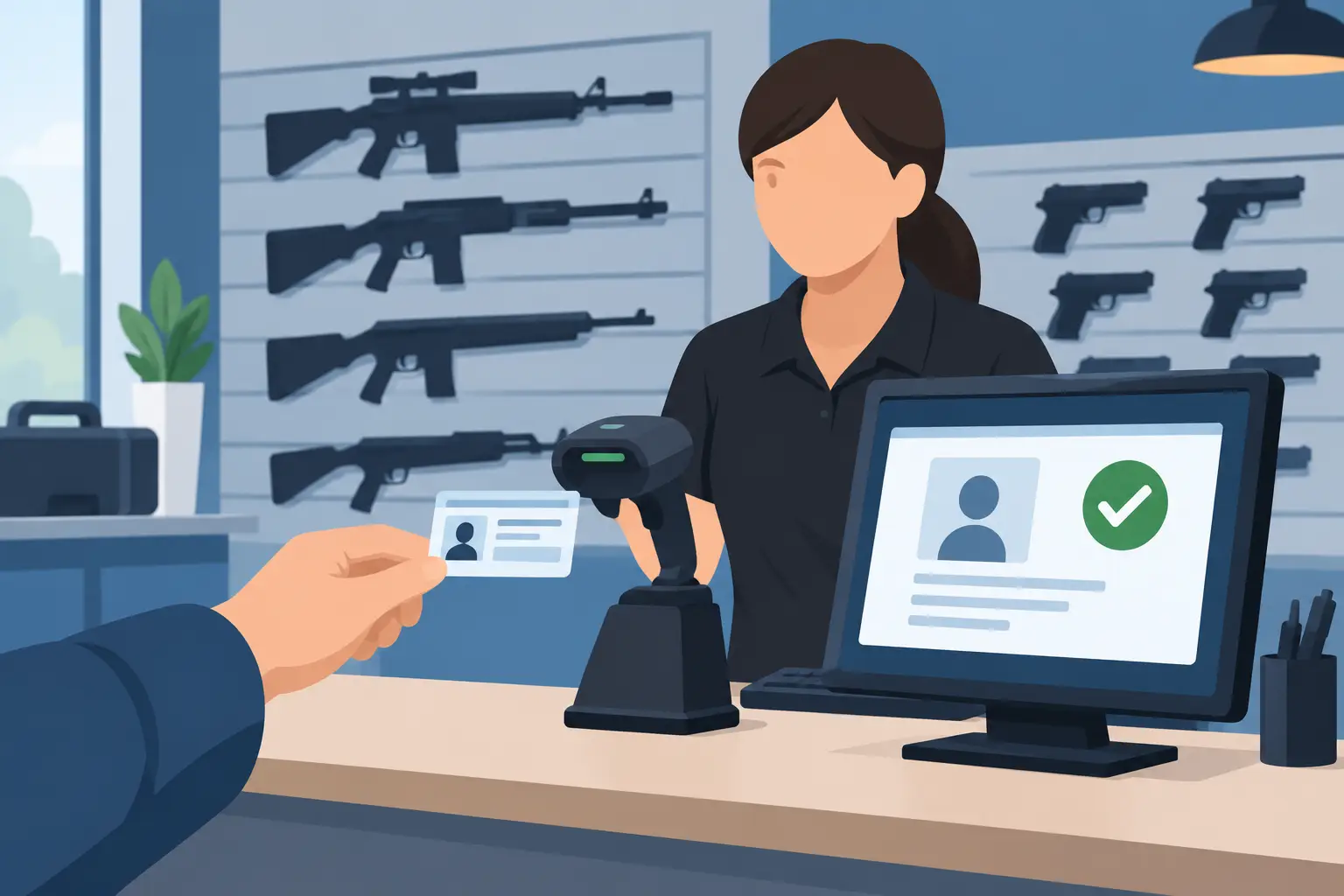
A gun shop counter can get busy fast: a customer wants to inspect a firearm, another needs ammunition, and staff still need to verify identity accurately before any regulated transaction moves forward. The best gun shop screening tools reduce friction at that first checkpoint without treating compliance as an afterthought. They help staff read IDs quickly, spot suspicious credentials, apply a consistent process, and keep operations moving when the internet does not cooperate.
For federally licensed firearms dealers, an ID scanner is not a replacement for required federal, state, or local procedures. It does not make a transfer decision, replace Form 4473 requirements, or substitute for a required background check. Its job is narrower and highly valuable: establish a faster, more reliable identity-verification step before staff proceed with the transaction workflow.
What the Best Gun Shop Screening Tools Actually Do
The right screening setup verifies the credential in front of your staff, not just the information typed from it. A purpose-built ID scanner reads data from a driver's license or passport, calculates age instantly, and checks the document for signs that it may be altered, counterfeit, expired, or otherwise suspicious.
That distinction matters. A barcode-only reader can capture data quickly, but barcode data alone is not proof that a physical ID is legitimate. Better systems examine security features on the credential and flag inconsistencies for staff review. This gives the employee a reason to pause when something does not look right, rather than relying on a rushed visual check under retail lighting.
For gun shops, screening technology should support a documented, consistent process. It can help staff confirm that the presented ID is current, verify basic customer information before paperwork begins, and reduce avoidable keying errors. It should never be positioned as an eligibility engine or as a way to make subjective decisions about customers.
How to Evaluate Gun Shop Screening Tools
The best choice depends on your store volume, counter layout, state requirements, and whether you operate one location or several. Still, a few capabilities separate a practical security tool from a device that simply adds another step at checkout.
Verify IDs beyond the barcode
Look for a scanner that performs document authentication, not just data extraction. High-value tools analyze multiple physical and digital security indicators to identify suspicious IDs. This is especially useful when staff are presented with high-quality fake driver's licenses that appear legitimate during a quick visual review.
Ask vendors exactly what the device checks and what an alert means. A useful alert should prompt a trained employee to review the ID and follow store policy. It should not be presented as a final legal determination. Good technology supports sound judgment; it does not remove the need for it.
Keep working when connectivity fails
Retail connectivity is not guaranteed. If your screening process stops because the Wi-Fi drops, employees may revert to inconsistent visual checks or delay customers unnecessarily. Offline-first verification lets a store continue scanning and validating ID information at the counter even during an outage.
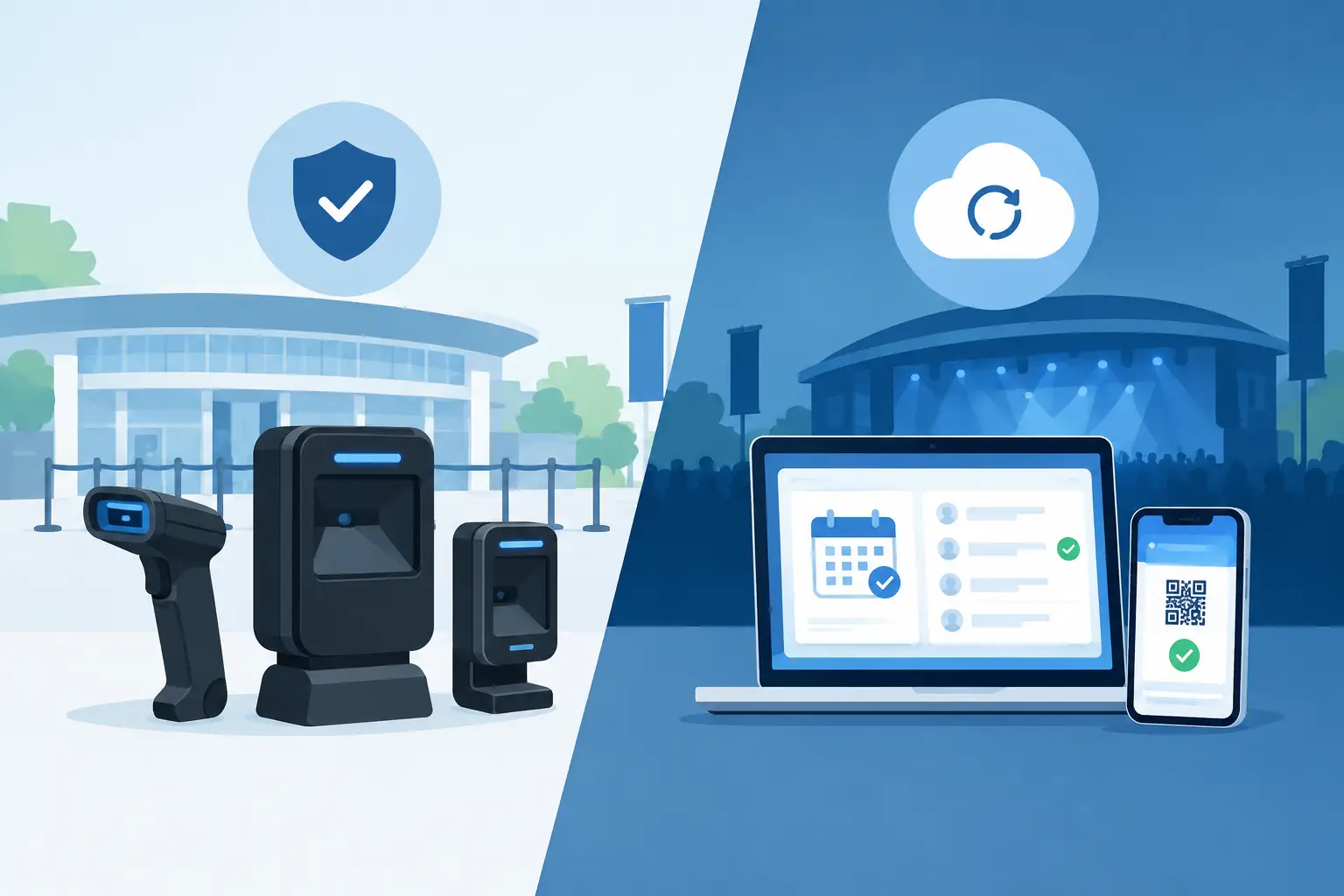
Cloud connectivity still has value for multi-location operations, centralized reporting, and synchronized watchlists. But core identity verification should not depend on a live connection. For a shop that needs dependable operations every day, offline capability is a practical requirement, not a bonus feature.
Match the device to the counter
Counter space and employee movement matter. A compact handheld scanner may fit a small gun shop where one employee handles customer service and transaction preparation. A larger, more full-featured portable device may make sense for higher-volume stores, gun shows, range counters, or shops with dedicated compliance personnel.
Evaluate scan speed, battery life, screen readability, and how easily staff can use the device with one hand. A tool that is technically capable but awkward to operate will be skipped during the busiest parts of the day. The best system is the one employees can use correctly every time.
Control customer data deliberately
Identity verification involves sensitive information. Your screening platform should offer clear choices about what is retained, for how long, and who can access it. Verification-only workflows are especially useful for shops that need a fast ID check without building an unnecessary database of customer records.
When data storage is necessary for a documented business purpose, look for configurable retention settings and strong encryption. Systems using AES-256 encryption and role-based operational controls provide a more defensible foundation than consumer-grade tools with unclear storage practices. Data minimization also reduces exposure if a device is lost, stolen, or accessed by an unauthorized person.
Support consistent staff actions
A scanner is most effective when the result is easy to understand. Staff should see a clear pass, warning, or review prompt rather than a screen full of unexplained technical detail. The device should reinforce the same ID-check process across experienced employees, new hires, and temporary event staff.
For stores with a lawful, policy-based reason to track repeat risk, patron-management features can help recognize VIP customers or alert staff to banned individuals. These features require careful internal governance. Use objective, documented criteria; limit access; set retention rules; and ensure policies comply with applicable laws. The goal is operational safety, not arbitrary customer profiling.
Build the Scanner into a Defensible Counter Workflow
Technology works best when it supports a written procedure. Start by deciding when the ID scan occurs. Many shops scan identification early, before staff invest time in a transaction or begin preparing required paperwork. That gives employees an immediate opportunity to address an expired or questionable ID calmly and consistently.
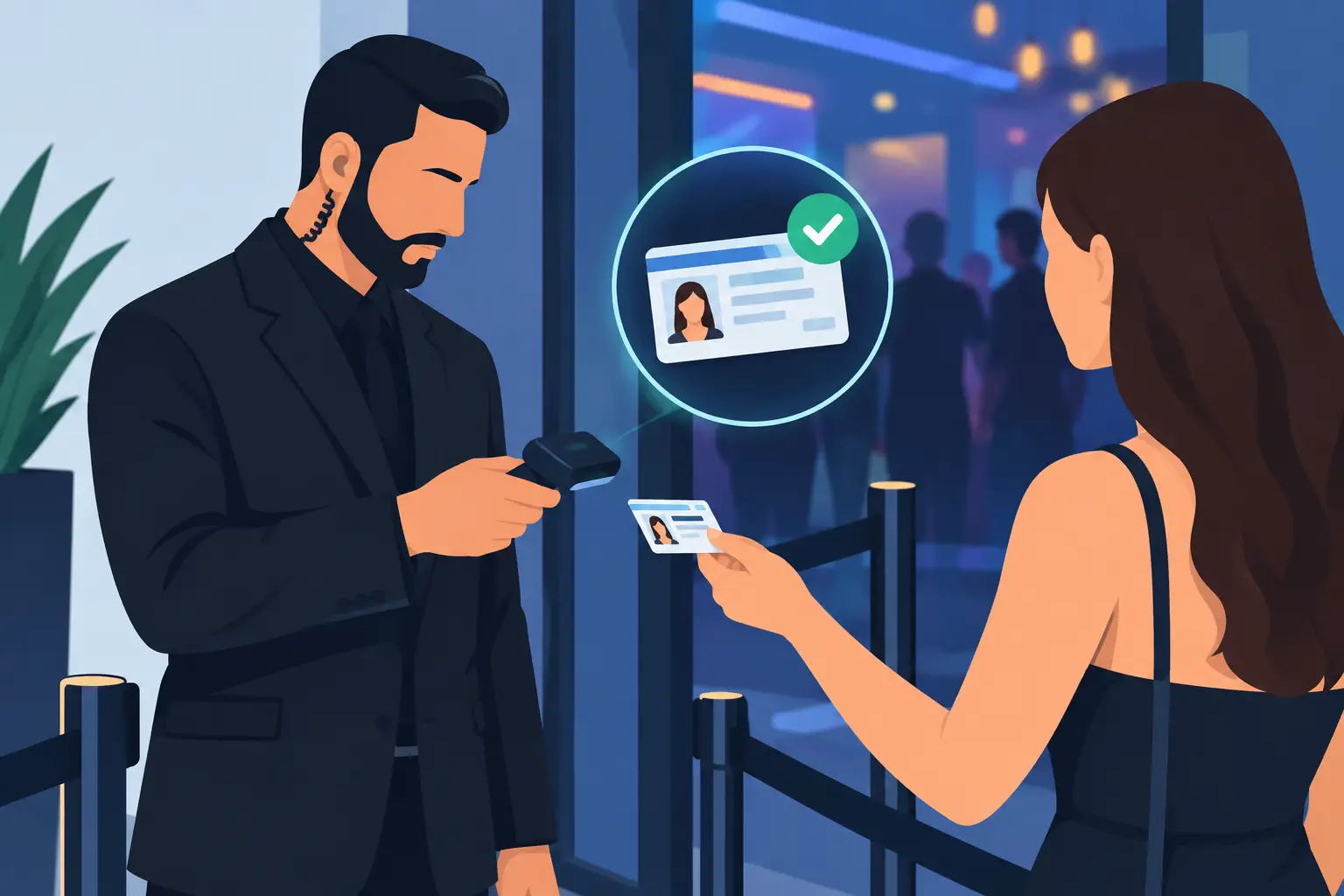
A practical workflow is straightforward. Staff inspect the physical ID, scan it, compare the credential photo with the person presenting it, and follow the store's escalation procedure if the device produces an alert. If the ID passes the initial review, staff can proceed to the next required step in the transaction process.
The escalation step deserves attention. Employees need a clear answer to questions such as: Who reviews a suspicious-ID alert? What should staff say to the customer? When should a manager take over? What records, if any, should be retained? A calm, policy-driven response protects staff and avoids turning a routine check into an unnecessary confrontation.
Train employees not to override warnings simply because the line is long or the customer seems familiar. At the same time, train them not to treat every alert as an accusation. The scanner identifies a condition requiring review. Management policy determines the appropriate next action.
Common Trade-Offs Before You Buy
A low-cost barcode reader may be attractive for basic data entry, but it offers limited protection against altered or counterfeit credentials. A document-authentication scanner costs more upfront, yet it can reduce the operational risk of accepting an ID that only appears legitimate.
Cloud platforms can improve oversight across several stores, but they should not force a recurring fee for capabilities you need at the counter every day. Some operators need centralized synchronization and reporting. Others need a direct-purchase device with full core scanning functionality and no mandatory subscription. Choose the model that matches the way your shop operates rather than paying for features that will sit unused.
Data retention presents another trade-off. Retaining scan records may support a specific, lawful operational need, but more stored data also creates more responsibility. Short retention periods or verification-only mode may be the better fit for stores focused on confirming an ID without keeping more information than necessary.
A Practical Option for Identity Verification
Kred offers portable ID-scanning hardware designed for fast, offline-first verification. Its Compact and Pro scanners provide instant age verification, examine more than 60 security indicators, and support configurable privacy controls. For operators that need cross-device coordination, Kred Cloud adds optional synchronization without making a subscription mandatory for core scanning.
Before selecting any platform, request a demonstration using the types of IDs your employees see most often. Test scan speed, alert clarity, offline operation, and the steps required to configure retention settings. Bring your counter staff into that evaluation. They will quickly identify whether the device improves the real workflow or merely looks good in a product demo.
The best screening tool is the one that helps your team slow down at the right moment, verify identity with confidence, and continue serving legitimate customers without turning the counter into a bottleneck.