Owned Scanners Versus Subscriptions for Venues
A packed Friday night is the wrong time to discover that your ID verification system needs an internet connection, a renewed license, or approval from a software vendor before it can do its job. The decision between owned scanners versus subscriptions affects far more than a monthly line item. It determines how reliably your team can control entry, detect suspicious IDs, manage patron risk, and keep the door moving when conditions are less than perfect.
For bars, nightclubs, dispensaries, gun shops, and other identity-critical businesses, the right model depends on how many locations you operate, how often you need shared data, and how much control you want over operating costs. The key is separating the core job of an ID scanner from the optional services that can make a larger operation more coordinated.
Owned scanners versus subscriptions: start with the core job
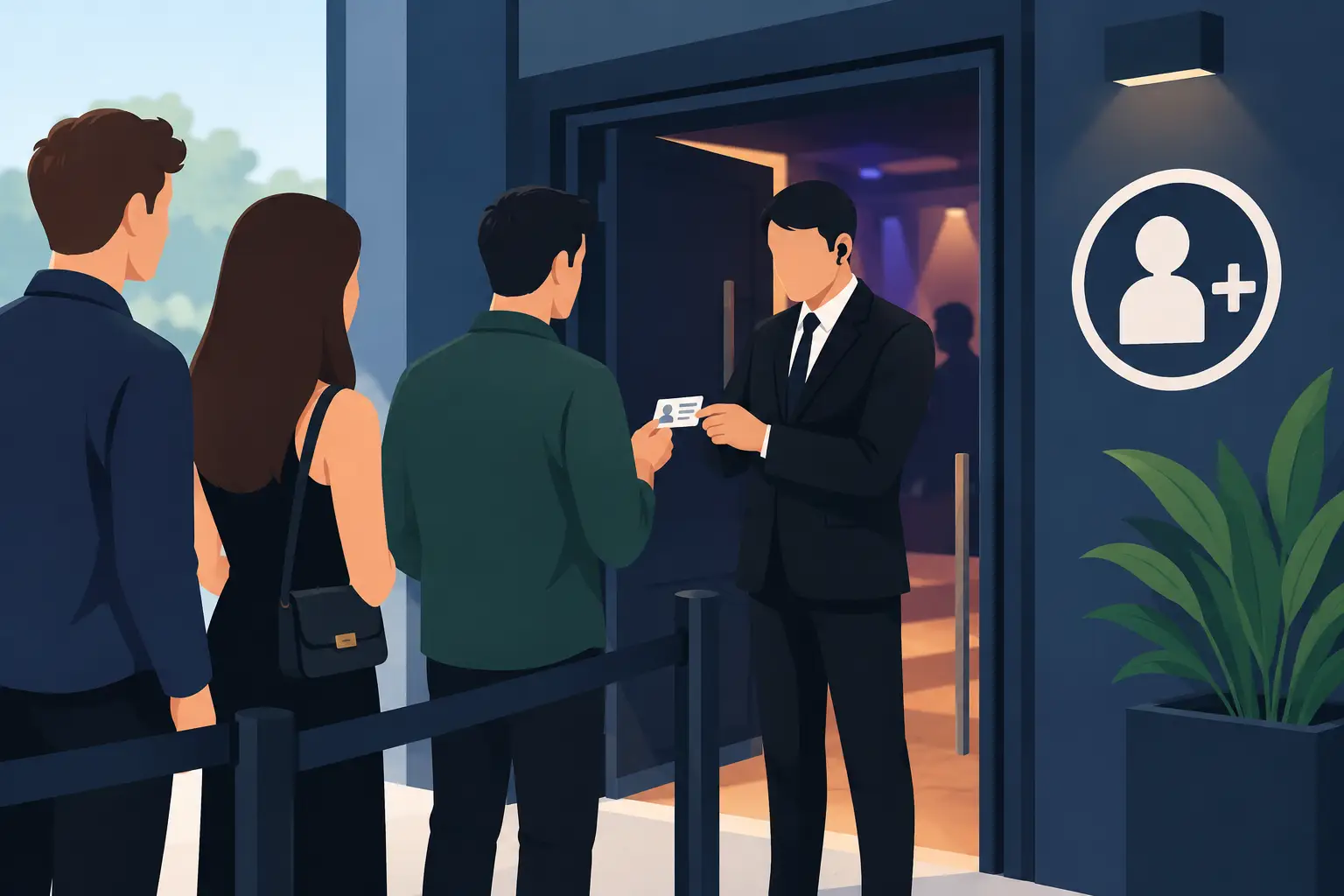
An ID scanner has a clear frontline purpose: scan a driver's license or passport, verify age, identify suspicious document features, and give staff a fast answer before a customer enters or completes a transaction. That core capability should be dependable at the point of decision.
With an owned hardware model, you purchase the scanner outright. Your team can use its primary verification functions without carrying an ongoing subscription just to scan an ID. This gives independent operators a predictable cost structure and avoids turning a required security tool into a permanent monthly obligation.
A subscription model usually bundles hardware access, software licensing, cloud storage, updates, reporting, or support into a recurring charge. That can be useful, particularly when an operator needs centralized administration across locations. But it also means the total cost continues for as long as the venue needs to verify IDs.
Neither approach is automatically better. A single-location bar with one or two doors has different needs than a regional cannabis operator trying to share banned-patron alerts among 20 stores. The mistake is paying for cloud features when you need dependable local scanning, or choosing a standalone setup when your operation truly requires synchronized information.
The financial difference is bigger than the sticker price
Subscription pricing often looks easier at first because the upfront cost is lower. For a new venue managing buildout expenses, spreading costs over monthly payments can be attractive. The real comparison requires looking beyond month one.
An owned scanner concentrates the primary investment at purchase. Once deployed, the device remains available for core ID verification without a mandatory recurring software fee. That makes budgeting more direct. You know what the hardware costs, you know how many entry points need coverage, and you can decide later whether cloud tools would produce a measurable operational return.
A subscription spreads the expense but can become more costly over several years. Charges may apply per device, per user, per location, or per feature tier. If the venue expands, pricing can rise with each new door, cashier station, or site. Operators should also ask what happens if they cancel. Can staff still perform basic scans? Can they access previously stored records? Does the device remain useful?
The practical question is not, "Which model has the lowest monthly price?" It is, "What will ID verification cost us over the useful life of this equipment?" A five-year cost view is more honest than a first-year comparison.
Uptime at the door is a security requirement
Internet-dependent systems introduce a point of failure that door staff cannot control. Wi-Fi drops. Cellular coverage weakens in dense venues. Routers fail. Service providers have outages. None of those problems should force staff to return to visual ID checks alone on a high-risk night.
An offline-first scanner keeps verification available without an active internet connection. Staff can still scan IDs, confirm age, and analyze document security indicators at the door. That matters when a line is forming, a promoter is pushing guests through, and management needs a consistent screening standard.
Cloud services can add value without becoming the foundation of the scan itself. For example, a multi-location operator may use cloud synchronization to distribute banned-patron alerts, maintain VIP recognition across devices, or review activity centrally. Those are meaningful advantages. But the scanner should not lose its ability to verify an ID simply because the network is unavailable.
When evaluating any platform, ask the vendor to explain its offline behavior in plain terms. Which features work without connectivity? How are records handled when the connection returns? Can staff see local banned-patron alerts? What happens during a vendor-side service interruption? Clear answers indicate a system built for real operations rather than a product designed only for a stable office network.
Cloud features should earn their recurring cost
Subscriptions are most defensible when they solve a recurring operational problem. For multi-device or multi-site businesses, synchronized intelligence can reduce gaps between locations. A banned patron identified at one venue can be flagged at another. A recognized VIP can receive the appropriate service without forcing staff to search manually. Managers can apply consistent retention settings and review activity from a central point.
That capability has value when the information is current, actionable, and used by staff. It has less value when a venue pays for reports nobody checks or cloud storage that does not change a decision at the door.
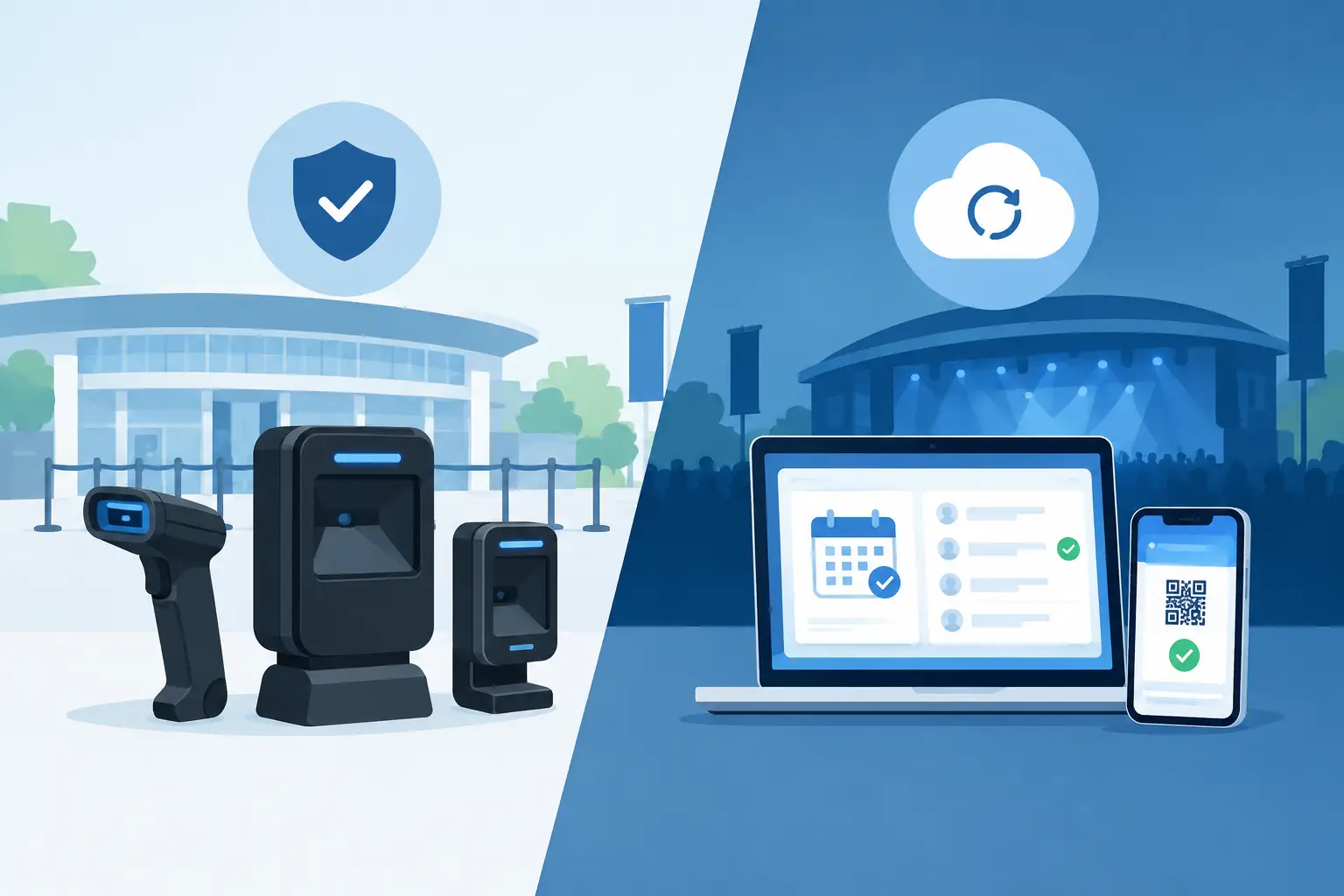
A flexible model gives operators a better choice: own the scanner for daily verification, then add cloud synchronization only when shared data creates a clear security or operational benefit. Kred Cloud, for example, is designed as an optional layer for businesses that need multi-device synchronization while allowing core scanning functionality to remain available without a required subscription.
This structure also supports growth. An independent venue can start with a portable scanner and a consistent entry process. If it later opens a second location, adds multiple checkpoints, or needs shared patron intelligence, it can evaluate cloud tools based on the new operating reality rather than replacing its entire system.
Privacy and data retention require control, not assumptions
ID scanning produces sensitive information. Whether you operate a nightclub, dispensary, dealership, healthcare facility, or notary service, your team needs a clear reason to collect data and a disciplined policy for retaining it.
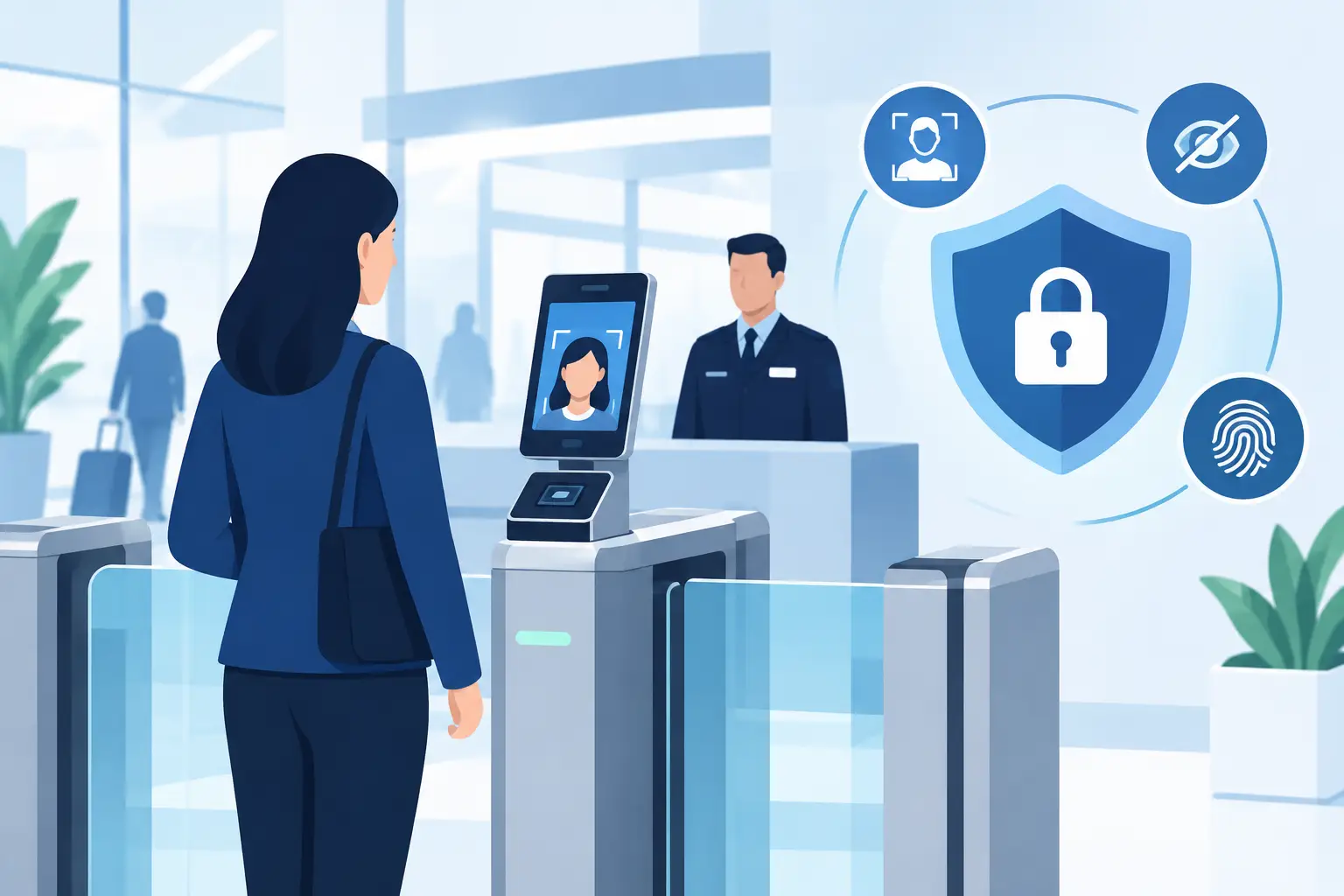
Some businesses only need an immediate age or identity decision. In that case, verification-only mode can confirm the required information without building a larger patron database than the operation needs. Other businesses may have a legitimate need to retain limited records for incident management, compliance workflows, repeat-fraud detection, or patron alerts. The system should let management define that retention period rather than forcing a one-size-fits-all storage policy.
Ownership does not mean ignoring security. A scanner should protect data with appropriate safeguards, including encryption and access controls. It should also support data minimization: collect what the workflow requires, restrict access to authorized personnel, and remove records when they are no longer needed.
Subscriptions can complicate this issue because data may be stored or processed in a vendor-managed cloud environment. That is not inherently a problem, but it requires diligence. Operators should understand where data is stored, who can access it, how retention settings work, and what data is removed when service ends. Privacy controls should be part of the purchase decision, not fine print reviewed after deployment.
Choose based on your operating model
Owned scanners are usually the stronger fit when you need reliable age verification at one or a few locations, want a clear upfront equipment cost, and do not need constant cross-site data sharing. They are also a practical choice for operators that prioritize offline operation and do not want a monthly bill attached to every scan.
Subscriptions make more sense when centralized administration changes how you manage risk. A large venue group may need synchronized banned-patron alerts, shared VIP recognition, device-level oversight, or reporting across several locations. In that setting, recurring cloud cost can be justified because the service supports decisions no single device can make alone.
Many businesses need both, but in the right order: owned hardware for the essential security function and optional cloud services for the added coordination layer. That keeps the door protected while giving management room to scale.
Before signing any agreement, test the system against a realistic shift. Consider a network outage, a rush at entry, a suspicious ID, a banned patron returning at another location, and a manager who needs to adjust retention settings. The right solution is the one that gives staff a fast, dependable answer in each of those moments, without charging your business for capabilities it will never use.