
Manual ID Checks Versus Scanners: What Works?
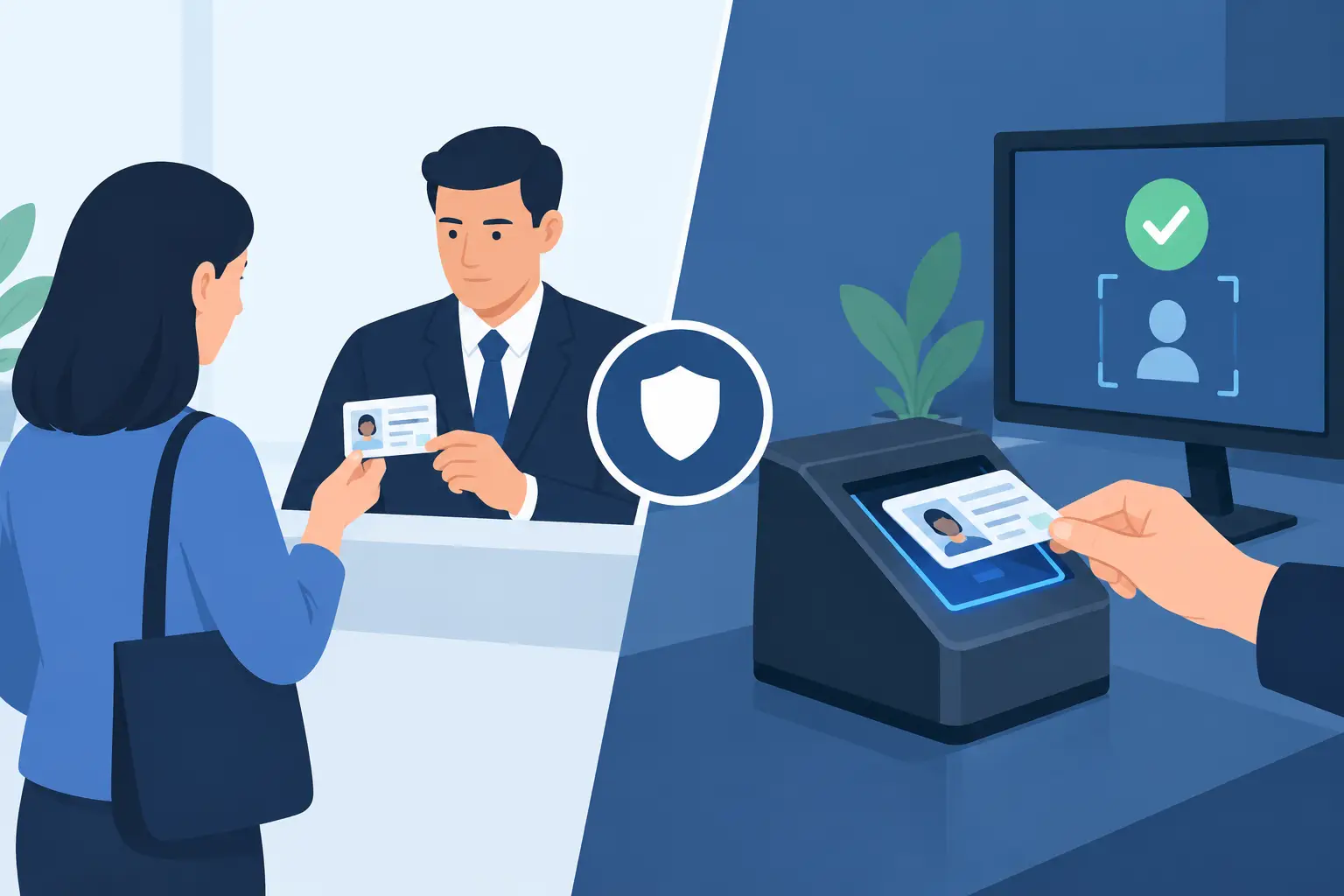
A packed door is where manual ID checks versus scanners stop being a theoretical choice. Your team has seconds to make a decision, a line is building behind the guest, and one missed fake or expired ID can create licensing, liability, and safety problems that last long after the shift ends.
For some venues, a trained door person checking IDs by hand is sufficient on a quiet weekday. For high-volume bars, nightclubs, dispensaries, gun shops, and other identity-critical operations, the limits of a visual check become clear fast. The right approach depends on traffic, risk exposure, staffing, and the controls your operation needs after the initial scan.
What a Manual ID Check Can and Cannot Do
A manual check relies on a staff member comparing the photo, date of birth, physical description, expiration date, and visible security features against the person standing in front of them. Experienced staff can catch obvious problems: a photo that does not match, an ID that is expired, a guest who appears underage, or a document with poor print quality.
This method has real advantages. There is no device to charge, no hardware purchase, and no training on a new workflow. At a low-volume location with a consistent, highly trained team, a manual process may fit the operation.
The problem is consistency. Door staff work in poor lighting, under time pressure, and often while managing confrontational guests. Security features vary by state and province, and counterfeit documents are designed to look convincing at a glance. A staff member may know their home-state license well but have less confidence with an unfamiliar out-of-state ID or passport.
Manual checks also depend heavily on judgment. That creates uneven results between shifts and locations. One employee may thoroughly inspect IDs, while another waves guests through to keep the line moving. When an incident occurs, a venue may have little record of the verification process beyond an employee's recollection.
Manual ID Checks Versus Scanners at the Door
An ID scanner turns the most repetitive parts of verification into a consistent process. It reads encoded data from a driver's license or passport, calculates age instantly, flags expired documents, and can compare the data against defined access rules. Better systems also analyze document security indicators that are difficult to assess visually during a busy entry rush.
That speed matters, but it is not the only value. The strongest scanner workflow gives staff a clear result they can act on: valid age, expired document, suspicious ID, banned-patron match, or VIP recognition. Instead of asking every employee to become an expert in document design, the operation gives every employee the same screening standard.
A scanner should not be treated as a substitute for professional judgment. Staff still need to compare the ID photo to the person presenting it, watch for altered behavior, and follow venue policy when a scan flags an issue. A device can identify a suspicious document, but a trained team determines how to manage the guest and protect the entrance.
The practical question is not whether people or technology are better in isolation. It is whether your team can maintain reliable human review while using technology to reduce preventable errors.
Speed under real operating pressure
Manual inspection can be fast when the guest presents a familiar, valid ID. It becomes slower when staff need to calculate age, inspect an unfamiliar license, or resolve an argument over a rejection. A line that stalls can pressure employees to cut corners.
Scanning standardizes those routine decisions. Instant age verification reduces mental math and lets staff spend their attention where it matters: matching the person to the document, monitoring the queue, and identifying conduct concerns. At high volume, that can improve both throughput and screening discipline.
A scanner is not automatically faster if it is poorly deployed. Devices need to be charged, positioned correctly, and supported by a simple escalation policy. If staff do not know what a warning means, they may ignore it. The best results come from a short, repeatable door procedure, not from hardware sitting unused behind the host stand.
Fraud detection beyond the visual inspection
A visual check can identify some counterfeit IDs, particularly badly printed or altered documents. It is less reliable against modern fakes that reproduce familiar layouts, barcodes, holograms, and surface details well enough to pass in low light.
Purpose-built scanners add a technical layer by reading document data and analyzing multiple security indicators. Kred scanners, for example, analyze more than 60 indicators to identify suspicious or fake IDs while providing instant age verification. That does not mean every warning proves criminal intent. It means the staff member has a reason to pause, inspect further, and follow the venue's refusal or escalation policy.
This distinction matters. A credible fraud-control process is not about making claims that a device can solve every edge case. It is about reducing the chance that a rushed employee must make a high-risk decision with incomplete information.
Records, patron risk, and repeat incidents
Manual checks are usually a moment-in-time event. Once the guest enters, there is no operational memory unless staff create one separately. That can make it difficult to recognize a person who was previously removed, used a suspicious ID, caused a disturbance, or violated a venue policy.
Scanning systems can support more controlled patron management. Depending on your configuration, staff can receive alerts for banned patrons and recognize VIPs without relying on one employee's memory. Multi-location operators can also benefit from cloud synchronization when they need approved data to be available across devices or sites.
That capability should be used carefully. A banned-patron list needs a clear owner, defined inclusion criteria, and a process for correcting mistakes. Technology makes a policy easier to enforce, but it cannot create a fair or defensible policy on its own.
Privacy Is a Workflow Decision
Some operators hesitate to scan IDs because they assume it requires collecting more personal data than necessary. It does not have to. The right configuration depends on why you are scanning and what records, if any, your business is allowed and needs to retain.
For a venue focused only on age verification, verification-only mode can confirm eligibility without retaining unnecessary patron data. Where retention serves a legitimate operational or compliance purpose, operators should set a defined retention period rather than storing information indefinitely. Access controls, encrypted storage, and staff training should support that policy.
This is one area where manual checks may appear simpler, but the lack of data is not automatically a privacy strategy. A paper log, a photographed ID on a personal phone, or inconsistent staff practices can create greater exposure than a controlled system. The better question is whether your process minimizes data, protects what is retained, and gives management clear control over it.
Do Not Build Your Entry Process Around Wi-Fi
Cloud-connected tools can be useful for multi-device coordination, centralized lists, and site-to-site visibility. But an entrance cannot stop operating because a router fails, a cellular signal drops, or a venue's network is overloaded on a busy night.
Offline-first scanning is critical for locations that need dependable verification at the door. Core ID scanning should remain available without an active internet connection, while cloud services can be added when synchronized patron intelligence is needed. This approach avoids forcing every operator into recurring software costs just to perform the basic task of checking age and document validity.
Before buying, test the operational questions that determine whether a system will hold up on a Friday night: How long does the battery last? Can staff scan driver's licenses and passports? What happens during an outage? How are warnings displayed? Can the device be used in low light? Who can change retention settings or add a banned-patron alert?
When Manual Checks Still Make Sense
A manual process may be reasonable for a low-volume business with limited entry risk, a small number of trained employees, and no need for patron records or repeat-incident controls. Even then, staff should have documented instructions for checking expiration dates, matching photos, identifying common signs of tampering, and handling refusals.
It is a weaker fit when your business regularly sees long lines, underage attempts, unfamiliar IDs, high-value transactions, multiple entrances, or recurring patron issues. These conditions increase the cost of inconsistency. A single missed ID can lead to fines, lost inventory, compliance scrutiny, staff conflict, and reputational damage that outweighs the cost of better screening equipment.
Choose the Control Level Your Venue Needs
The decision between manual review and scanning is ultimately a decision about control. Manual checks put the full burden on each employee's knowledge, attention, and confidence. Scanners create a more repeatable baseline, then allow trained staff to focus on the exceptions that require judgment.
Start with the failure point you want to eliminate. If it is slow age calculation, instant verification may be enough. If it is convincing fakes, look for meaningful security-feature analysis. If it is repeat problem patrons across several doors or locations, prioritize configurable alerts and optional synchronization. If privacy is the concern, require data minimization and retention controls from the start.
The best entry process is the one your staff can execute consistently when the room is loud, the line is deep, and the decision matters most.