7 Kred Pro Alternatives for Venue ID Screening
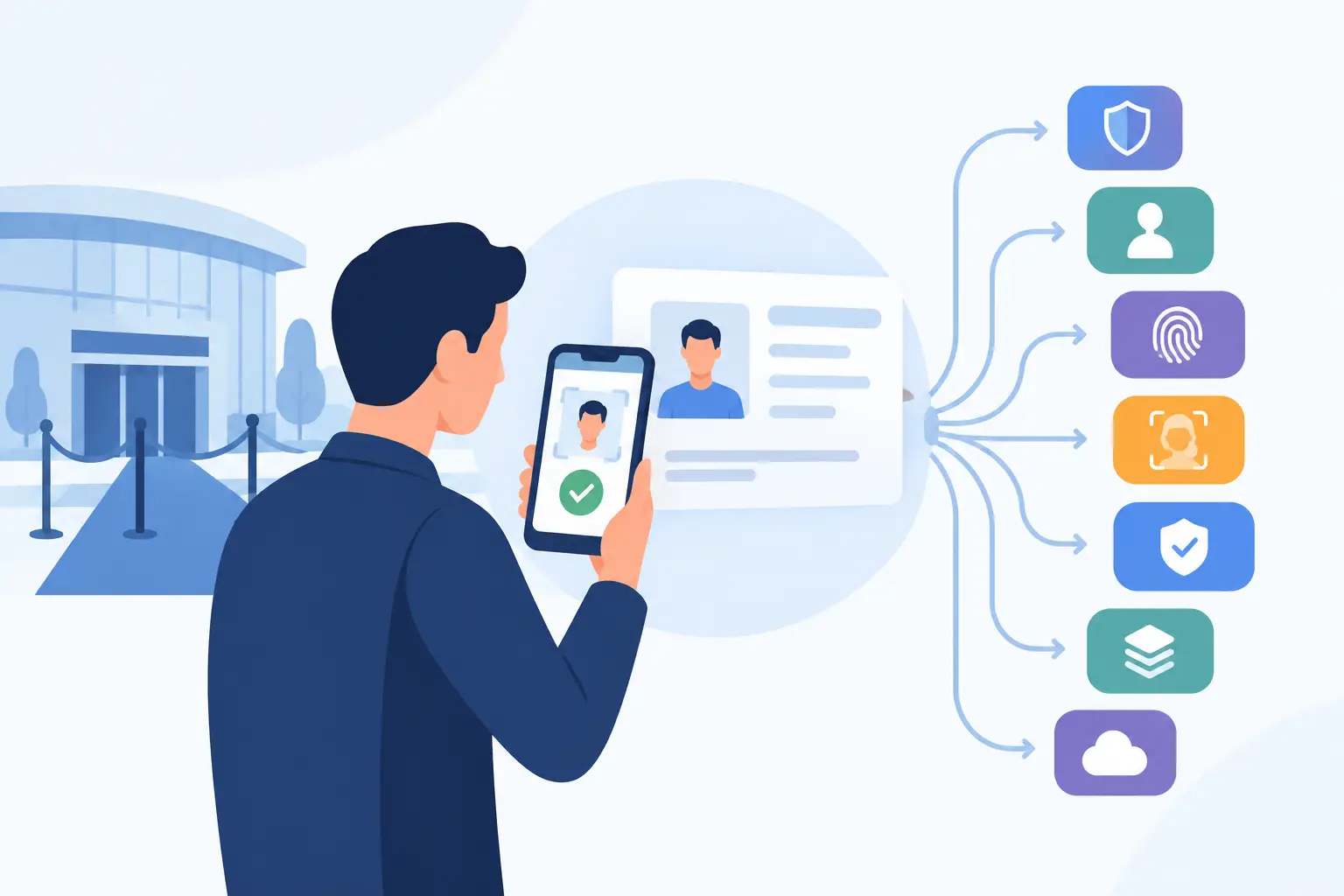
A cheap scanner can look like a smart cost cut until a packed Friday line exposes its limits. If you are comparing Kred Pro alternatives, the real question is not which device reads the most barcodes. It is which system helps your team make fast, defensible entry decisions when the Wi-Fi drops, a convincing fake ID reaches the door, or a previously banned patron walks back in.
For bars, nightclubs, dispensaries, gun shops, and other ID-critical businesses, an ID scanner is security infrastructure. Compare alternatives based on the operational risk they reduce, the information they retain, and the costs they add after the initial purchase.
What a Kred Pro Alternative Must Deliver
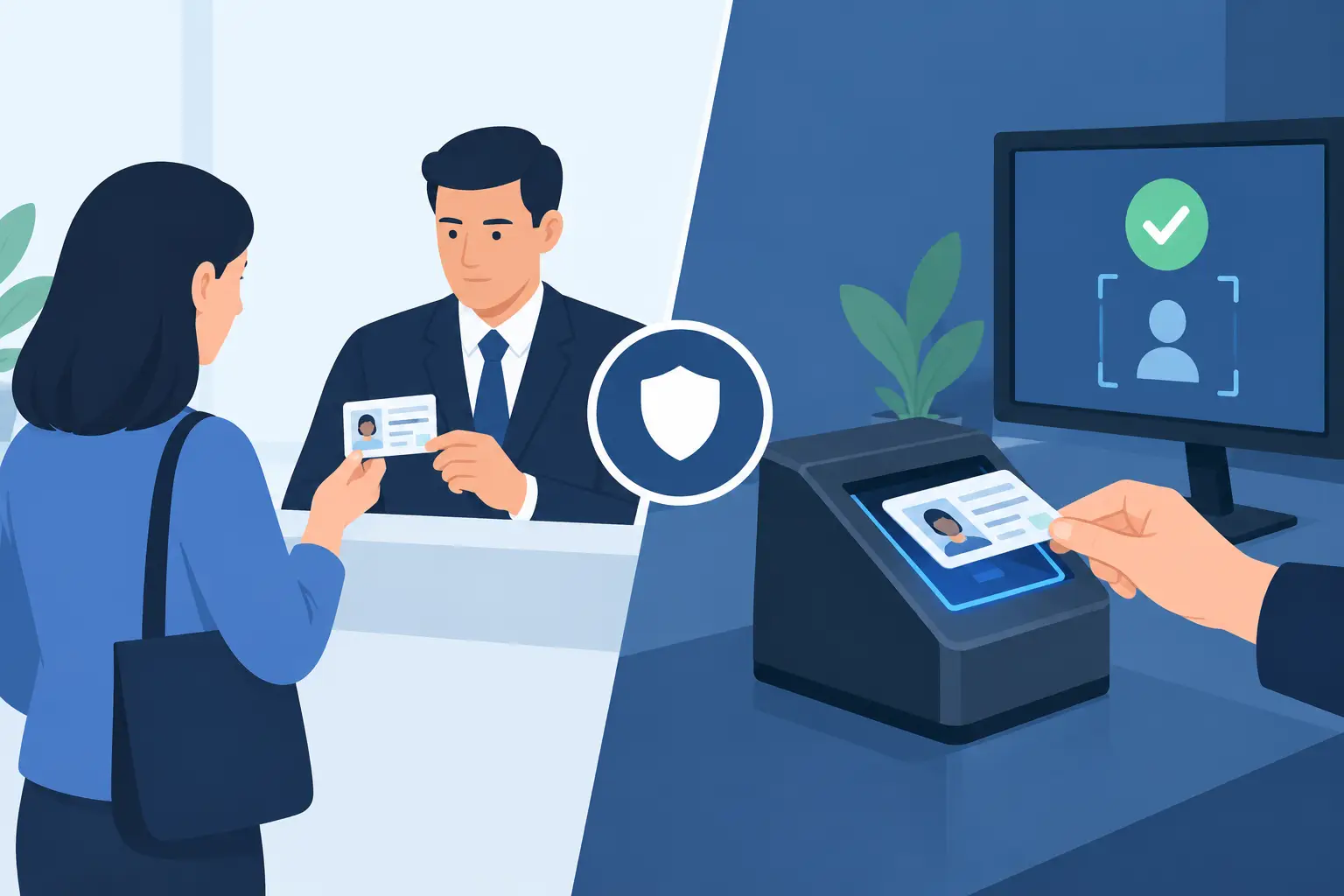
Most products in this category can read the PDF417 barcode on a driver’s license. That is a starting point, not a complete screening standard. A barcode can be copied, altered, or paired with a counterfeit physical card. Door staff need a system that supports a decision, rather than simply displaying a date of birth.
Start with age verification speed. A useful scanner should read common North American driver’s licenses and passports quickly enough to keep traffic moving at the door. It should calculate age accurately, flag expired documents when applicable, and present the result in a format that a new staff member can understand immediately.
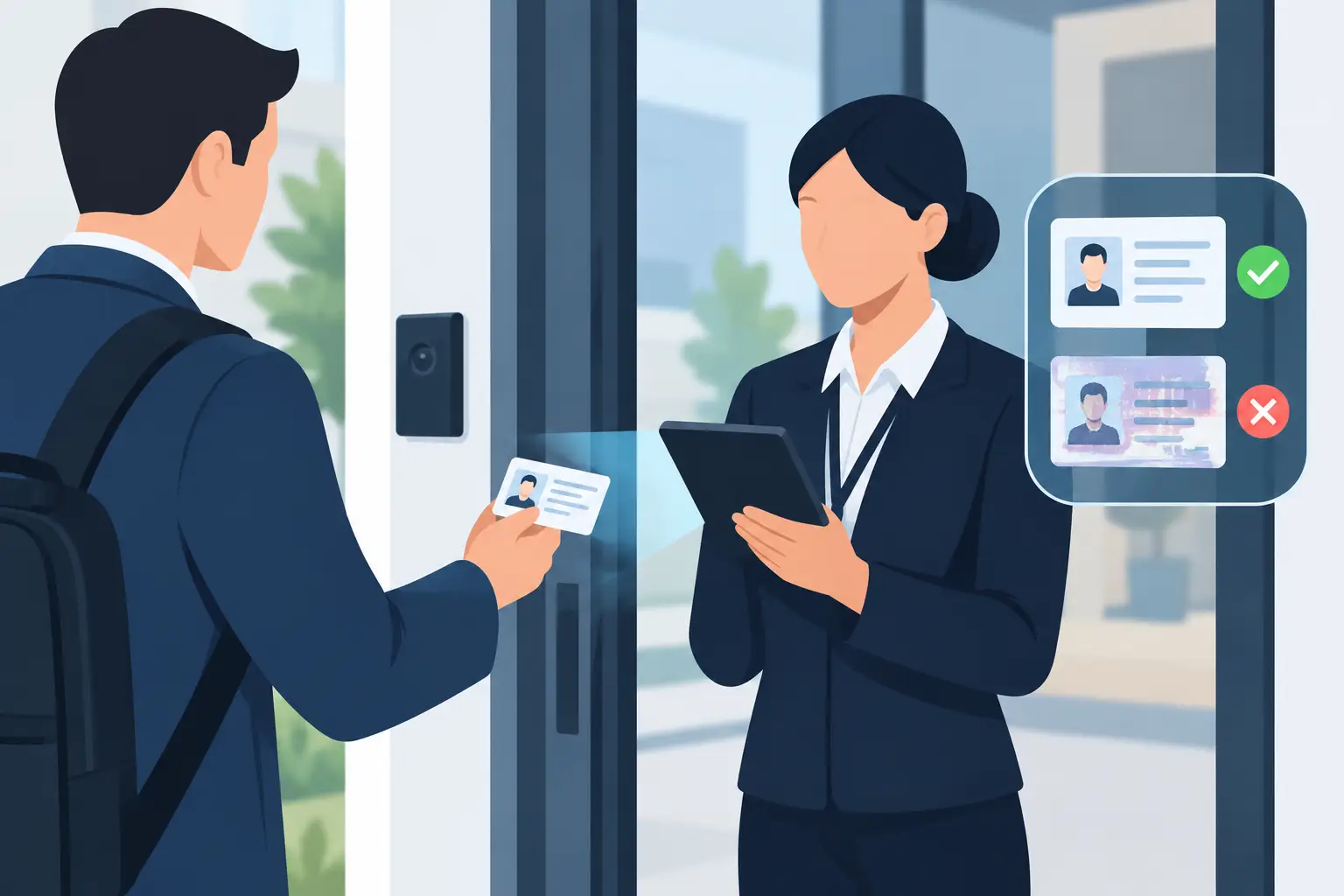
Then evaluate suspicious-ID detection. Look for technology that examines document security features in addition to barcode data. The more checks a system performs, the more likely it is to identify inconsistencies that basic scanning apps miss. Ask vendors exactly what their scanner validates, whether it detects altered barcodes or duplicate scans, and how it handles IDs it cannot confidently verify.
Offline operation deserves the same scrutiny. A cloud dashboard is useful for reporting and cross-location visibility, but a venue should not lose age verification because of an internet outage or weak cellular service. Confirm what works locally without connectivity: scanning, age calculation, suspicious-ID alerts, patron lookup, and banned-patron matching.
Finally, examine the ownership model. Some alternatives require monthly fees for essential scanning functions, data access, or device management. Others charge per scan, per location, or per active device. Those models can make sense for organizations that need centralized administration, but the recurring cost should be clear before deployment.
7 Types of Kred Pro Alternatives to Compare
1. Mobile barcode-scanning apps
Mobile apps are usually the lowest-cost entry point. Staff can scan an ID with a phone or tablet, making them practical for pop-up events, occasional checks, or businesses with limited traffic.
The trade-off is consistency. Consumer-grade cameras vary, batteries fail, devices get reassigned, and a staff member’s phone is not ideal security equipment. Many apps focus on barcode reading and age calculation, with limited physical-document analysis. They can support a basic workflow, but they are rarely the strongest answer for a high-volume door.
2. Tablet-based ID verification systems
Tablet systems offer a larger display and can make it easier for staff to see age results, notes, and alerts. They are often a reasonable fit for reception desks, dispensary counters, healthcare check-in, and other fixed positions where throughput is steady rather than intense.
Before choosing one, test the scanning experience under real lighting conditions. A system that works at a bright front desk may struggle outside a nightclub entrance. Also verify whether the tablet itself is included, replaceable, secured, and usable offline.
3. Dedicated handheld ID scanners
Purpose-built handheld scanners are the closest operational category for venues that need portability, speed, and a durable front-door tool. They typically use dedicated cameras and illumination designed for documents rather than general photography.
This category is worth considering when your team scans every night, works in low light, or needs a device that can move between lines and entrances. The key differences are the depth of fraud detection, battery life, storage controls, and whether core functionality requires a subscription. For many operators, a direct-purchase handheld with optional cloud tools provides a cleaner cost structure than a software-first platform.
4. Fixed desktop document readers
Desktop readers are common in regulated counters, offices, and transactions where the employee can ask the customer to place an ID in a defined position. They can provide dependable scan quality and a controlled workflow for notaries, car dealers, pharmacies, and back-office compliance teams.
They are less suitable for a crowded venue entrance. A fixed reader can create a bottleneck, especially when guests arrive in groups. Choose this format when document inspection quality matters more than mobility and rapid crowd processing.
5. Visitor management platforms
Visitor management software often combines ID capture with sign-in logs, badges, host notifications, and facility records. It can be useful for corporate buildings, healthcare sites, schools, and facilities with formal guest registration requirements.
For nightlife and age-restricted retail, assess whether the platform is built for fast denial decisions. A visitor platform may collect far more information than a door team needs and may rely heavily on cloud connectivity. That can create privacy exposure and slow down entry without improving fake-ID detection.
6. Patron intelligence and exclusion-list tools
Some platforms center on patron profiles, incident records, watchlists, and cross-location alerts. These capabilities can be valuable for operators managing repeat problems, VIP recognition, or coordinated security teams across multiple sites.
The operational question is whether the intelligence layer supports the scanner or distracts from it. A banned-patron alert is only useful if it appears quickly, staff know what action to take, and access to records is controlled. Look for configurable retention periods, role-based access, and a verification-only mode when you do not need to retain personal information.
7. Enterprise identity verification services
Enterprise identity vendors may offer database checks, biometric comparison, remote verification, and APIs for custom workflows. These tools can be appropriate for online transactions, regulated financial processes, or organizations with dedicated IT and compliance teams.
At a physical door, they may be more system than you need. They can introduce longer verification times, integration work, and ongoing usage fees. If your primary job is confirming legal age and screening a physical ID in seconds, prioritize a purpose-built device over an enterprise platform designed for a different risk model.
How to Compare Fake-ID Detection
Do not accept broad claims such as “fraud detection” without asking what happens during a scan. A meaningful evaluation should distinguish among barcode parsing, document-format checks, optical security-feature analysis, and alerts based on prior scan activity.
Run a live test with the documents your staff sees most often. Include out-of-state licenses, Canadian IDs if relevant, passports, older IDs, and legitimate worn cards. Ask the vendor how the device responds when it cannot read an ID, when barcode data conflicts with printed information, or when a document format is unfamiliar.
Your staff also need a clear fallback process. No scanner eliminates judgment. When a device flags an ID, the operator should know whether to deny entry, request a second form of identification, call a manager, or inspect the card manually. The best technology makes that decision path faster and more consistent.
Privacy, Retention, and Cost Need to Match Your Policy
ID scanning creates a responsibility to protect personal information. Some venues need a scan log for incidents or compliance. Others only need confirmation that a guest meets the age requirement. Those are different workflows and should not use the same retention setting by default.
Ask whether the system can operate in verification-only mode, what data is stored on the device, and when records are deleted. Encryption matters, including protection for stored records and data transmitted to cloud services. So does access control: not every employee needs to search patron history or export reports.
Cost should be evaluated over at least three years. Add hardware, replacement devices, required subscriptions, per-scan charges, cloud storage, support, accessories, and staff training. A lower upfront price can become the more expensive choice if essential capabilities are locked behind recurring fees. Conversely, a cloud subscription may be worthwhile for a multi-location operator that genuinely needs synchronized alerts and centralized reporting.
Choose for the Door You Actually Run
A single-location bar with inconsistent internet and a fast-moving weekend line has different needs than a medical office or a 20-site dispensary group. Buy for the pressure point: speed at entry, counterfeit resistance, offline reliability, patron-risk management, or coordinated reporting.
The right ID-scanning alternative gives your team confidence at the moment it matters most - before an underage guest, fake ID, or known problem patron becomes your operational problem.