Offline ID Scanner for Venues That Cannot Stop
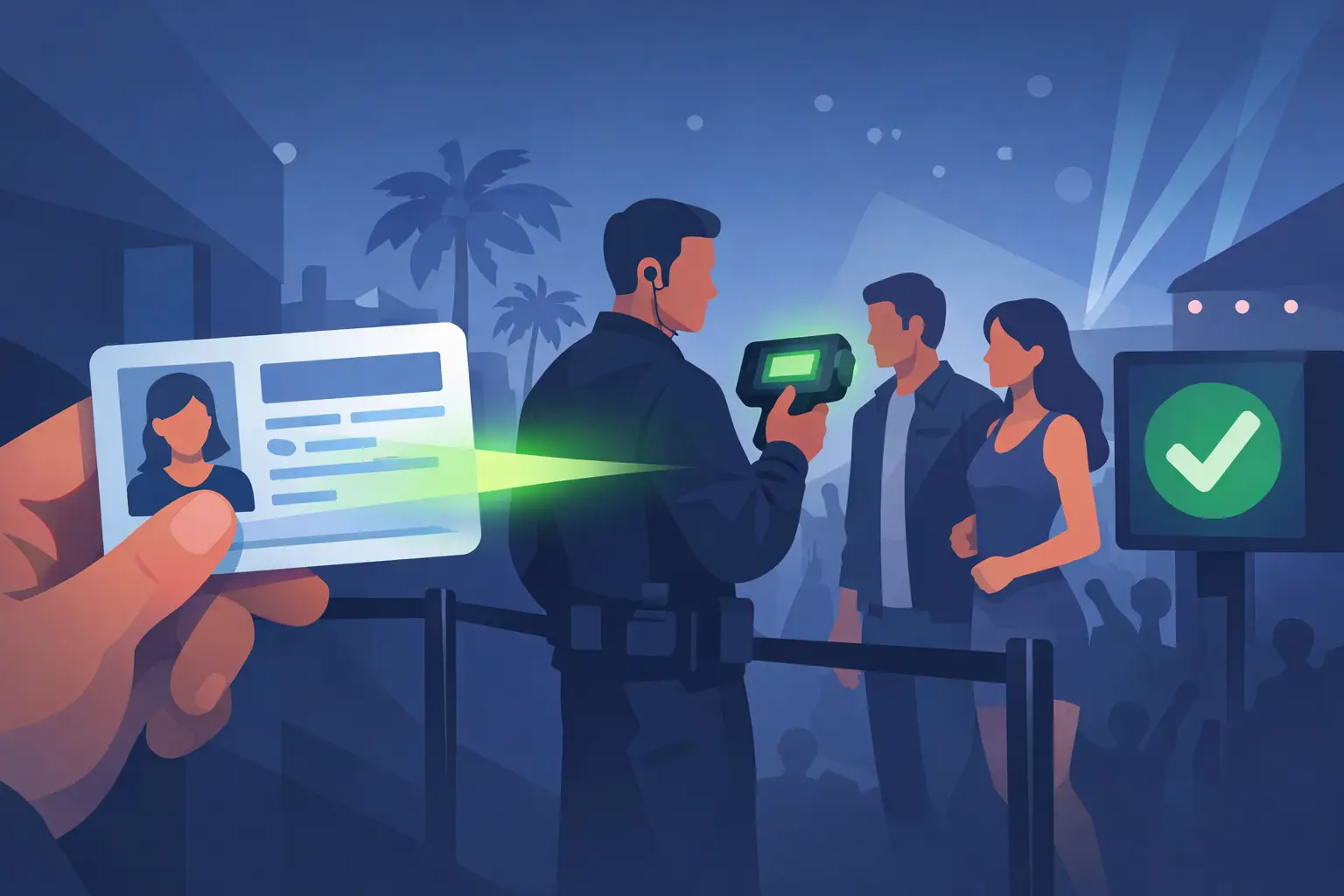
At 10:45 p.m. on a packed Saturday, the door cannot wait for a Wi-Fi router to recover. Guests are arriving, staff need clear decisions, and one underage entry or convincing fake ID can put the night, the license, and the venue’s reputation at risk. An offline ID scanner for venues keeps age verification and suspicious ID detection working at the point of entry, even when internet service is slow, unavailable, or overloaded.
For bars, nightclubs, dispensaries, and other age-restricted businesses, offline operation is not a backup feature. It is a practical control. The right system helps staff verify legitimate patrons quickly, identify questionable documents, and maintain a consistent door policy without turning connectivity into a single point of failure.
Why venues need offline ID verification
Internet-connected tools have a place in venue operations, especially for reporting, multi-location visibility, and centralized patron management. But a scanner that requires a live connection to perform the basic job creates an avoidable operational risk.
Connectivity failures are more common than most operators plan for. A building’s Wi-Fi may not reach the entrance reliably. Cellular coverage can be weak near a crowded doorway, inside a basement club, or during a large event. A router can fail, a network provider can go down, or staff may simply be operating in a temporary pop-up location with no dependable internet.
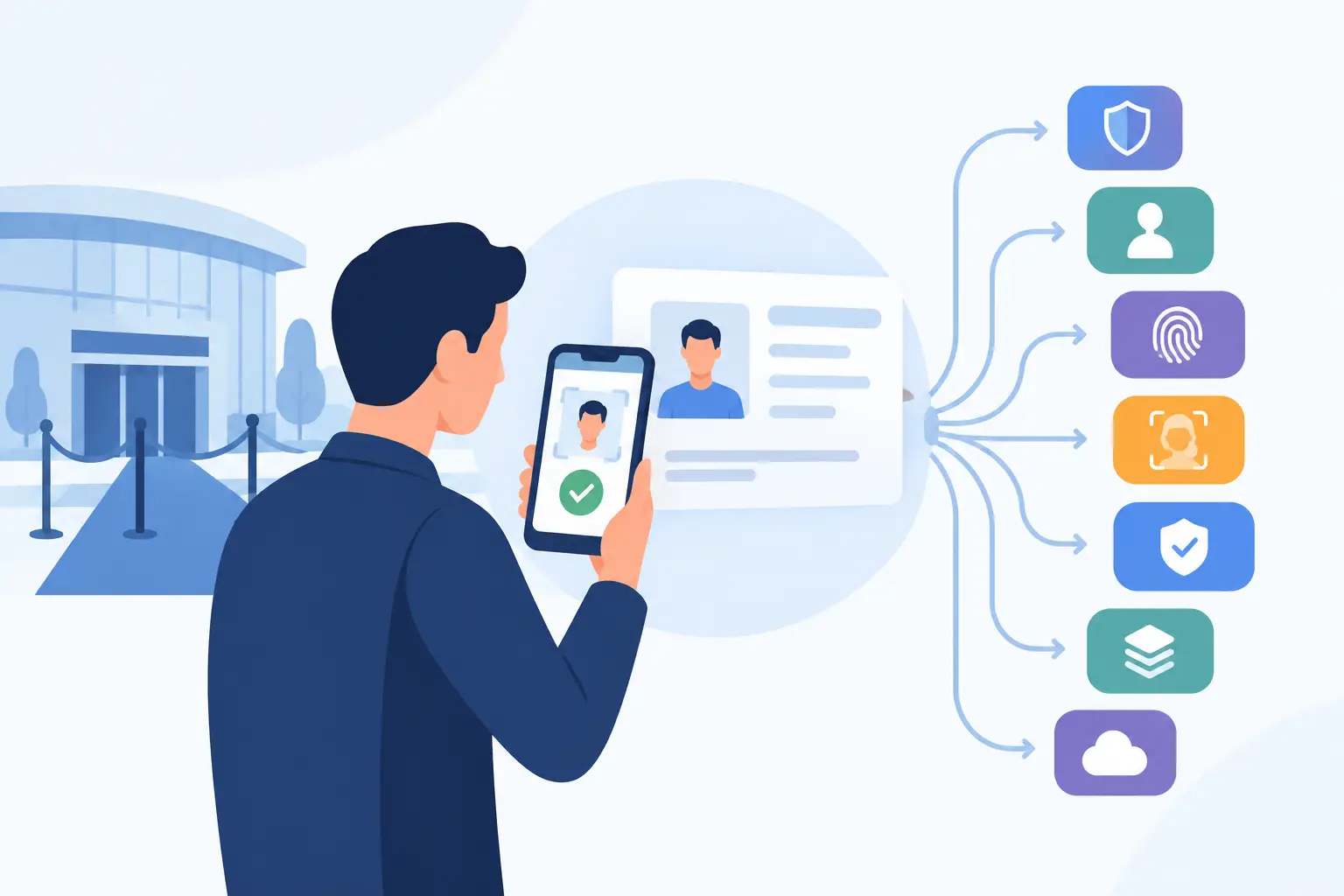
When a scanner works offline, the device can still read a driver’s license or passport, calculate age, and analyze the document’s embedded data and security features locally. Door staff do not have to fall back to visual inspection, handwritten logs, or guesswork the moment connectivity disappears. Entry continues moving, and your age-verification standard stays in place.
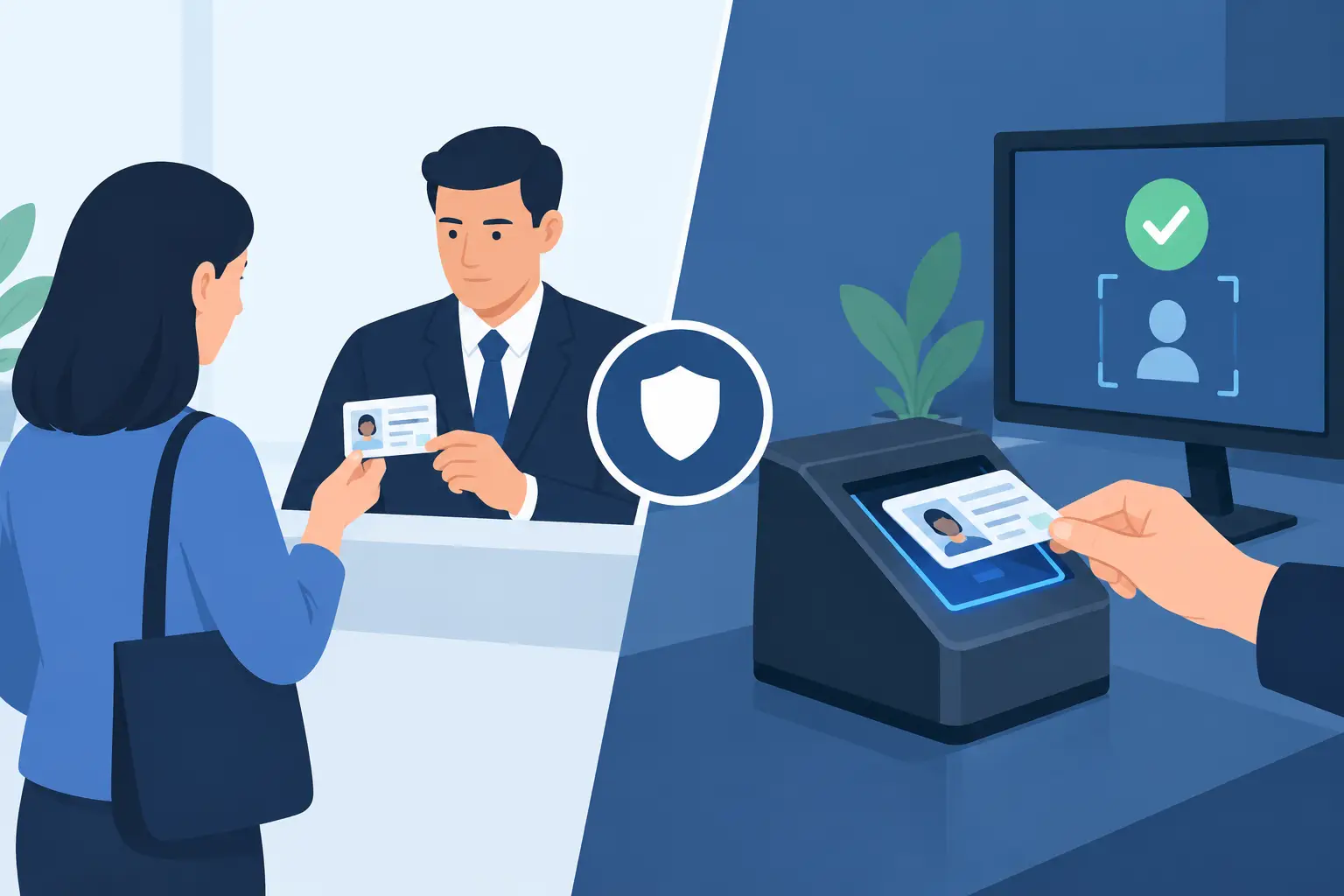
That distinction matters because visual checks alone are inconsistent. A busy door person may recognize an obviously altered ID, but modern fakes can carry believable names, dates of birth, barcodes, and layouts. A purpose-built scanner gives staff a repeatable process rather than asking every employee to become a document-forensics expert.
What an offline ID scanner for venues must do
Not every scanner marketed for ID checking is designed for nightlife or other high-volume, age-restricted entry points. Some are built for office visitor logs. Others are tied to online databases or require software subscriptions before they can perform basic verification. Evaluate the functions that protect the door first.
Verify age instantly at the door
The scanner should read supported driver’s licenses and passports quickly and present a clear pass-or-fail age result. Staff need an immediate answer, not a complicated record screen or a manual date-of-birth calculation during a rush.
A useful result screen should make the decision obvious: whether the patron meets the required age, whether the ID is expired, and whether the document needs additional review. This reduces hesitation at entry and helps new staff follow policy correctly from their first shift.
Detect more than a barcode mismatch
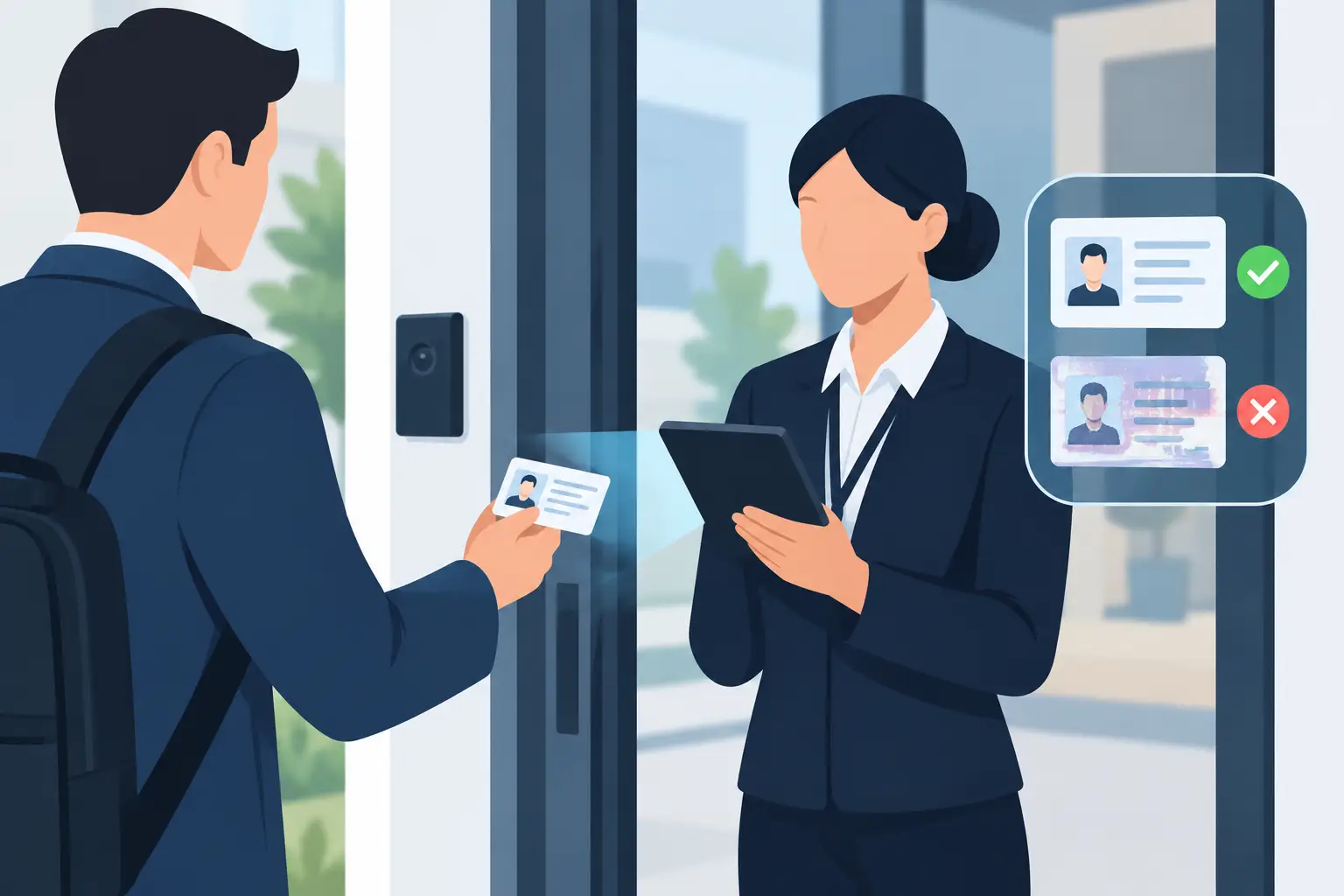
A barcode scan is useful, but it is not enough by itself. Fraudsters can copy barcode data, alter surface details, or use IDs that appear valid in low light. Look for technology that evaluates a broad set of document security indicators, including data consistency and signs associated with suspicious or fraudulent IDs.
Kred scanners analyze more than 60 security indicators to help door teams identify questionable documents. That gives operators a stronger screening layer than a simple age calculator, while keeping the workflow fast enough for active service periods.
No scanner should be treated as a substitute for trained judgment. A suspicious result should prompt staff to follow the venue’s escalation policy, review the physical document, and decline entry when the ID cannot be verified with confidence. The value is in making those exceptions visible before they become an incident.
Keep patron controls available without internet
Age verification is the baseline. Many venues also need a dependable way to recognize VIPs, flag banned patrons, and apply access rules consistently. If those controls disappear during an outage, staff can lose sight of the very information that helps prevent repeat incidents.
For a single-location venue, local alerts may be sufficient. For an operator with multiple entrances, multiple scanners, or several locations, cloud synchronization can add meaningful value by distributing approved updates across devices. The key is that cloud features should extend the system, not prevent the scanner from performing core verification offline.
Protect privacy without weakening operations
An ID scanner handles personal information, so data settings deserve the same attention as fraud detection. The strongest choice is not always to collect the most data. It is to collect only what supports a defined operational purpose and retain it only as long as necessary.
Verification-only mode can allow a venue to confirm age and ID validity without retaining patron records. Where data retention supports a legitimate need, such as documenting a refusal or managing banned-patron alerts, operators should be able to configure retention periods and apply clear internal access rules.
Encryption matters as well. AES-256 encryption, controlled access, and data-minimization settings help reduce exposure when a device is lost, replaced, or accessed by unauthorized personnel. Privacy controls also make it easier to explain your process to managers, staff, and patrons without slowing down the door.
The operating trade-off: standalone hardware or cloud sync
A standalone offline scanner is often the best fit for an independent bar, a single dispensary, or a venue that wants dependable age verification with no mandatory recurring software cost. The buying decision is straightforward: purchase the hardware, train the team, set the operating policy, and scan IDs at entry.
Cloud synchronization becomes more valuable when patron information must be shared. A security director managing several club locations may want a banned-patron update created at one site to reach other authorized devices. A large venue may also want managers to review activity across several entrances after an event.
Neither model is automatically better. It depends on whether shared intelligence is operationally necessary. The mistake is paying for a cloud-only system when your team needs dependable local scanning first, or choosing a standalone tool when the business truly requires coordinated controls across locations.
Ask a simple question during evaluation: if the internet fails at the busiest point of the night, what can staff still do? The answer should include scanning IDs, verifying age, detecting suspicious documents, and following local patron alerts. If basic screening stops, the system is not built around venue continuity.
How to deploy scanners without slowing the line
Technology only improves the door when the workflow is simple enough to use under pressure. Start by defining where scanning happens. Some venues scan every ID at the entrance. Others use scanners at a dedicated check-in point, at a dispensary counter, or for secondary review when a document appears questionable. Your approach should reflect local law, crowd volume, staffing, and the risk level of the event.
Train staff on the exact sequence: receive the ID, scan it, read the result, compare the patron to the photo, and follow the designated response for an underage, expired, or suspicious ID. Keep the policy short. Door staff need clear actions, not a lengthy manual while a line forms behind them.
Physical setup also affects speed. Ensure the scanner is charged before service, positioned away from drink spills and direct glare, and assigned to a staff member who is accountable for it. Portable hardware gives teams flexibility at changing entrances, private events, and temporary checkpoints, but portability works best when devices have a clear custody process.
Review results with managers after the first few shifts. If legitimate IDs are regularly sent to manual review, the issue may be lighting, scan technique, document condition, or staff training. If staff bypass the scanner during rushes, the workflow may need another device or a better queue layout. Compliance controls need to work during peak traffic, not only during a quiet afternoon test.
Questions to ask before you buy
Before selecting a system, confirm that it supports the documents your guests actually present, including US and Canadian driver’s licenses and passports where relevant. Ask whether core age verification works with no internet connection, what fraud signals the device evaluates, and how clearly it presents an alert to staff.
Also confirm the commercial model. Hardware pricing, optional cloud services, software requirements, warranty coverage, and replacement processes should be clear before deployment. A low upfront price can become expensive if every essential function depends on recurring fees.
Finally, examine the privacy settings in practical terms. Can you operate in verification-only mode? Can retention periods be configured? Who can access records? Can you remove data when it no longer serves a business or compliance purpose? Direct answers to these questions indicate whether the vendor understands the realities of venue operations.
The best door technology does not ask your team to choose between speed and control. Put a reliable offline scanner in the hands of trained staff, set a policy they can follow at full capacity, and keep the standard in place when the network does not cooperate.