Privacy Controls for Identity Screening at Entry
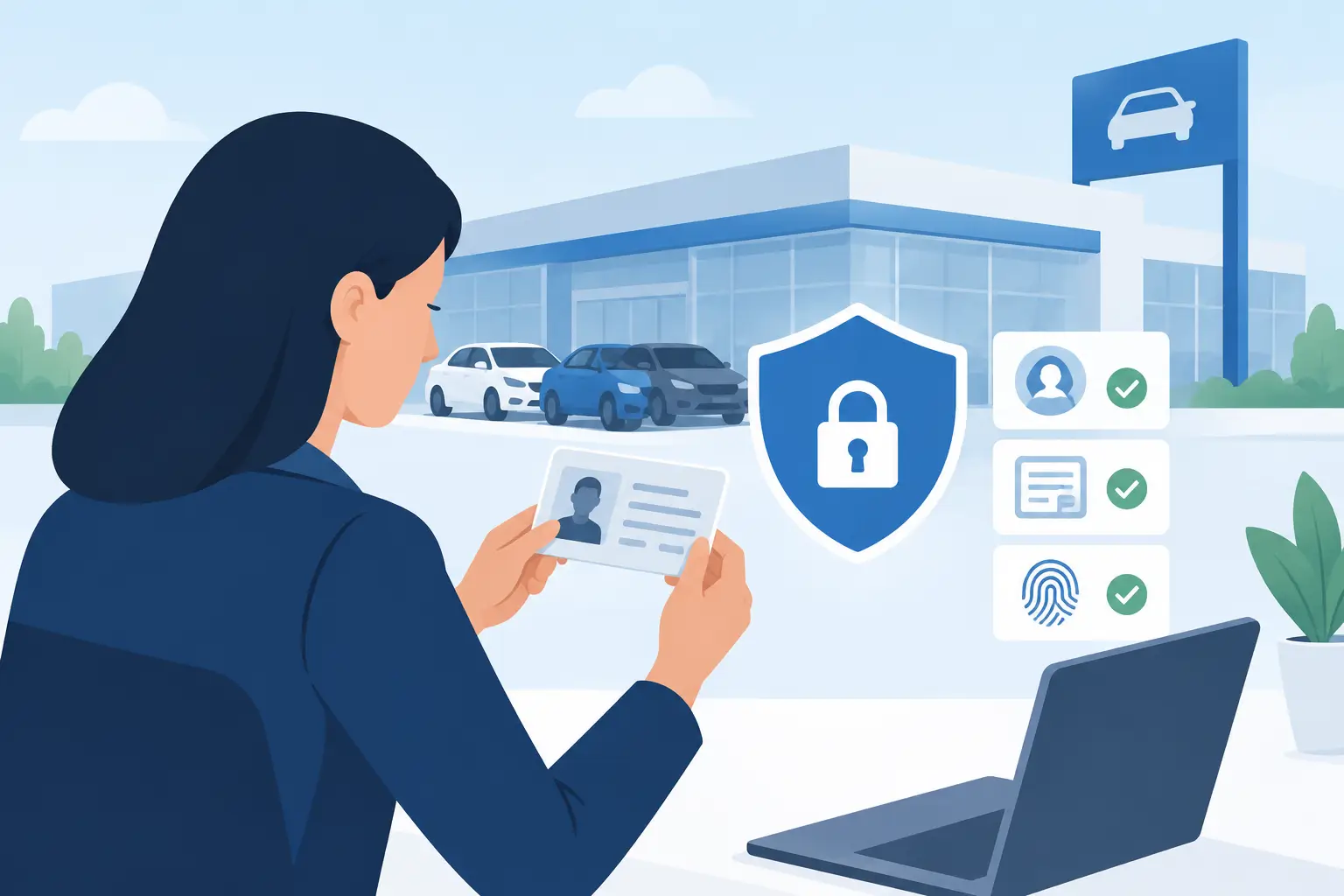
A busy door does not need more data. It needs the right answer, fast: Is this ID valid, is the patron old enough, and does this person present a known risk to the venue? Privacy controls for identity screening make that possible without turning every ID check into an unnecessary data-collection event.
For bars, clubs, dispensaries, gun shops, and other identity-critical businesses, the balance is operational. Staff need to stop underage entry and suspicious IDs before they become a licensing, safety, or fraud problem. At the same time, patrons expect their personal information to be handled with restraint. The strongest screening workflow does both by collecting only what the operation needs, protecting it appropriately, and removing it when the business purpose ends.
Why privacy matters at the door
An ID scan can reveal more than a date of birth. Depending on the document and scanner settings, it may contain a name, address, document number, photograph, and other details. A venue that stores all of that information by default creates a larger security responsibility than a venue that stores only what it can clearly justify.
This is not just a policy question. Excess data can slow down operations, complicate incident response, and make a routine customer interaction feel intrusive. If a device is lost, an account is accessed improperly, or a system is misconfigured, the impact grows with every unnecessary record retained.
The practical standard is simple: verify what must be verified, keep what must be kept, and protect everything that remains. That approach supports responsible operations without asking door staff to become privacy experts during a rush.
Start with the screening decision, not the data field
Every venue should define what its ID screening process is meant to accomplish. The answer will vary by use case.
A nightclub checking age at entry may only need confirmation that a government-issued ID is valid and that the patron meets the age threshold. A dispensary may need a record that an age check occurred, depending on its operating requirements. A gun shop, healthcare facility, or notary may need a more detailed identity record for a transaction or compliance workflow. Those are different purposes, and they should not all use the same retention settings.
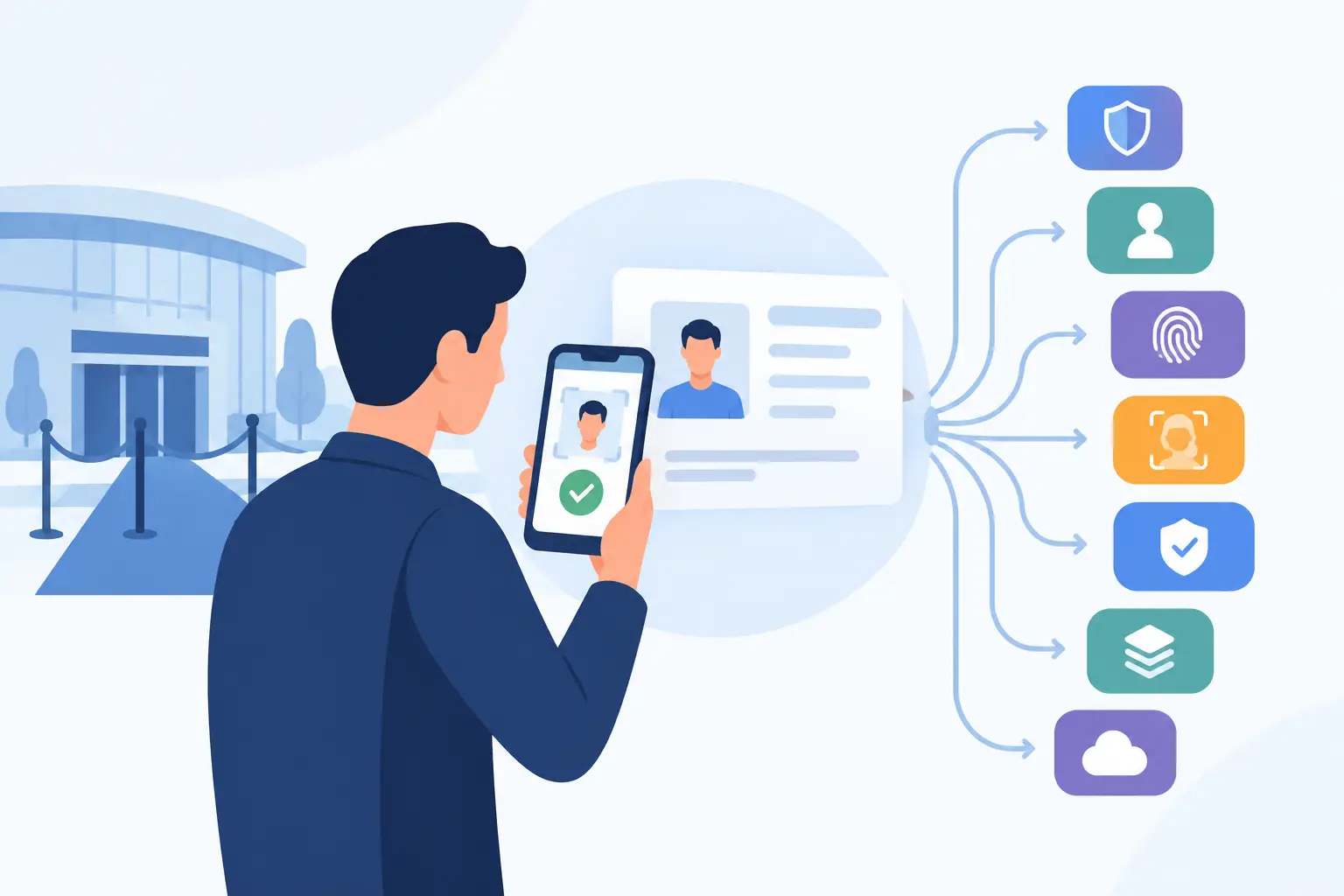
Verification-only mode is often the right default for standard entry screening. The scanner reads the ID, checks the age and document information, analyzes security indicators, and returns a pass or fail result without creating a retained patron profile. Staff get an immediate decision. The venue avoids building a database it does not need.
That does not mean every venue should operate with zero retention. A business managing banned-patron alerts, investigating repeated fake-ID attempts, or documenting a specific incident may have a legitimate reason to retain limited information. The key is to make that retention intentional rather than automatic.
Use separate workflows for separate risks
A common mistake is treating every scan as identical. A faster and more defensible approach is to separate routine verification from exception handling.
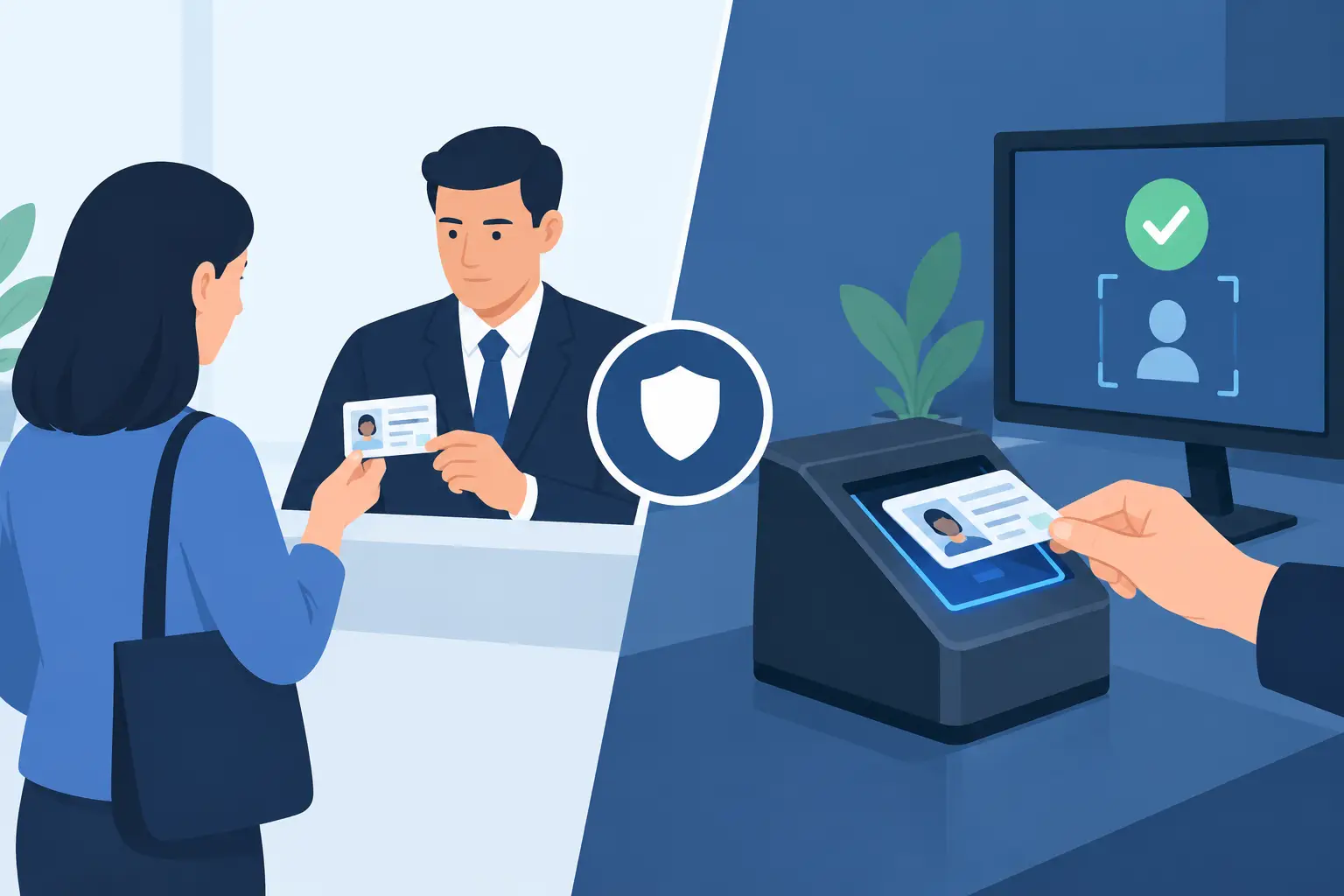
For a normal, valid ID at a bar door, verification-only screening may be sufficient. For a suspected fake ID, staff can follow an incident procedure that records only the necessary details under manager approval. For a banned patron match, the system may need to alert staff to a pre-existing record without exposing more information than the door team needs to act safely.
This keeps routine traffic moving while reserving more detailed records for situations where they have a clear operational purpose.
Set retention periods that match your operation
Data retention should have an end date. “Keep it just in case” is not an operational policy. It is an open-ended liability.
A venue should decide how long it needs data for each use case, then configure its system to remove it on schedule. For example, records related to a failed age check may be unnecessary once the shift ends. An incident record may need to remain available through an internal review period. A banned-patron record may remain active only while the restriction is current and justified.
The right period depends on local rules, business procedures, insurance requirements, and the type of record involved. There is no universal number that fits every operator. What matters is that the period is documented, consistently applied, and reviewed when the venue changes its process.
Retention controls also help multi-location teams avoid confusion. If one site keeps scan records for 30 days and another keeps them indefinitely without a reason, the business has created inconsistent exposure. A central policy, applied through device and cloud settings where applicable, gives operators a clearer standard.
Protect stored information without slowing entry
Privacy controls are only useful if staff can use them under pressure. A door team needs a workflow that works during peak entry, in low light, and when the internet is unavailable.
Offline-first ID screening has a meaningful privacy advantage: core age and ID verification can continue locally without requiring every scan to be sent to a remote service. That reduces dependency on connectivity and gives operators more control over whether a given workflow needs synchronization at all.
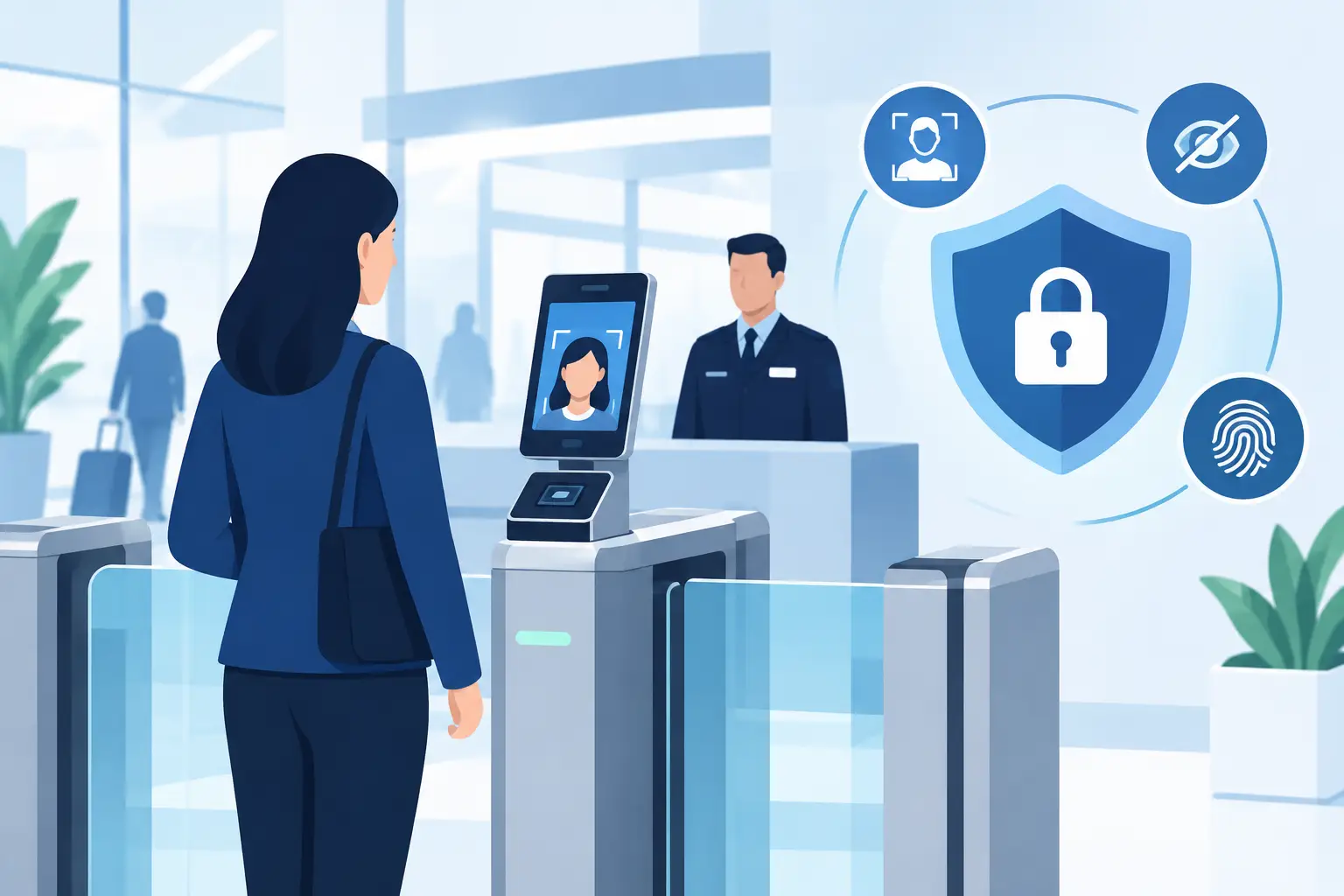
When records do need to be stored or shared, security measures should match the sensitivity of the information. Encryption protects data from unauthorized access, while role-based access helps ensure that a door host, manager, and system administrator do not all see the same information. Systems using protections such as AES-256 encryption provide a stronger foundation, but technology alone is not enough. Access settings, account hygiene, and staff training matter just as much.
For multi-device or multi-location operators, cloud synchronization can be valuable for banned-patron alerts and shared operational intelligence. It should be used selectively. A venue can synchronize the records that support patron risk management while keeping ordinary verification checks out of long-term storage. Kred Cloud, for example, is designed as an optional service rather than a requirement for core scanning, allowing operators to choose the model that fits their privacy and operational needs.
Give staff clear rules for exceptions
Most privacy failures at entry are process failures. A staff member saves a scan because they are unsure what to do. A manager creates a permanent note for a temporary issue. Someone shares a screenshot in a group chat rather than using the approved incident process.
Clear rules prevent those workarounds. Door teams should know when to use verification-only mode, when to escalate a suspicious ID, who can create or edit a banned-patron record, and who is allowed to access retained information. They should also know that an ID scan is not a reason to copy, photograph, or share personal details outside the approved system.
Keep the training practical. Walk through the decision points staff actually face: an expired ID, an ID that fails security checks, a patron who disputes a result, a possible banned-patron match, or an outage during peak entry. The goal is consistent action, not a lengthy privacy lecture before every shift.
Review records for accuracy and necessity
A banned-patron alert can protect staff and customers, but an inaccurate or outdated record can create a different problem. Assign a manager or security lead to review active restricted-patron records on a regular schedule. Confirm that the reason for the record is documented, the information is accurate, access is limited, and the restriction is still warranted.
The same discipline applies to incident records and staff notes. If the business no longer needs the information, remove it according to the retention policy. This is good privacy practice and good operations. Clean records are more useful when a real safety decision has to be made.
Build trust without making promises you cannot keep
Patrons do not need a technical briefing at the door, but they should not be left guessing about what happens when their ID is scanned. A concise, visible notice can explain that IDs are checked to verify age and detect suspicious documents, and that information is handled according to the venue’s policies.
Avoid broad claims such as “we never store data” unless every workflow supports that statement. If your venue retains limited records for incidents or banned-patron management, say so accurately in your internal policies and customer-facing notices. Precision builds more trust than vague reassurance.
Privacy controls for identity screening are not a compromise on security. They are the discipline that keeps security focused on the actual job: verify legitimate patrons quickly, flag risk when it matters, and avoid creating unnecessary exposure for the people and business you are trying to protect.
A well-configured ID screening process lets your team act with confidence at the door - collecting less by default, retaining with purpose, and keeping the venue ready for the next decision that matters.