What an ID Scanner Must Do at the Door
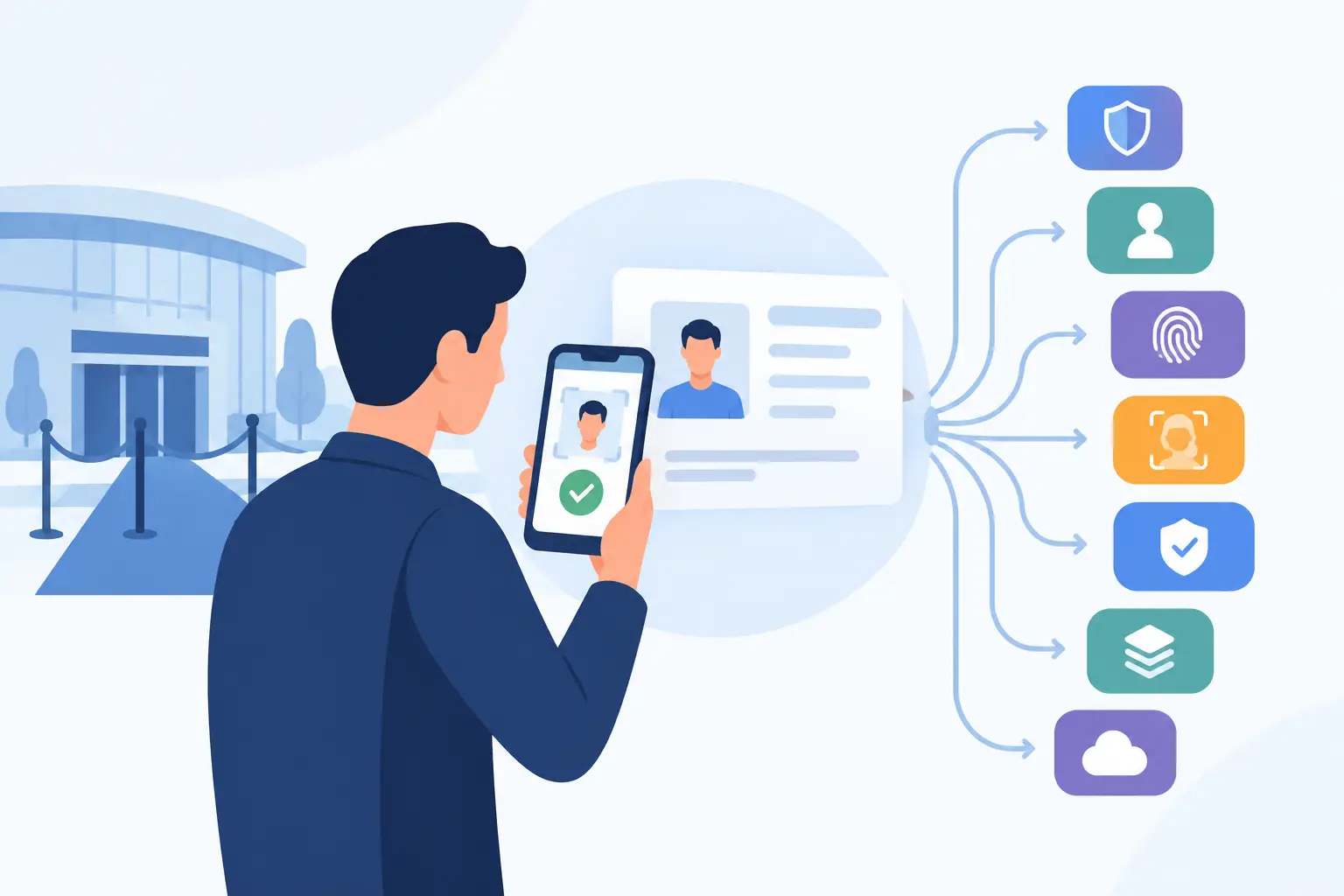
A busy door does not have time for guesswork. When an ID scanner is part of the entry process, it should do more than read a barcode and display a birth date. It should help staff make a fast, defensible decision about age, authenticity, and whether the person standing in front of them presents a known operational risk.
For bars, nightclubs, dispensaries, gun shops, car dealerships, and other identity-critical businesses, the right scanning setup protects more than a single transaction. It helps protect licenses, inventory, staff, patrons, and the reputation built over years of operation.
An ID Scanner Is a Decision Tool, Not Just a Reader
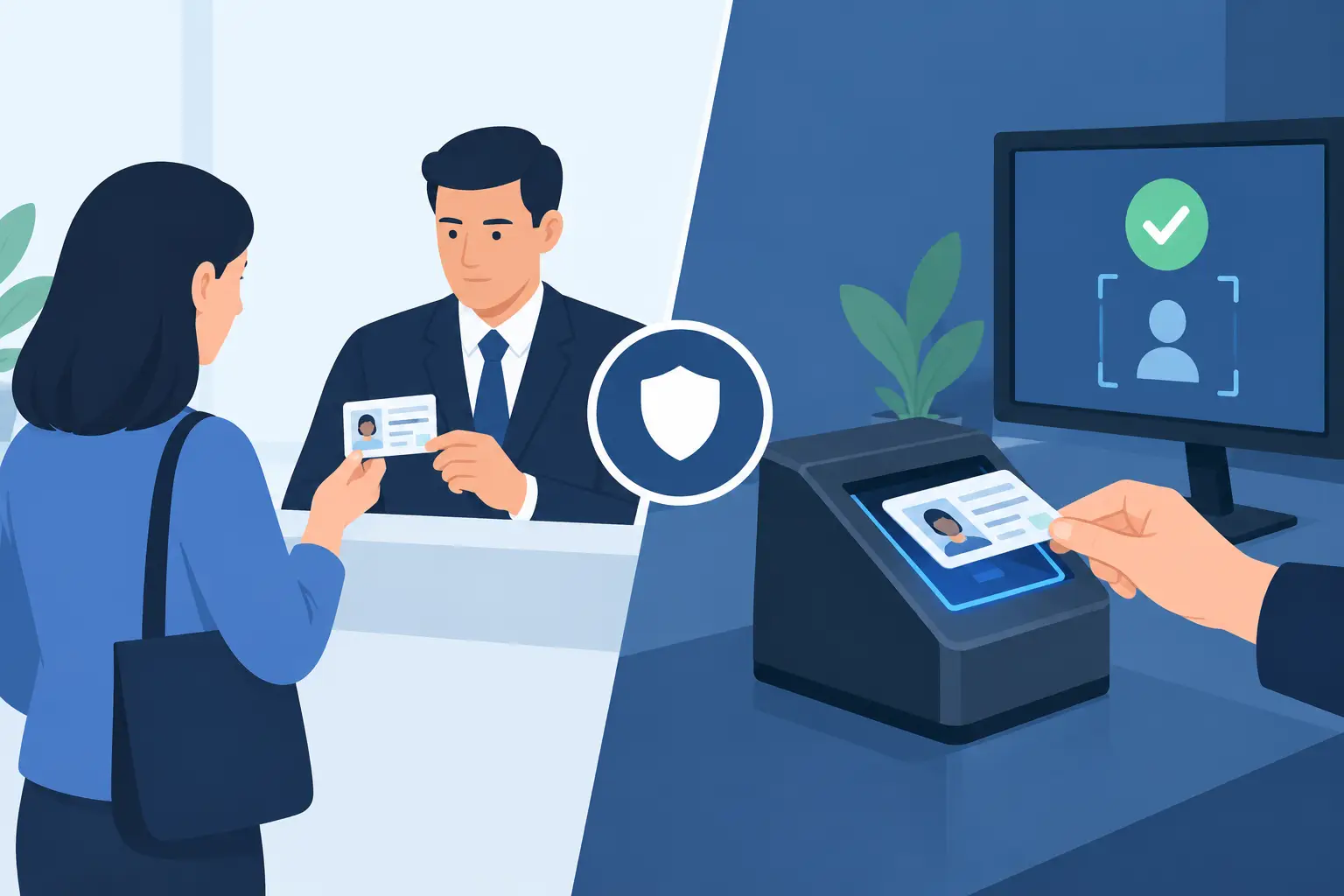
Many basic scanners can capture the information encoded in a driver's license barcode. That is useful for calculating age, reducing manual entry errors, and speeding up routine checks. But barcode data alone does not establish that an ID is genuine. A counterfeit can carry a barcode that scans successfully, and an altered or borrowed ID can still present information that appears valid at first glance.
A purpose-built ID scanner should support two separate decisions. First, is this person old enough for entry or purchase? Second, does the physical credential show signs that it may be suspicious, altered, or fake? Those are different questions, and a venue needs tools that address both.
Instant age verification is the starting point. The system should clearly show whether a patron meets the applicable age threshold, without requiring staff to calculate dates under pressure. The next layer is security-feature analysis. Strong systems review multiple characteristics of a driver's license or passport to identify inconsistencies that deserve closer attention.
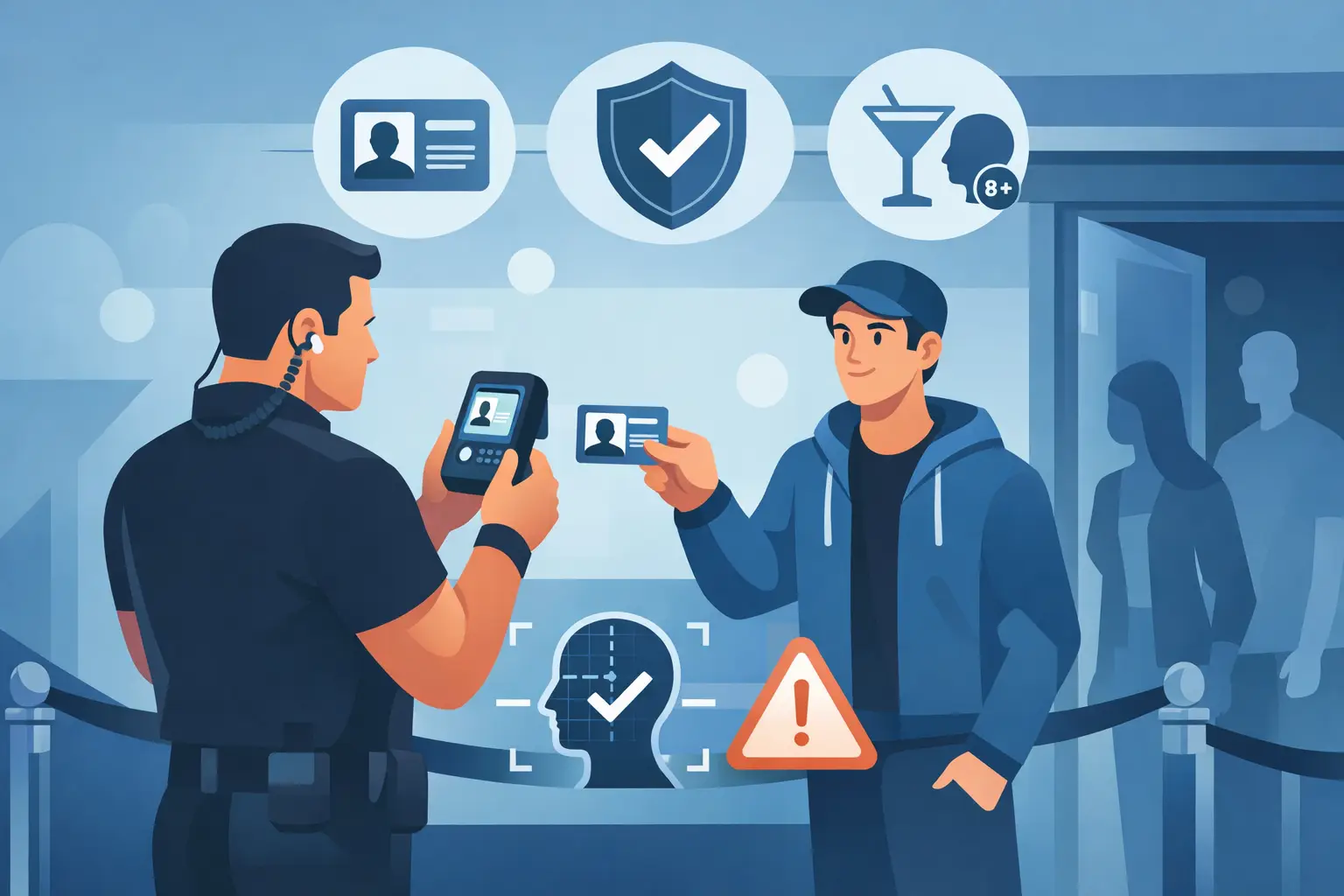
No technology should replace staff judgment completely. A scanner can flag a concern, but trained door staff still need to compare the person to the photo, assess the physical card, and follow the venue's escalation procedures. The advantage is that staff are no longer relying on memory and intuition alone during a crowded rush.
What to Look for in an ID Scanner
The best configuration depends on your operation, but several capabilities matter across most age-restricted and verified-ID environments.
Fast scanning under real door conditions
Speed is a security feature. If scanning creates a line that spills onto the sidewalk or backs up through the lobby, staff will eventually bypass the process. Look for a device designed to scan driver's licenses and passports quickly, with a clear pass, fail, or review result that a new employee can understand without stopping the line.
Portability also matters. A compact handheld unit suits a single entrance, mobile event, or dealership floor. A more capable portable scanner may be the better fit for high-volume nightlife doors where staff need deeper ID analysis and patron-management tools. The key question is not which device has the longest feature list. It is whether the workflow fits the way your team actually admits people.
Suspicious ID detection beyond barcode reading
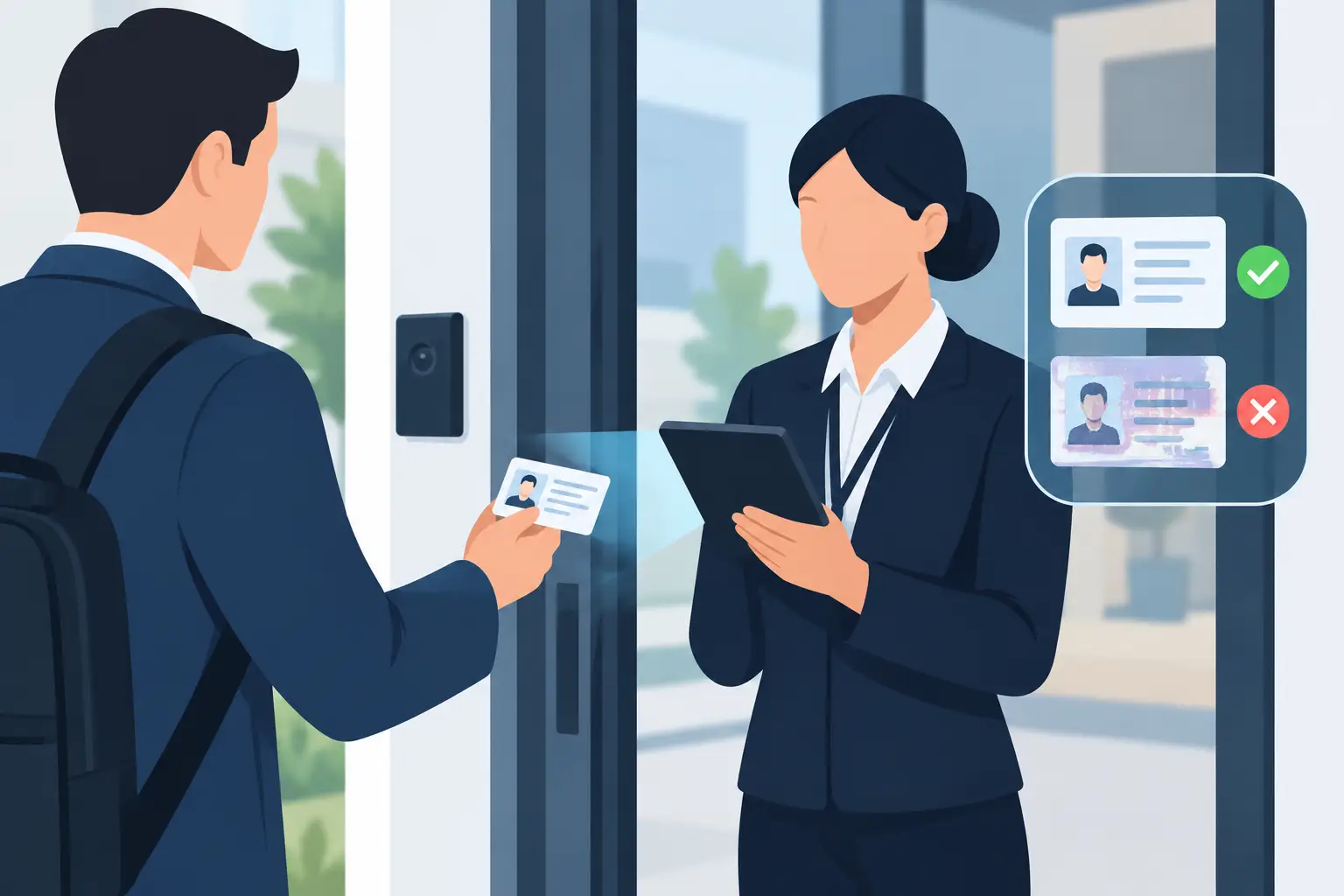
A useful scanner evaluates more than the encoded data. It should assess visible and machine-readable security signals, identify format inconsistencies, and flag credentials that do not match expected issuing patterns. Systems that analyze dozens of security indicators provide a more meaningful screen than a simple age-calculation app.
That does not mean every alert is proof of fraud. IDs can be worn, damaged, issued in different production runs, or difficult to read because of glare and lighting. Your policy should define what staff do after an alert: inspect the card, request a second form of identification where permitted, involve a manager, or deny entry based on the facts and local rules. A clear process prevents inconsistent decisions at the door.
Offline operation when connectivity fails
Internet service is not guaranteed at a venue entrance, parking-lot event, or temporary retail setup. If your verification process fails when Wi-Fi drops, it is not dependable security infrastructure.
An offline-first ID scanner keeps core age verification and scanning functions available without a live connection. This matters during outages, in locations with weak signal, and during peak periods when staff cannot wait for an app to reconnect. Cloud features can add value, particularly for multi-site operations, but they should enhance the workflow rather than become a requirement for basic verification.
Patron intelligence that staff can use
For many venues, the scan is only the first action. The system should help the team recognize a VIP, identify a banned patron, or surface a prior issue according to the business's own policies. That turns entry screening into a more controlled operational process.
A banned-patron alert can help prevent a known problem from walking back into the venue on a different shift. VIP recognition can improve service without relying on a manager's memory. These features are most effective when records are accurate, access is limited to appropriate staff, and your team has a documented process for creating, reviewing, and removing patron flags.
Build the ID Scanning Workflow Around Your Risk
The strongest scanning process is consistent, not overly complicated. Staff need to know when every ID gets scanned, when a visual inspection is required, and who has authority to make a final call on a questionable credential.
At a high-volume nightclub, every guest may be scanned before entering, with security staff positioned to handle exceptions away from the main line. At a dispensary, scanning may happen at check-in before a customer reaches the sales floor. At a gun store or car dealership, identity verification may be tied to a specific transaction or test-drive process. The operating model changes, but the need for accurate records and repeatable decisions remains.
Training should focus on the moments technology cannot resolve on its own. Staff should know how to compare a face to a photograph, examine a card's physical condition, recognize signs of alteration, and respond professionally when a scan produces an alert. They should also understand that a fast approval screen is not permission to ignore an obviously mismatched photo or a damaged credential.
Keep the workflow visible and simple. A written policy for underage attempts, fake-ID alerts, refusals, and banned-patron matches helps supervisors support staff in real time. It also provides a more credible operational record if an incident, complaint, or regulatory question arises later.
Privacy Controls Are Part of Good Security
Identity verification involves sensitive information. Collecting more data than necessary can create unnecessary exposure for both the business and the customer. The right approach is to match data handling to the actual purpose of the scan.
Verification-only mode is a practical option when staff need confirmation of age or credential status but do not need to retain a patron's personal information. Where a business does need records for incident management, membership, transaction support, or banned-patron controls, configurable retention periods help limit how long data remains stored.
Encryption and user access controls matter as well. A system using AES-256 encryption and controlled staff access gives operators a stronger foundation for handling sensitive scan data. Still, technology is only one part of the policy. Management should decide who can access records, why they need access, how long records are retained, and how the business responds to customer questions about data use.
Privacy-conscious operations do not weaken security. They make the program easier to defend because the business can show that it uses identification data for a defined operational purpose, rather than collecting it indefinitely without a reason.
Choose the Right Model for Your Operation
Before purchasing, define the problem you need the scanner to solve. A single-location bar may need a portable device for instant age checks and suspicious-ID detection, with no recurring software cost for core scanning. A multi-location group may need cloud synchronization so banned-patron records and operational intelligence are available across devices and sites.
This is where cost structure deserves close attention. Some systems make essential scanning dependent on a monthly subscription. Others allow direct hardware purchase and keep core functionality available without a mandatory subscription, while offering cloud synchronization as an optional upgrade. Neither model is automatically right for every business, but operators should understand what works if they cancel a service, lose connectivity, or add locations later.
Device selection should reflect entry volume, staffing, and location layout. A compact scanner may be enough for an independent operator with one controlled entrance. Larger teams may benefit from separate devices for multiple doors, manager review, or outdoor lines. Kred offers portable scanner options and optional cloud synchronization for businesses that need to scale patron intelligence without making cloud access a condition of basic verification.
Ask practical questions before you buy: Can the team use it after one training session? Does it read the IDs your customers actually carry? Does it keep working offline? What happens when it flags a suspicious credential? Can you configure retention and verification-only workflows? Clear answers matter more than a feature checklist.
A good ID scanner should make the right decision easier when the door is busy, the signal is weak, and the stakes are high. Put it into a clear staff process, protect the information it handles, and it becomes a practical layer of control your operation can rely on every shift.