Offline Verification Versus Internet Dependent
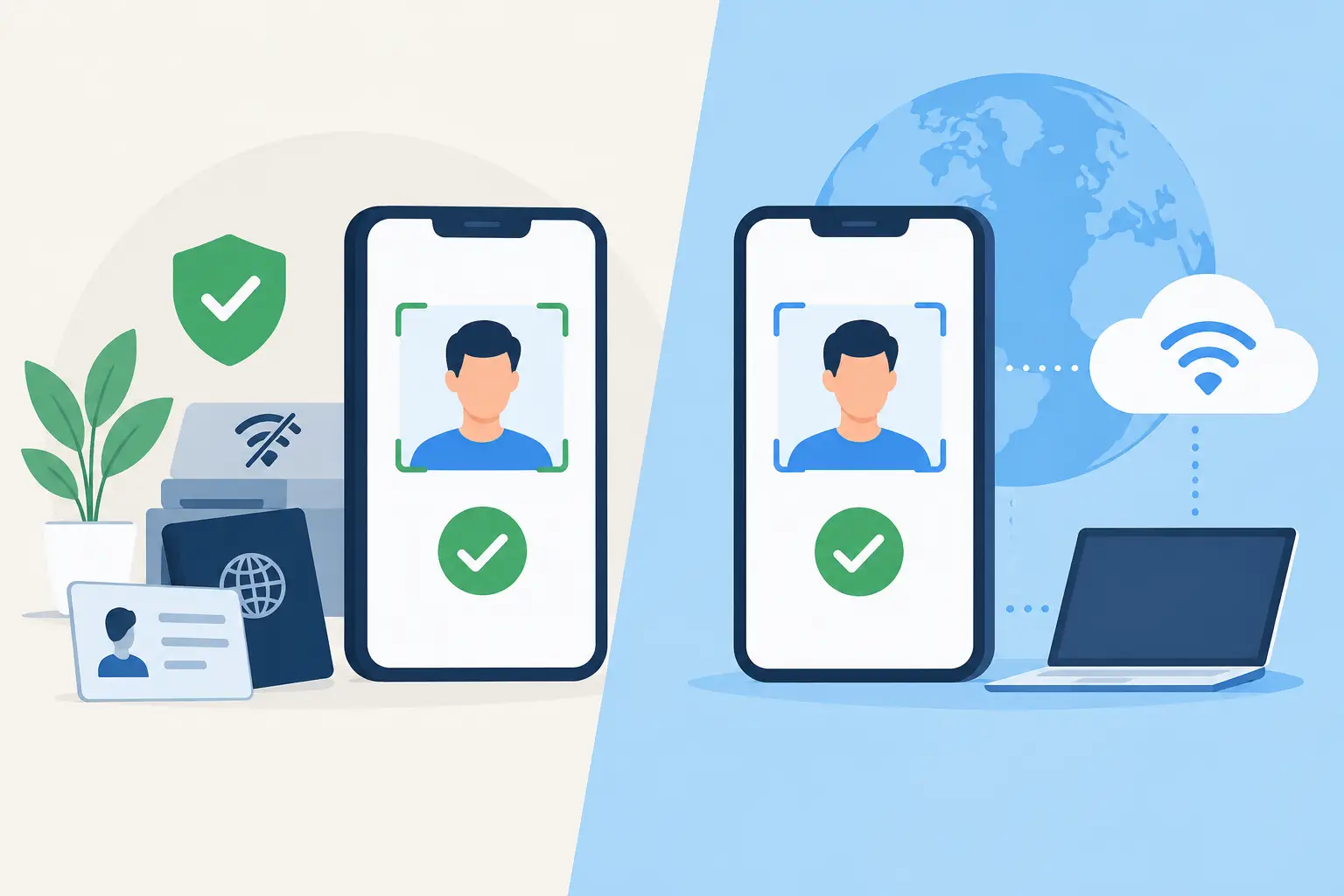
A packed Friday night is the wrong time to discover that your ID verification process depends on a weak Wi-Fi signal. When the connection drops, door staff still need to make fast, defensible decisions about age, identity, and entry. That is the practical difference in offline verification versus internet dependent systems: one keeps working at the door, while the other may turn a routine rush into an operational gap.
For bars, clubs, dispensaries, gun shops, and other verified-ID businesses, connectivity is useful. It should not be a requirement for basic security. The right setup separates essential screening from optional synchronization so your team can verify IDs, detect suspicious documents, and manage access without waiting for an internet connection to return.
What offline verification means at the door
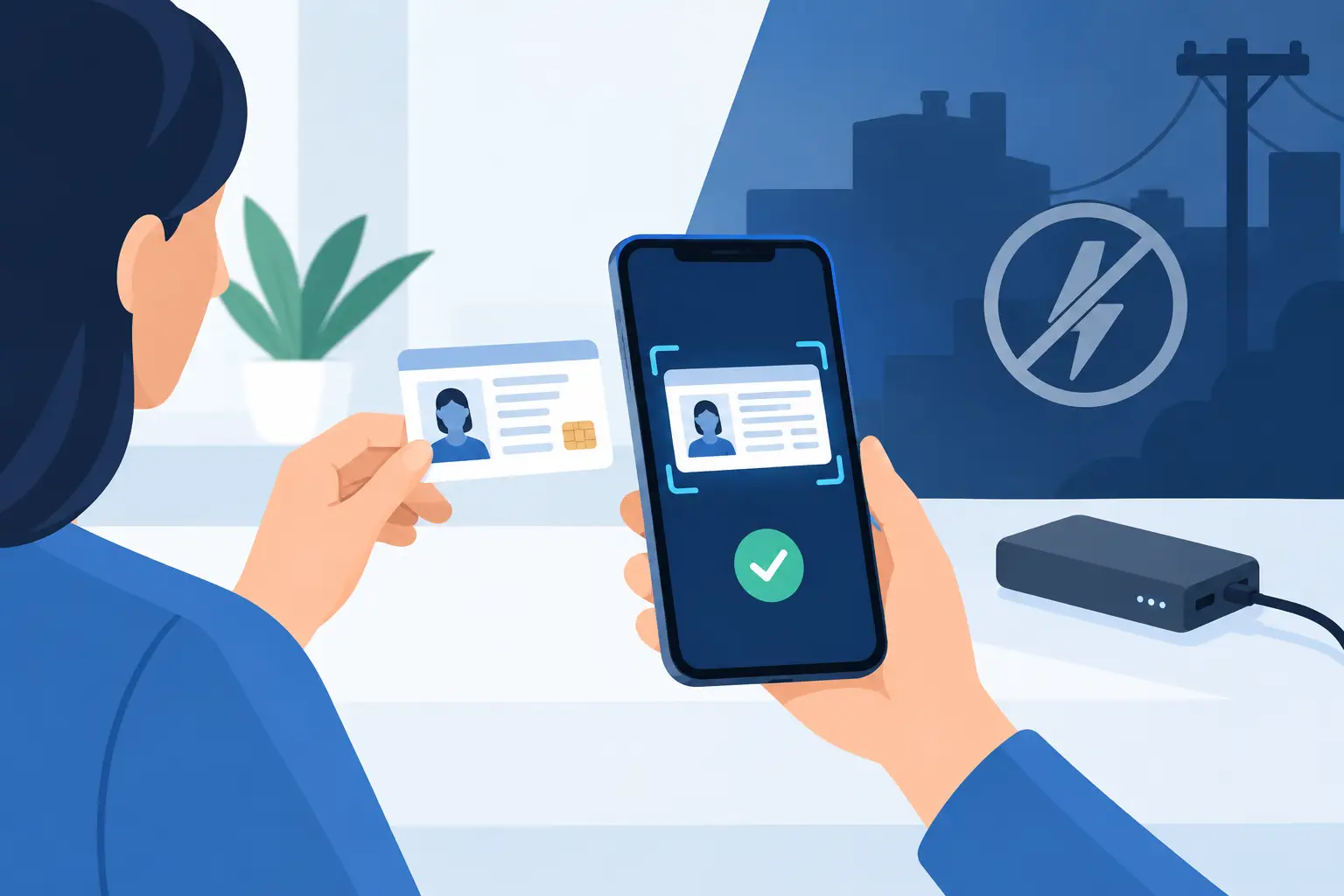
Offline verification processes ID data on the scanner itself. A staff member scans a driver's license or passport, and the device reads the document, confirms the holder's age, and evaluates built-in security features without sending every scan to a remote server first.
This approach is built for the conditions door teams actually face: crowded entrances, temporary event spaces, basement venues, unreliable cellular service, overloaded guest Wi-Fi, and local network outages. The scanner remains a working security tool even when cloud services are unavailable.
Offline does not mean basic. A purpose-built ID scanner can perform instant age verification and analyze document data and security indicators for signs of a suspicious or fake ID. It can also support local patron workflows, such as recognizing a VIP or alerting staff about a banned patron, depending on the device configuration and retained data settings.
The operational advantage is simple. Your policy remains enforceable when the network does not cooperate.
How internet-dependent verification works
Internet-dependent systems send scan data to a cloud service for processing, validation, or access to core functions. In some cases, the application may be little more than a camera interface until it reaches the vendor's server. If the connection is slow or unavailable, staff may be unable to complete the verification process or may be pushed back to manual ID inspection.
Cloud-connected verification has legitimate benefits. It can centralize reporting, distribute updates, synchronize banned-patron records across locations, and give management a broader view of activity. Multi-location businesses often need those capabilities.
The risk comes when cloud access is treated as the only path to basic screening. A venue that cannot verify age or assess an ID during an outage has introduced a single point of failure at its most exposed checkpoint. That creates longer lines, inconsistent decisions, frustrated guests, and a greater chance that an underage or fraudulent entrant gets through.
Internet dependence can also create recurring cost pressure. Some systems require a subscription for every scan, every device, or access to the core functions that operators need nightly. Before purchasing, ask which functions remain available if the subscription ends or the internet goes down. The answer matters more than a feature list written for ideal conditions.
Offline verification versus internet dependent systems
The best choice is not always fully offline or fully cloud-based. It depends on what must work immediately and what benefits from shared visibility later.
An independent bar with one entrance may prioritize a portable scanner that verifies age and flags suspicious IDs without a mandatory subscription. For that operator, a cloud dashboard may be helpful but not essential. The device needs to work every night, in every corner of the venue, without adding another monthly bill to the door operation.
A regional nightclub group, dispensary operator, or multi-site business may need synchronized patron intelligence. If a guest is banned at one location, security leaders may want that record available at another. Cloud synchronization makes that possible, but the core verification process should still continue locally if connectivity fails.
That hybrid approach gives operators both continuity and scale. Local hardware handles the immediate decision at the entrance. Cloud services, when enabled, support multi-device synchronization, centralized management, and broader operational intelligence. One should strengthen the other, not replace it.
Compare the failure modes, not just the features
Every security system has a failure mode. The question is whether the failure stops your operation.
With an offline-first scanner, a network outage may delay synchronization between devices or locations. That is a limitation, but staff can still scan IDs, confirm age, and apply the venue's entry policy. With an internet-dependent system, the same outage may interrupt the verification itself. The staff member is left to make a manual call at the busiest moment of the night.
Manual inspection still has a role, especially when a document is damaged or unreadable. But it should be a fallback, not the standard process. Door teams need a consistent, fast method that reduces judgment calls and gives managers confidence that policies are being applied the same way every shift.
Fraud detection needs to happen in real time
Age verification is not just about reading a date of birth. A convincing fake can display a valid-looking birth date, correct formatting, and a barcode that returns information designed to pass a superficial check. Effective screening needs more than a quick barcode read.
A serious ID verification workflow evaluates the document itself. Kred scanners analyze more than 60 security indicators to identify suspicious or fake IDs while delivering an immediate age result. That matters because the decision is made at the entrance, not after a report is reviewed the next morning.
Internet-dependent tools may use remote data checks as part of their process. Those checks can add value in specific cases, but they are not a substitute for local document analysis. Remote lookups can be delayed, unavailable, or limited by the information source. A venue should understand exactly what the system checks on-device, what it checks online, and what the result means for a staff member facing a guest in line.
The goal is not to make door staff forensic analysts. It is to give them a clear result and a consistent escalation path when an ID appears suspicious.
Privacy and retention should be configurable
Connectivity also affects how much data moves, where it is stored, and who can access it. Operators should not assume that collecting more patron data automatically produces better security. In many cases, it creates more privacy responsibility without improving the entry decision.
Verification-only mode is a practical option when staff need to confirm age and authenticity indicators without retaining unnecessary personal information. When a business does need records for incident response, banned-patron management, or compliance workflows, retention periods should be configurable and aligned with the actual purpose of the data.
Ask direct questions before deploying any system: Is scan data stored locally, in the cloud, or both? Can the venue control retention? Is data encrypted in transit and at rest? Who can export records? Can staff verify an ID without creating a permanent patron profile?
Strong controls support both security and trust. They also help operators avoid turning an entry tool into an unmanaged database. Systems using safeguards such as AES-256 encryption and role-based access controls provide a clearer foundation for handling sensitive identity information.
What to require before you buy
A scanner should be evaluated under real operating conditions, not a polished product demonstration. Test it where your staff will use it: at the front door, in poor lighting, during a line, and on the network your venue actually has.
Require clear answers on four points: whether core age verification works offline, how suspicious IDs are detected, what happens during an outage, and which features require a subscription. Then evaluate device fit. Portable hardware is often better suited to mobile door teams, pop-up events, patios, and secondary entrances than a system tied to a fixed counter.
For larger operations, confirm how synchronization behaves after connectivity returns. A good cloud option should reconcile relevant data without making staff repeat work or lose the ability to enforce policy while offline. It should also allow management to decide which locations, devices, and users receive shared patron intelligence.
The strongest access-control workflow is not the one with the most cloud features. It is the one that lets staff make the right call at the moment it matters, then gives management the records and coordination tools needed to improve the next shift.