How to Scan IDs During Outages Without Delays
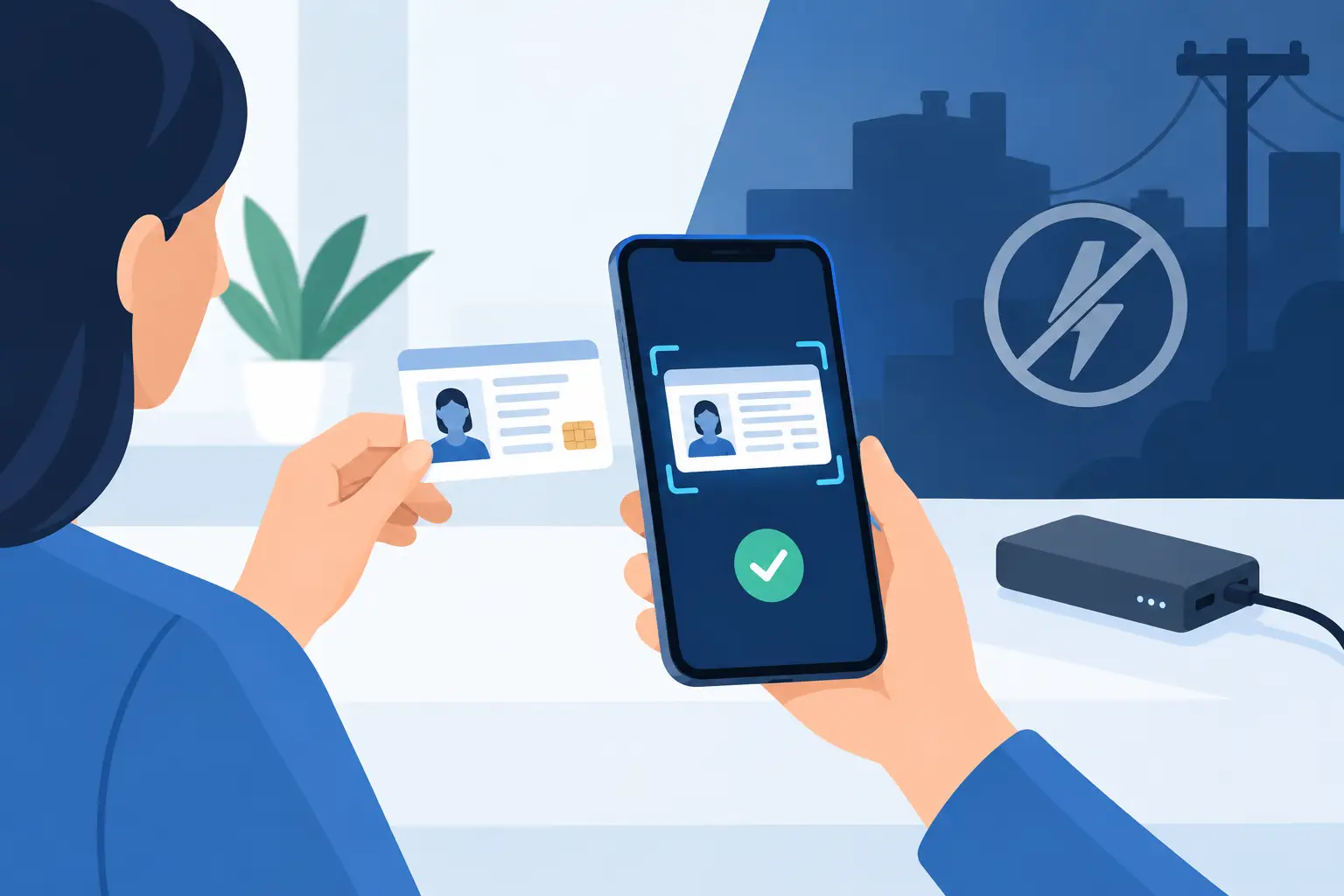
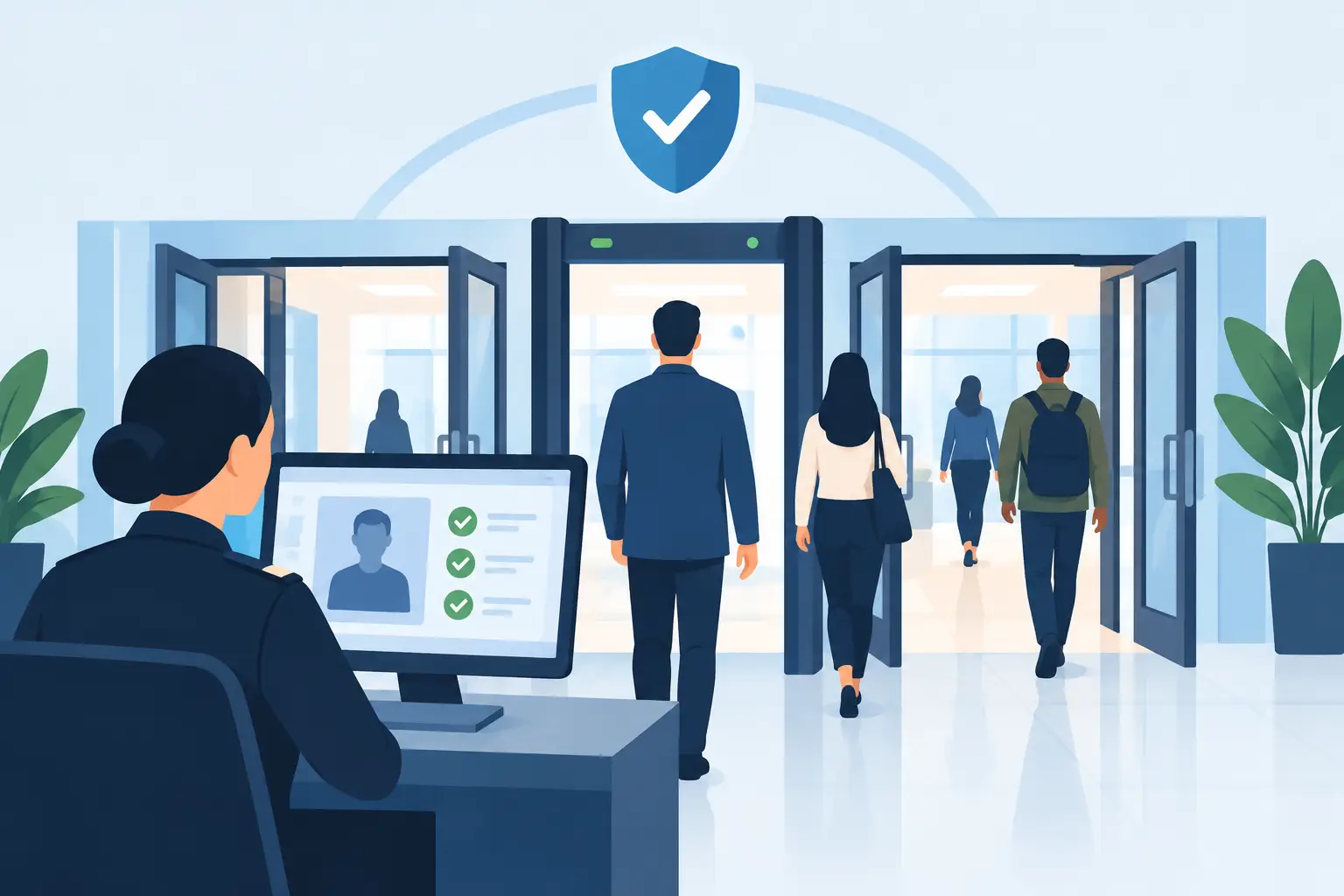
A packed entry line is the wrong time to discover that your ID-check process depends on Wi-Fi. When operators need to scan IDs during outages, the goal is simple: keep verifying age and ID authenticity without slowing the door, lowering standards, or creating a manual-recordkeeping mess.
For bars, clubs, dispensaries, gun shops, and other identity-critical businesses, internet loss should not become a security gap. A well-planned offline workflow keeps door staff focused on the decision that matters: whether the person in front of them can be admitted.
Why Internet Outages Put Entry Operations at Risk
An internet outage does not always mean a venue has lost power. Often, the lights, POS system, and scanners are still on, but the connection to cloud services is unavailable. If an ID scanner requires a live connection for every scan, staff may be forced back to visual inspection just as the line gets longer and pressure rises.
That creates predictable problems. A rushed visual check can miss an altered date of birth, a damaged barcode, or signs that a document has been tampered with. Staff may also lose access to shared VIP notes or banned-patron alerts that normally help them make faster, more consistent decisions.
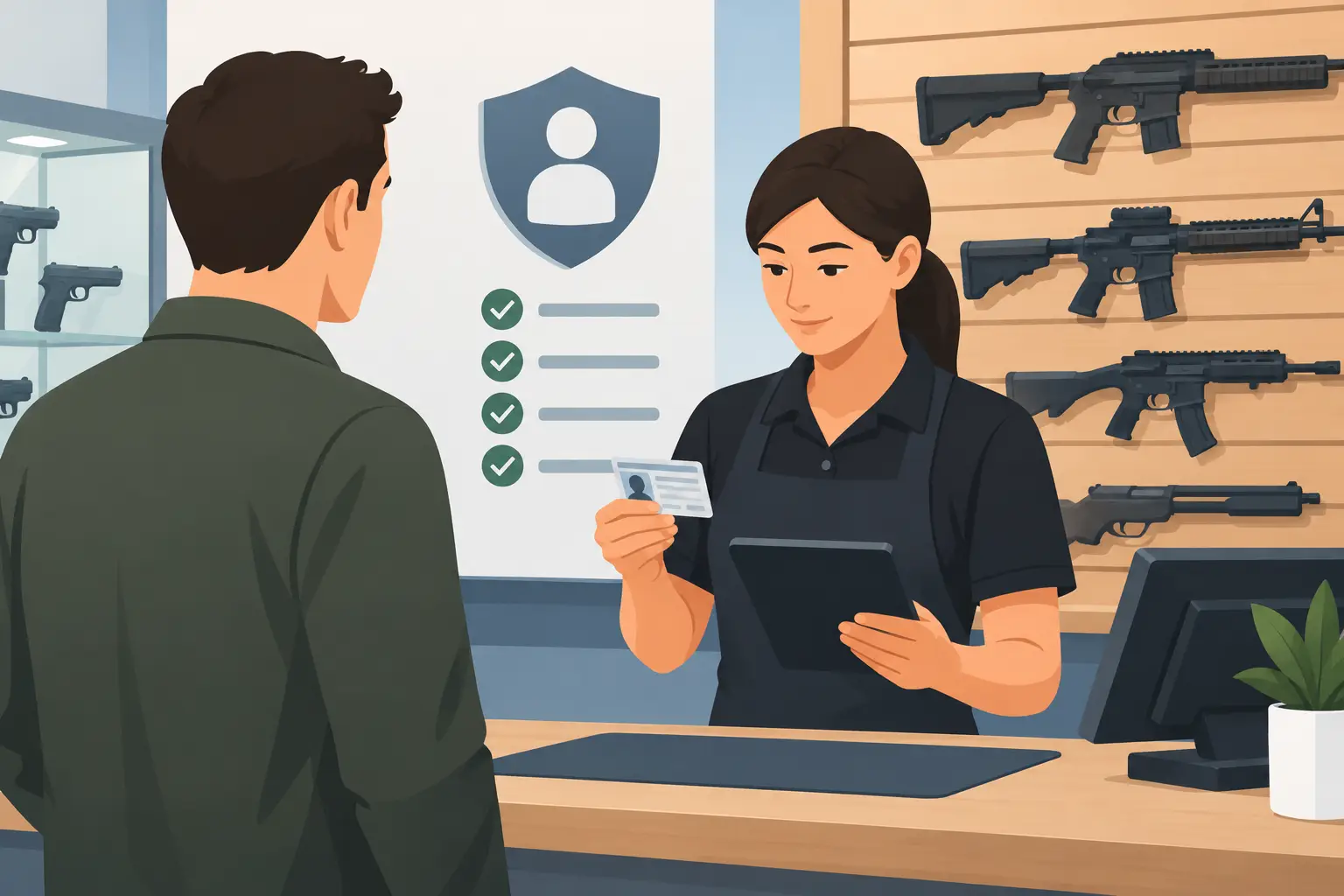
The operational risk is not limited to nightlife. A dispensary cannot treat an outage as permission to relax age controls. A firearm retailer still needs a reliable identity-verification process. A healthcare facility or notary handling verified identities cannot let connectivity dictate whether its screening procedure works.
The practical standard is offline-first verification. Your hardware should continue to read supported government IDs, calculate age, and analyze document security features locally when the internet is unavailable. Cloud connectivity can add useful synchronization and centralized management, but it should not be the foundation of a basic access-control decision.
How to Scan IDs During Outages
Start by separating the internet connection from the scanning function. Staff should know which tools remain available offline and which functions resume when service returns. That distinction prevents unnecessary workarounds and avoids the assumption that every screen or alert has stopped working.
With an offline-capable scanner, the core workflow should remain familiar. Scan the driver's license or passport, review the age-verification result, and follow your venue's existing policy for suspicious or failed scans. Consistency matters. An outage is not a reason to create a second, less disciplined door policy.
Kred scanners are designed so core ID scanning and verification remain available without a mandatory subscription or live internet connection. The device can provide instant age verification and assess more than 60 document security indicators to help identify suspicious or fake IDs. This allows staff to continue screening while cloud-dependent functions wait for connectivity to return.
Know What May Not Update in Real Time
Offline operation protects the front door, but it has limits that managers should plan for. A device may continue to recognize patron records stored locally, while new entries or changes made on another device may not appear until synchronization resumes. A banned patron added at a different location during the outage, for example, may not reach every device immediately.
That is not a reason to abandon offline scanning. It is a reason to define clear procedures for high-risk changes. If a serious incident requires an immediate ban across several doors or locations, notify the relevant teams directly until systems reconnect. Treat cloud synchronization as a force multiplier, not the only channel for urgent security communication.
When service returns, confirm that queued records have synchronized according to your selected settings. Managers should review exceptions, including incidents documented manually during the disruption, before considering the event fully closed.
Build an Outage Procedure Before the Line Forms
The strongest outage response is practiced before anyone hears, “The internet is down.” Door staff need a short operating procedure that tells them what to do without requiring a manager to troubleshoot from across the building.
Your procedure should answer four questions: Is this an internet outage, a device issue, or a power issue? Which scanning functions remain available? Who receives escalation calls for suspicious IDs or patron incidents? How will staff communicate urgent banned-patron or safety information while cloud sync is unavailable?
Keep the instructions near the check-in position and make them specific to your equipment. “Check IDs carefully” is not a procedure. “Continue scanning locally, review the on-device result, and call the floor manager for any failed or suspicious result” gives staff an immediate next step.
A short pre-shift check also reduces surprises. Confirm that scanners are charged, staff know how to start a scan, and the latest required device updates have been completed during normal connectivity. Portable hardware only helps during a disruption if it has battery power and is in the hands of trained staff.
Plan for Power Loss Separately
Internet outages and power outages require different contingency plans. A battery-powered portable scanner can keep operating when a router fails or when localized power is lost, provided the device is charged. However, a full facility outage may affect lighting, physical security, payment systems, and staff communications.
Do not assume the entry line should continue simply because a scanner still has battery. If lighting is insufficient to compare a guest to the photo, if exits cannot be monitored, or if your security team cannot communicate, pausing entry may be the safer call. The correct decision depends on the condition of the building, local rules, staffing, and your incident plan.
Keep Fraud Detection Standards Intact
A common failure during an outage is switching to speed over scrutiny. This is exactly when fake-ID users may test a venue's controls. They know a busy door and a technical disruption can create pressure to wave people through.
Staff should continue to compare the physical person to the ID photo and review any suspicious scan result. A scanner can analyze encoded information and document security indicators quickly, but it does not replace trained judgment. Signs such as inconsistent portrait details, unusual laminate, damaged barcodes, or a guest who cannot answer basic questions about their information deserve escalation.
Set a firm rule for exceptions. If the ID cannot be scanned or produces a suspicious result, the guest should not gain entry based solely on impatience, a convincing story, or the size of the line. Managers can make policy-approved exceptions where legally appropriate, but those decisions should be deliberate and documented.
This protects more than compliance. It protects staff from being pressured into inconsistent calls and protects the business from an avoidable underage-service, fraud, or safety incident.
Use Privacy Controls When Systems Reconnect
Outages can expose weak data practices when teams turn to paper logs, personal phones, or improvised spreadsheets. Avoid collecting more personal information than your normal operating policy requires. If your standard workflow is verification-only, maintain that discipline during the disruption.
Where patron data is retained, make sure staff understand the retention setting and who can access records. Encryption, controlled retention periods, and data minimization are operational safeguards, not marketing language. They reduce exposure if a device is lost, an employee leaves, or a guest questions why their information was collected.
After an outage, do not transfer handwritten notes into a permanent database automatically. Review what was recorded, retain only what is necessary for the documented incident or compliance obligation, and dispose of temporary materials securely under your policy.
Train for the Decision, Not Just the Device
Reliable hardware matters, but outage readiness is ultimately a people process. Train staff on the difference between a failed internet connection and a failed ID scan. Make sure they can recognize the on-device indicators for a valid result, an underage result, and a suspicious document alert.
Run a brief outage scenario during training: Wi-Fi is unavailable, a line is building, and a guest presents an ID that produces a warning. Ask the staff member to explain their next action. This reveals whether your procedure is clear enough to use under pressure.
The best access-control system does not make a venue choose between speed and standards when connectivity drops. It gives staff a dependable way to verify the person at the door, apply the same policy every time, and keep the business protected until the network catches up.