Offline Versus Cloud ID Verification: Which Fits?
A packed Friday night is the wrong time to discover that your ID verification process depends on a weak Wi-Fi signal. The decision between offline versus cloud ID verification is not simply a technology preference. It affects entry speed, fraud exposure, patron privacy, multi-site visibility, and your ability to keep operating when connectivity fails.
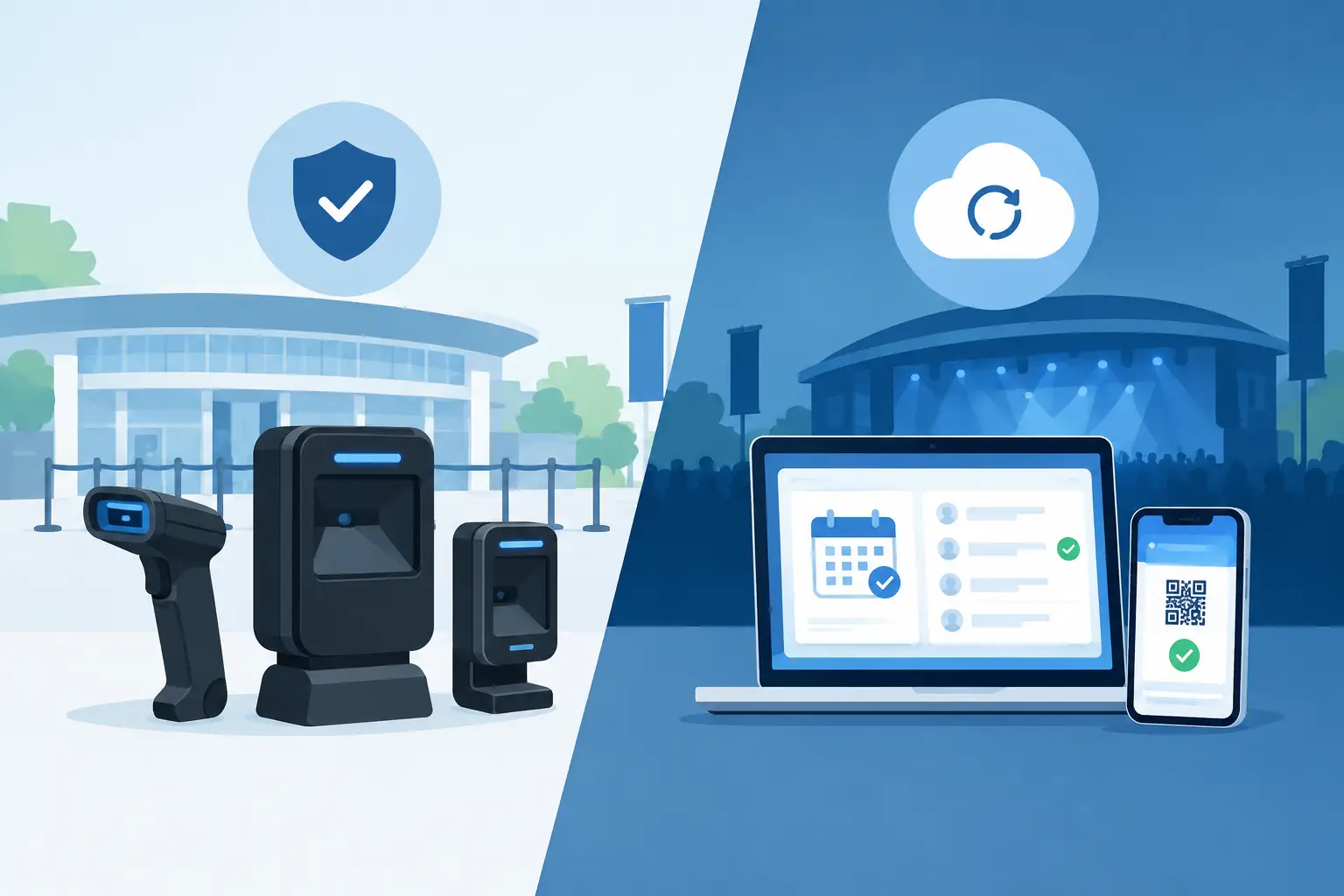
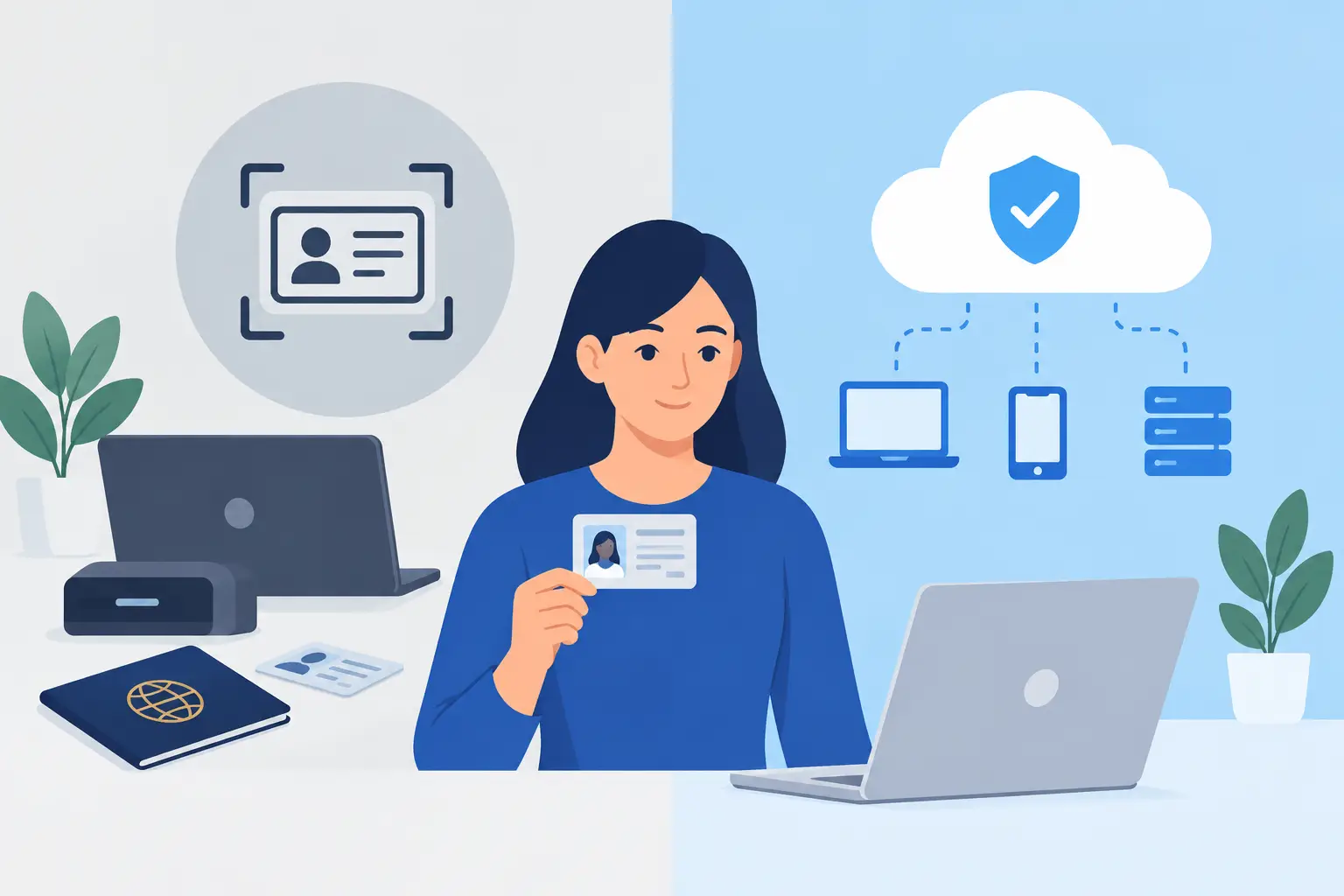
For many age-restricted and identity-critical businesses, the right answer is not strictly offline or strictly cloud. It is an offline-first workflow with cloud capabilities available when they create operational value. That approach keeps the door moving while giving operators a practical path to shared intelligence across devices and locations.
Offline Versus Cloud ID Verification: The Core Difference
Offline ID verification performs the critical screening work directly on the scanner. The device reads the barcode, magnetic stripe, or machine-readable zone on a government-issued ID and calculates age immediately. A capable system also examines ID data and security indicators to flag suspicious documents, expired credentials, or signs associated with fake IDs.
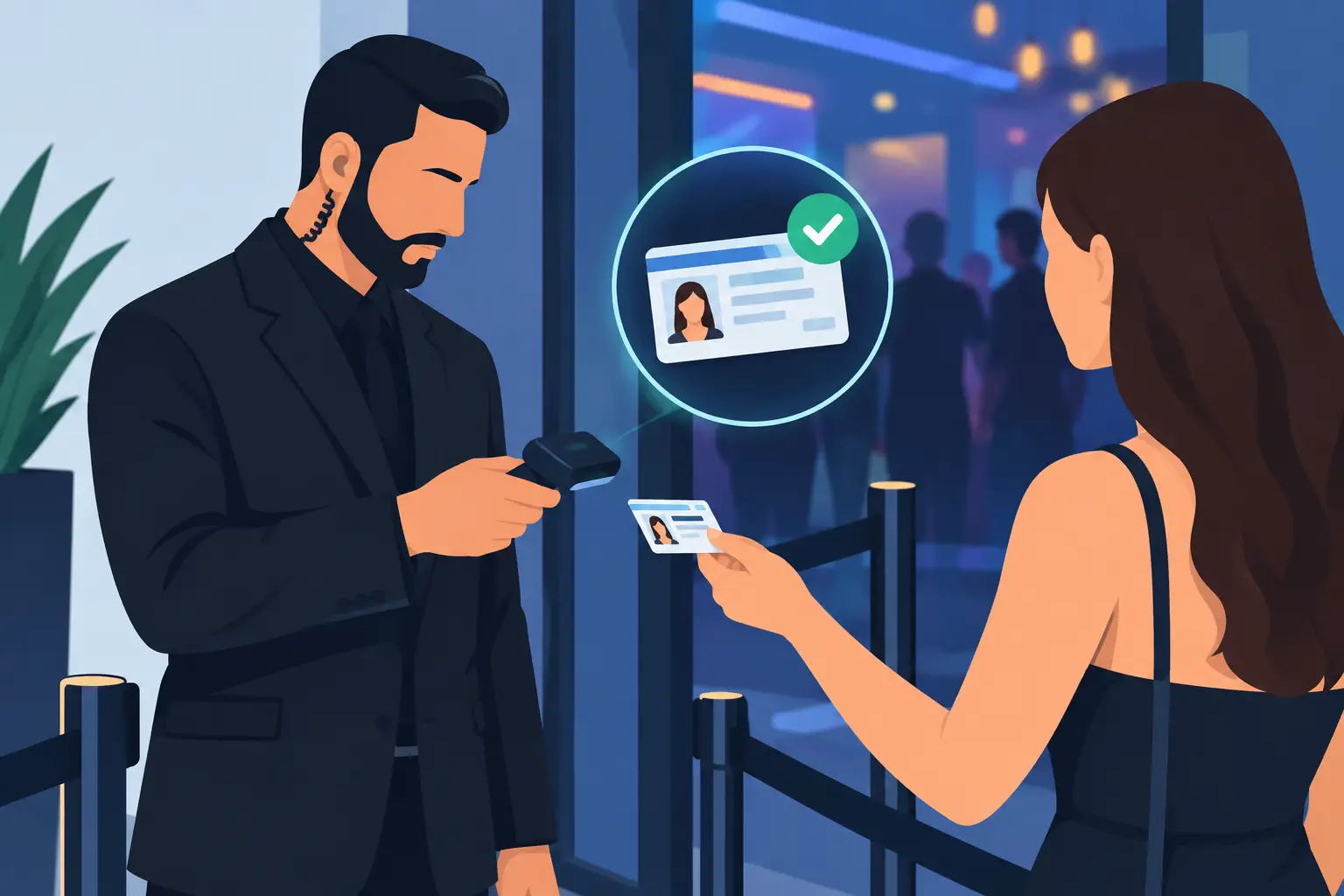
Because the verification happens on the device, door staff can continue screening even when internet service is unavailable, slow, or overloaded. That matters in nightlife, events, dispensaries, remote locations, and any facility where a connectivity outage cannot become a compliance outage.
Cloud ID verification relies more heavily on an active internet connection and centralized servers. It can send scan data to a remote platform for storage, synchronization, reporting, and cross-location alerts. Cloud systems are useful when an operator needs multiple scanners or locations to work from the same patron intelligence.
The distinction is critical: cloud synchronization is valuable, but it should not be a single point of failure for age verification. A venue still needs to know whether a guest is old enough to enter when the connection drops.
Why Offline Capability Protects the Door
An offline scanner gives your team operational continuity. Staff can scan IDs, verify age, and apply local banned-patron or VIP rules without waiting for a server response. The result is a more dependable entry process during internet disruptions, crowded events, and high-volume rushes.
That reliability also reduces pressure on staff. When a line builds, employees are more likely to make rushed decisions or rely on visual inspection alone. A scanner that produces instant age verification helps staff apply the same standard to every guest, without slowing down the operation.
Offline-first verification is particularly practical for independent bars, clubs, and shops that do not need enterprise software to complete a basic compliance task. They need a purpose-built tool that works every shift, not another recurring dependency.
It can also support a stronger privacy posture. If you only need confirmation that an ID is valid for entry and that the holder meets the required age, verification-only mode can minimize the personal data retained. Operators can configure retention periods around their business, legal, and incident-management needs rather than collecting more information by default.
Where Cloud Verification Adds Value
Cloud services become useful when information needs to travel beyond one device. A multi-device venue may want a banned-patron alert created at one entrance to appear at every other entrance. A group operating several locations may need a known problem patron flagged wherever they attempt entry.
Cloud synchronization can also make patron management more consistent. VIP recognition, banned-patron lists, and approved internal notes can be shared among authorized devices instead of being recreated manually at each door. For security directors, centralized visibility can reduce gaps between shifts and locations.
The cloud also helps with administration. An operator may need to manage device settings, review records permitted by its retention policy, or keep a common list current across a portfolio. These functions are meaningful when they solve a real coordination problem.
But cloud features have trade-offs. They require thoughtful access controls, clear data-retention settings, secure transmission, and staff discipline. More connected data can improve awareness, but it also increases the importance of deciding what is stored, who can access it, and how long it remains available.
The Real Trade-Off: Continuity Versus Coordination
The wrong comparison frames offline and cloud as competitors. For most operators, they serve different jobs.
Offline operation protects the immediate transaction at the door. It ensures the scanner can read an ID, verify age, and identify suspicious credentials without relying on an internet connection. This is the foundation of compliance readiness and line control.
Cloud synchronization supports coordination after or alongside that transaction. It helps the business apply shared intelligence across scanners, shifts, and locations. This is especially valuable when repeat problem patrons, coordinated security teams, or a multi-site footprint create risks that cannot be managed device by device.
The strongest model keeps core verification local and makes cloud services optional. That gives a single-location bar the ability to buy hardware and operate without a mandatory subscription, while allowing a growing operator to add connected capabilities when the business case is clear.
Match the System to Your Operation
A standalone venue with one or two doors may prioritize offline scanning, instant age verification, suspicious ID detection, and simple local patron management. In that environment, reliability and low operating friction matter more than centralized dashboards. A direct-purchase scanner with no subscription required for core screening can be the cleanest fit.
A nightclub with multiple entrances has a different need. If one door bans a patron for a fight, every active door should be able to see that alert. Local scanning still protects against connectivity problems, while cloud synchronization helps the security team act as one operation.
Multi-location businesses have the clearest case for cloud tools. A regional hospitality group, dispensary chain, or dealer network may need shared lists, consistent policies, and synchronized device intelligence. Even then, each location should retain the ability to screen IDs locally during an outage.
Consider four practical questions before choosing a setup:
- Can staff still verify age and identify suspicious IDs if the internet goes down?
- Do multiple devices or locations need to share VIP and banned-patron information?
- What personal data do you truly need to retain, and for how long?
- Are cloud capabilities optional, or are you being forced into recurring costs for core verification?
These answers usually clarify the right operating model faster than a feature checklist alone.
Fraud Detection Cannot Wait for the Cloud
A scanner should do more than calculate a date of birth from a barcode. Fraud prevention depends on analyzing the ID itself and detecting mismatches or suspicious data patterns that deserve a closer look. For venues exposed to fake IDs, a fast scan without meaningful security analysis can create a false sense of protection.
Kred scanners analyze more than 60 security indicators while supporting instant age verification from driver's licenses and passports. That type of on-device capability is valuable because the staff member making the admission decision receives the result immediately, where it matters.
No scanner replaces trained judgment. A suspicious result should lead to a calm, consistent review process, and staff should know when to decline entry or escalate to a manager. Technology gives teams a stronger screening signal. Procedures turn that signal into a defensible decision.
Privacy and Data Controls Are Operational Controls
ID scanning brings responsibility. Operators should avoid treating retained ID data as a convenience feature with no limits. The right policy is based on purpose: compliance documentation, incident response, banned-patron management, or verified access. If a data element does not serve that purpose, it may not need to be stored.
Look for configurable retention periods, verification-only options, and encryption protections such as AES-256 for data at rest. Just as important, limit access to managers and security personnel who need the information to do their jobs. A smaller, controlled data footprint is easier to manage and easier to explain.
This is another reason offline-first systems make sense. They let operators decide whether cloud synchronization is necessary for a specific workflow rather than requiring every scan to be transmitted and retained centrally.
Build for the Shift You Actually Run
The best ID verification system is the one that still works at 11:45 p.m. when the line is long, staff are busy, and the internet is unreliable. Start with dependable local verification, strong suspicious ID detection, and settings that reflect your privacy policy. Add cloud synchronization when shared patron intelligence will make your security operation measurably stronger.
That approach protects your license, your staff, and the guests who expect a controlled environment. Choose technology that keeps the door moving first, then connect the operation where connection creates a clear advantage.