Portable Scanner Reviews for Venue Security
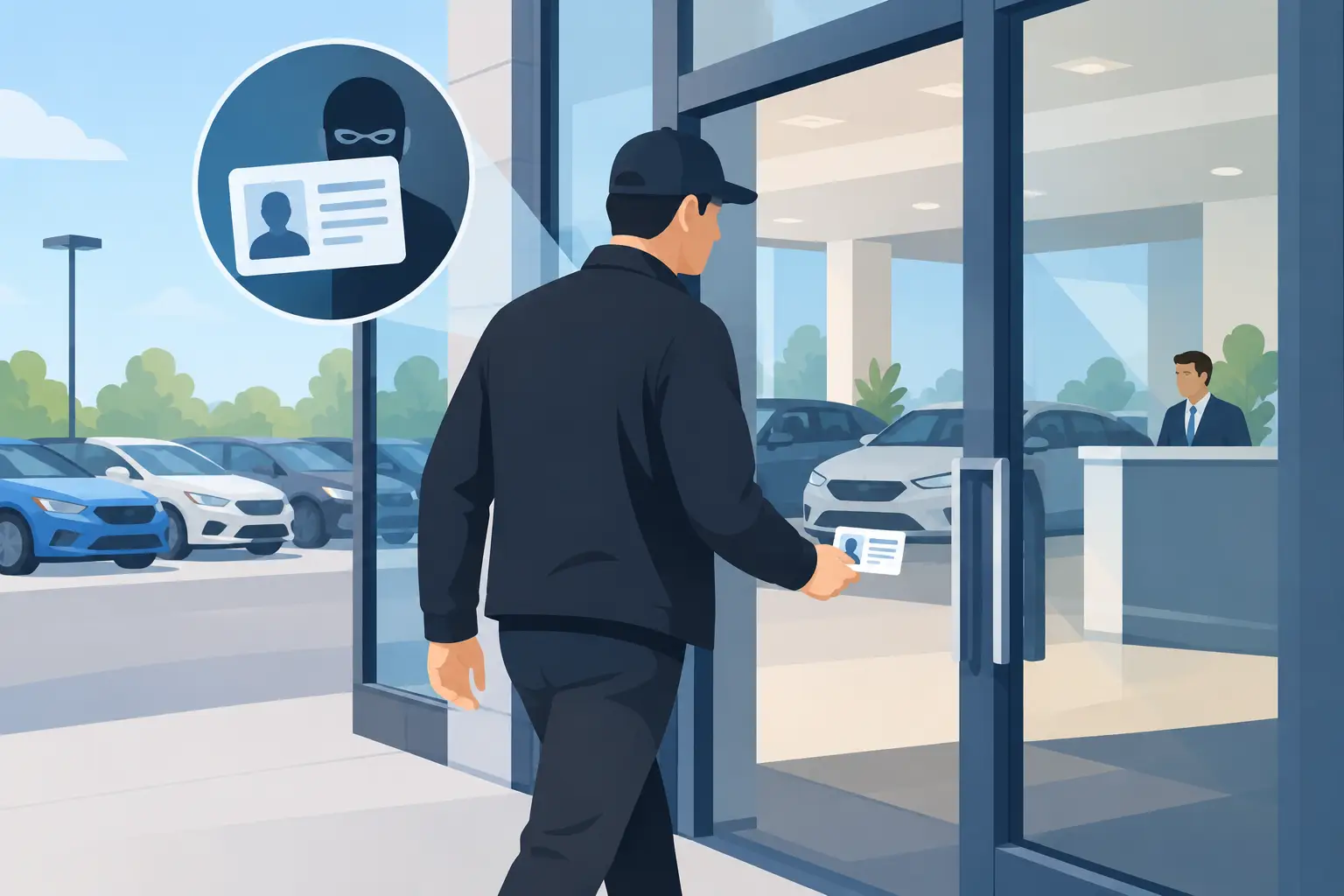
At 10:45 p.m. on a packed Saturday, a slow or unreliable ID check does more than hold up the line. It puts door staff under pressure, frustrates paying guests, and creates an opening for underage entry or a convincing fake ID. Portable scanner reviews should therefore focus less on consumer-style gadget features and more on whether a device protects the operation when the door is moving fast.
For bars, clubs, dispensaries, gun shops, car dealers, healthcare facilities, and other identity-critical businesses, a portable scanner is access-control equipment. The right device verifies age quickly, flags suspicious credentials, works through connectivity interruptions, and gives staff a clear result they can act on. The wrong one becomes an expensive bottleneck or, worse, a false sense of security.
What Portable Scanner Reviews Should Actually Measure
A useful review starts with the risk the scanner is meant to control. Reading the barcode on a driver's license is only one part of that job. Many low-cost scanners can capture encoded data. That does not mean they can identify a manipulated card, detect a suspicious document, support patron restrictions, or keep operating when the venue Wi-Fi drops.
For venue operators, four questions matter immediately: Can the device make a fast age decision? Does it assess the ID beyond the barcode? Will it operate offline? Can staff use it correctly during a rush? A fifth question follows close behind: What data does the business retain, and who can access it?
Reviews that only discuss scan speed or hardware size miss the operational picture. A scanner can be compact and quick yet still leave the business exposed if it accepts altered IDs, requires a live connection, or stores more patron data than the operation needs.
Age verification speed and screen clarity
Door staff need an instant, unmistakable answer. The display should make it easy to identify whether a patron is of age without forcing staff to interpret a screen full of raw data. A delayed result creates a queue. An ambiguous result creates inconsistent decisions between employees.
Look for a workflow that scans driver's licenses and passports with minimal handling. The scanner should also calculate age correctly against the venue's applicable threshold, including dates close to a birthday. This sounds basic, but it is where manual checks often fail under pressure.
Speed is not just a convenience metric. Faster, consistent verification helps protect responsible-service practices while keeping legitimate customers moving into the venue.
Fake ID detection is not the same as barcode reading
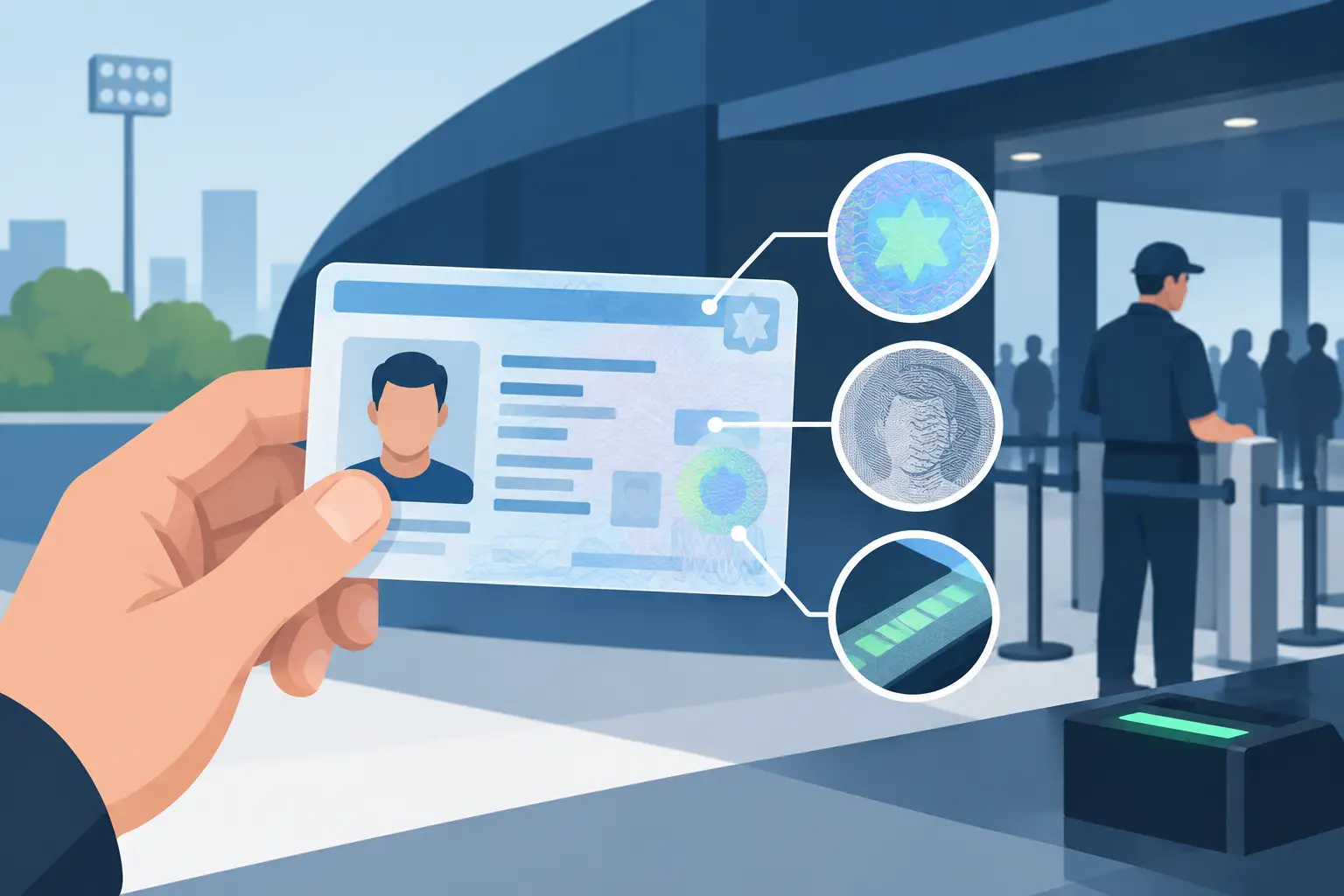
A barcode can be copied, altered, or placed on a fraudulent credential. That is why an evaluation should distinguish between data capture and document analysis. A serious venue scanner should examine multiple ID security indicators and identify suspicious results that warrant a closer manual inspection or refusal of entry.
Ask reviews to explain what the scanner is checking. A vague claim of "fake ID detection" is less useful than knowing whether the system analyzes document features, data consistency, expiration status, and other indicators associated with altered or counterfeit credentials.
No scanner should be treated as a license to ignore staff judgment. A device can identify risk signals, but employees still need a clear escalation procedure for an alert, a damaged ID, an unscannable document, or a patron who challenges the decision. The technology should strengthen the decision at the door, not complicate it.
Portable Scanner Reviews: Offline Operation Matters
Internet-dependent verification can look acceptable in a product demo and become a liability during a real service interruption. Venues lose connectivity for ordinary reasons: overloaded networks, provider outages, dead zones, temporary router problems, or a crowded room competing for bandwidth.
An offline-first scanner keeps core verification working even when the connection does not. That matters for a nightclub door, a remote event, a pop-up activation, or a dispensary where stopping transactions is not an option. Confirm what functions remain available offline rather than assuming every advertised feature will continue to work.
Cloud connectivity still has a place. Multi-location businesses may need to synchronize banned-patron records, VIP recognition, and device activity across teams. But cloud tools should add operational visibility, not become a mandatory dependency for basic age verification. The best fit often depends on the organization: a single independent venue may prefer a standalone device, while a regional group may benefit from centralized controls.
Compare the Hardware to the Door Environment
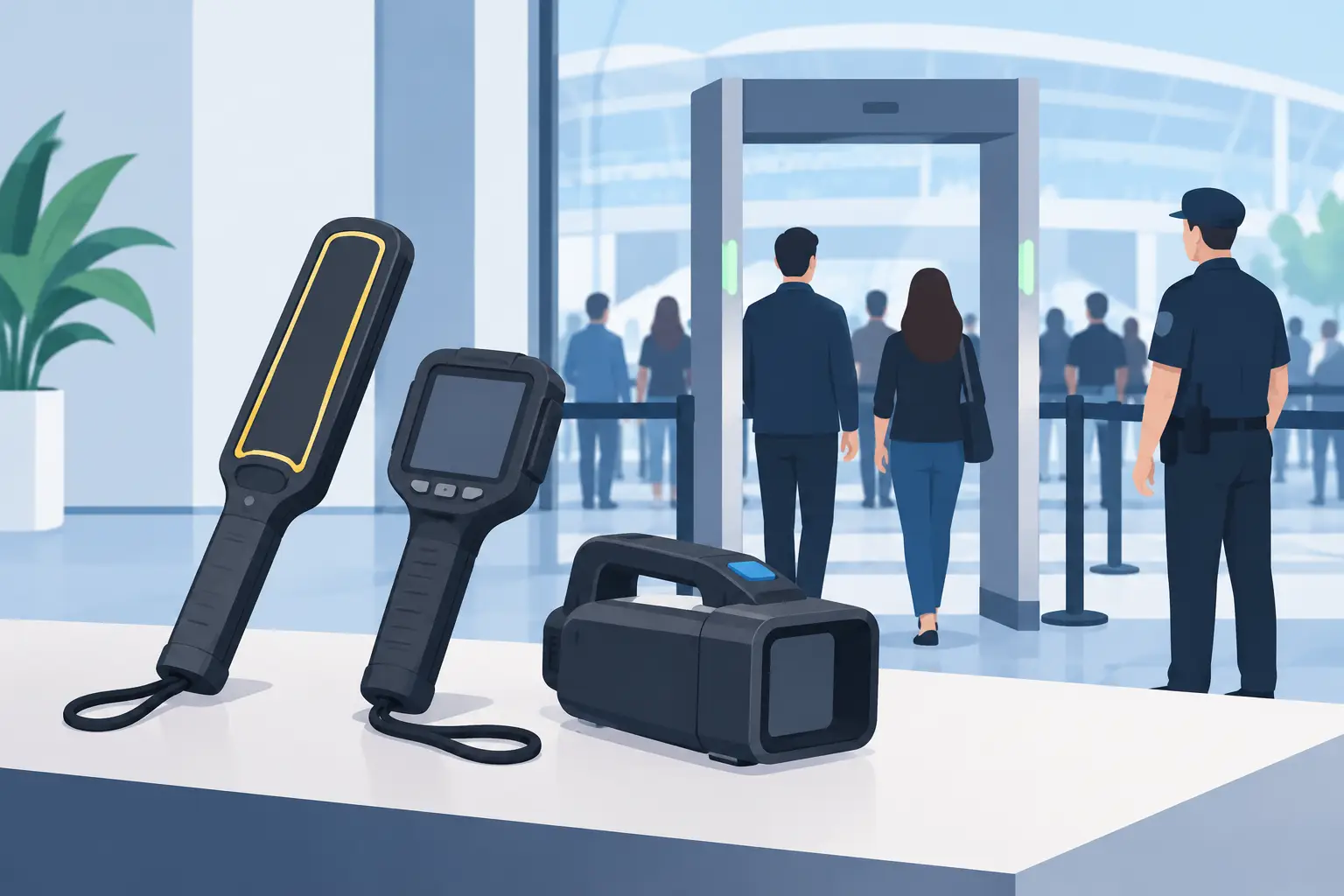
Portable does not simply mean small. It means the unit can survive the actual conditions where staff will use it: low light, high volume, cold entryways, crowded counters, and constant handoffs between employees.
A compact handheld scanner may be the right choice for a host stand, mobile security team, or business with limited counter space. A more capable portable unit may make sense for high-volume doors that need stronger document analysis and patron-management functions. The decision should be tied to traffic, risk, and staffing rather than the lowest purchase price.
During a product evaluation, consider battery life across a full shift, charging requirements, scan performance in dim lighting, screen visibility, physical durability, and the time required to train a new employee. Also ask whether the device can be operated reliably with one hand while staff manage a line, radio communication, and customer questions.
A scanner that is technically capable but difficult to use will produce workarounds. Staff may skip scans when the line is long, enter information inconsistently, or rely on visual inspection alone. Operational simplicity is a security feature.
Privacy Controls Belong in the Buying Decision
ID scanning creates a responsibility to handle personal information carefully. The appropriate data policy depends on the venue's legal obligations, incident history, and patron-management needs. Some businesses need only an age-verification result. Others have a justified need to maintain restricted-entry records or recognize repeat VIP customers.
Choose a provider that offers verification-only workflows, configurable retention settings, and clear controls over stored data. Strong encryption, including AES-256 protection where data is retained, should be part of the discussion. Just as important, managers should be able to explain the policy in practical terms: what is collected, why it is collected, how long it is kept, and who can view it.
Data minimization is good business discipline. Retaining every available data field indefinitely can create unnecessary exposure without improving door decisions. A scanner should help the venue collect what it needs for compliance and security, not encourage indiscriminate storage.
Understand the Real Cost of Ownership
Portable scanner pricing is often harder to compare than it first appears. A low hardware price may come with required monthly software fees, feature restrictions, support charges, or cloud dependencies. A higher upfront purchase may be more economical for an independent operator that does not need ongoing synchronization.
Review the full commercial model before purchasing. Confirm whether core age verification works without a subscription, whether cloud synchronization is optional, how many devices can participate, and whether data retention or patron-list functions change the price. If a vendor quotes a monthly figure, calculate the cost over three years, not just the first month.
Kred is designed around a direct-purchase hardware model, with portable Compact and Pro scanners available for core scanning without a mandatory subscription and cloud synchronization available when a multi-device operation needs it. That structure will not be the only fit for every buyer, but it addresses a common concern for operators who want predictable costs and control over when cloud services are necessary.
Test the Workflow Before You Commit
The strongest review is a live test using the IDs, lighting, staffing patterns, and traffic conditions your business actually faces. A polished demonstration in a quiet office cannot show how the scanner performs at midnight with a line at the door.
Run a short evaluation with experienced door staff and a manager who understands compliance requirements. Time several scans. Test valid IDs, expired IDs, passports, damaged cards, and documents that produce suspicious results. Turn off Wi-Fi to confirm offline behavior. Then ask staff a simple question: would you use this every time the line gets long?
Their answer will expose the difference between a feature list and a workable security process. The right portable scanner should make the safe decision faster, give management more control when needed, and stay dependable when the venue has no room for failure.